
 Share
Share
 Print
Print
|
|
|
|
|


Format Button

The Format  button will serve only to save the format (the width of the columns set by the user) for a previously created print. This is done by the need to maintain the functionality that the Save button has right now, which saves all the changes made to the print in terms of the data to be obtained but does not maintain the format changes made by the user. Make any desired changes to any column's width. In this example, the Defect column is too narrow and obscures part of the data.
The Format button applies any changes that have been made to the table's format.
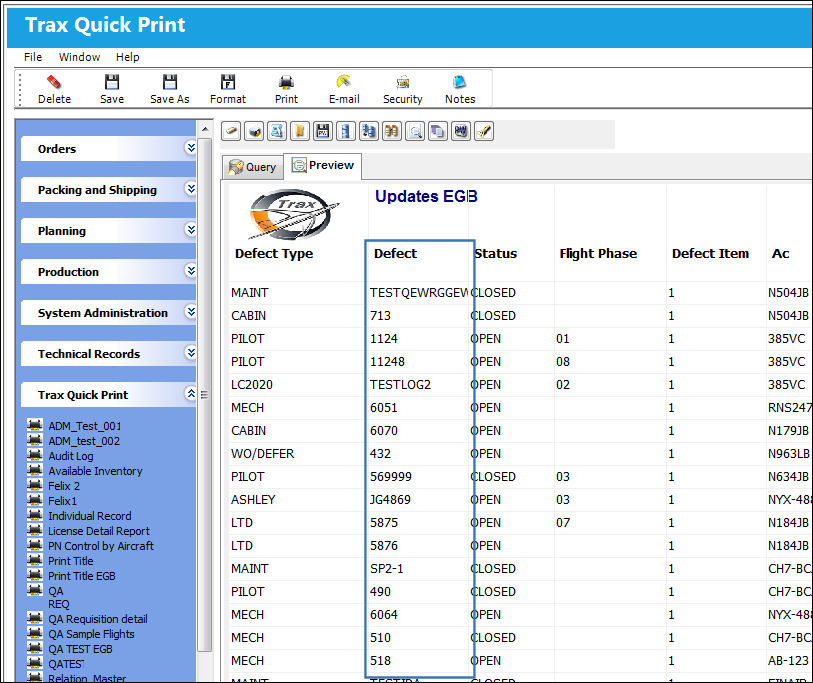
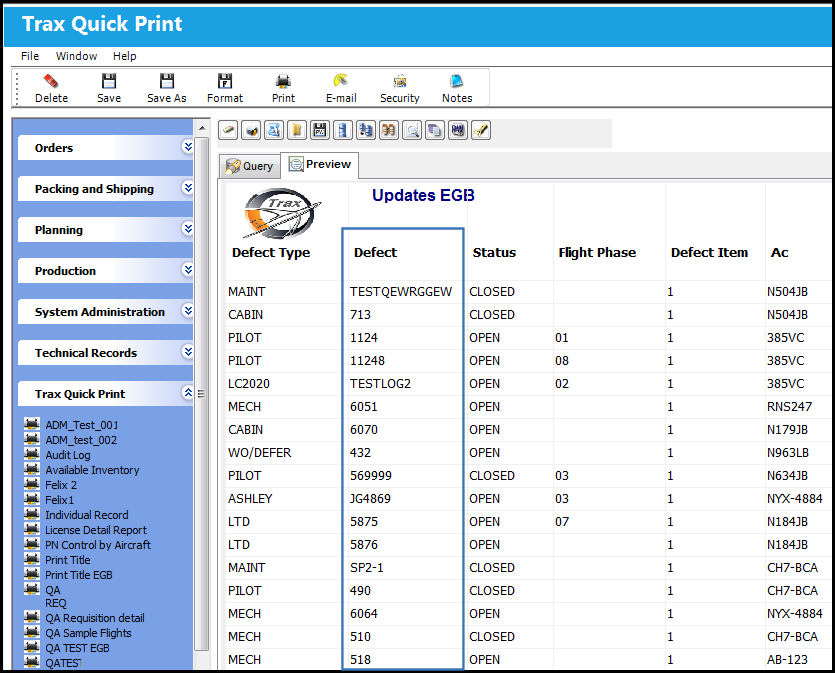
The Defect column is then resized to make that data visible.
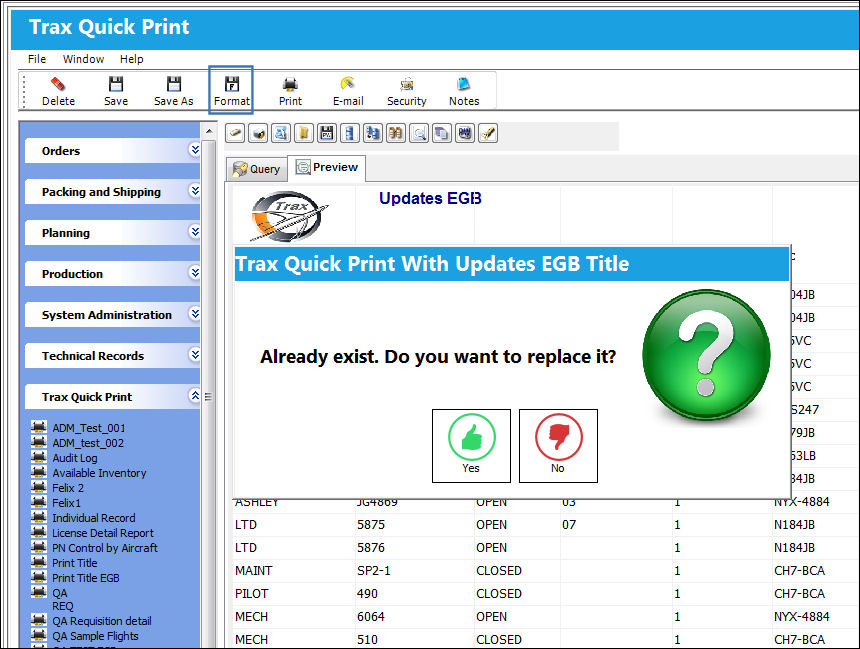
To apply the changes to the column's width, select the Format button. The system will return a prompt asking the user to confirm the change.
Once 'Yes' is selected, a save prompt will appear. Select OK to save the record.
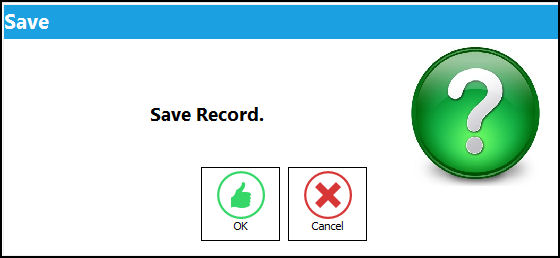
The format of the column has been saved.
Share
Print
|
©1997-2026 Trax USA Corp. All rights reserved. This manual may not be copied, photocopied, reproduced, translated, or converted to any electronic or machine-readable form, in whole or in part, without prior written approval from Trax USA Corp. |
 |