
 Share
Share
 Print
Print
|
|
|
|
|


Quick Select Wizard Button
The Quick Select Wizard option has a similar functionality to the Open Data Window option. It allows users to pull information from an already existing database.
From the TRAX Quick Print window, select the Quick Select Wizard  button. The following pop up window appears:
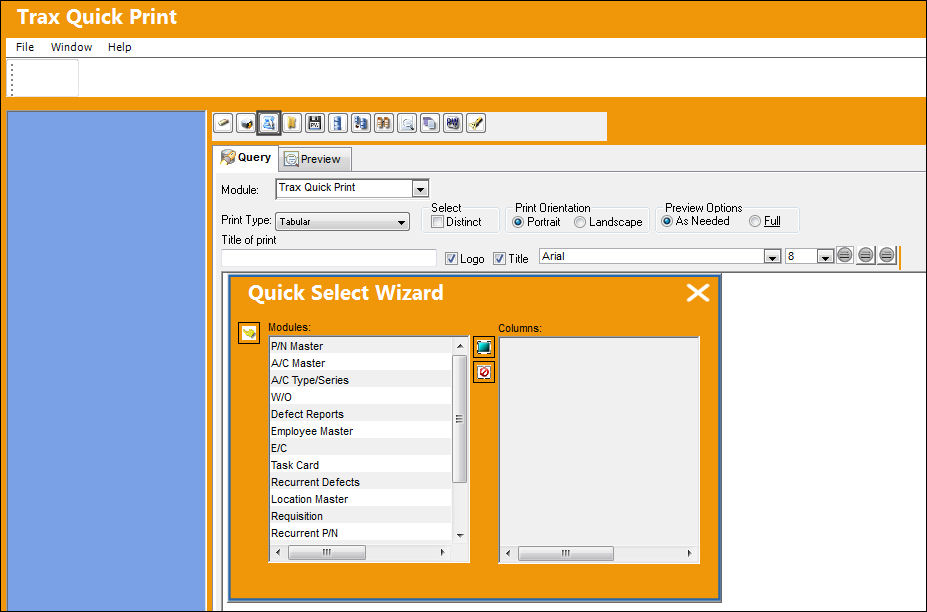
Select the module the user would like to view by clicking on it. The field's that belongs to that particular module now appears in the Columns box. Select the fields the user would like to view, as shown below:
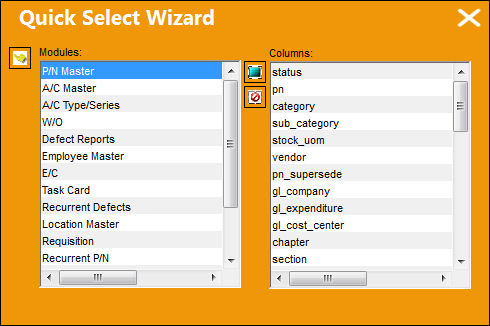
The Select All  button allows the user to select all of the fields under the Columns heading.
The De-select All  button allows the user to de-select all of the fields under the Columns heading.
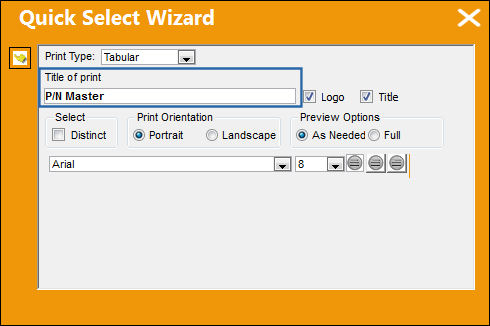
Select the Select  button. The following pop up window appears, prompting the user to create a title in the Title of Print field (i.e PN Master):
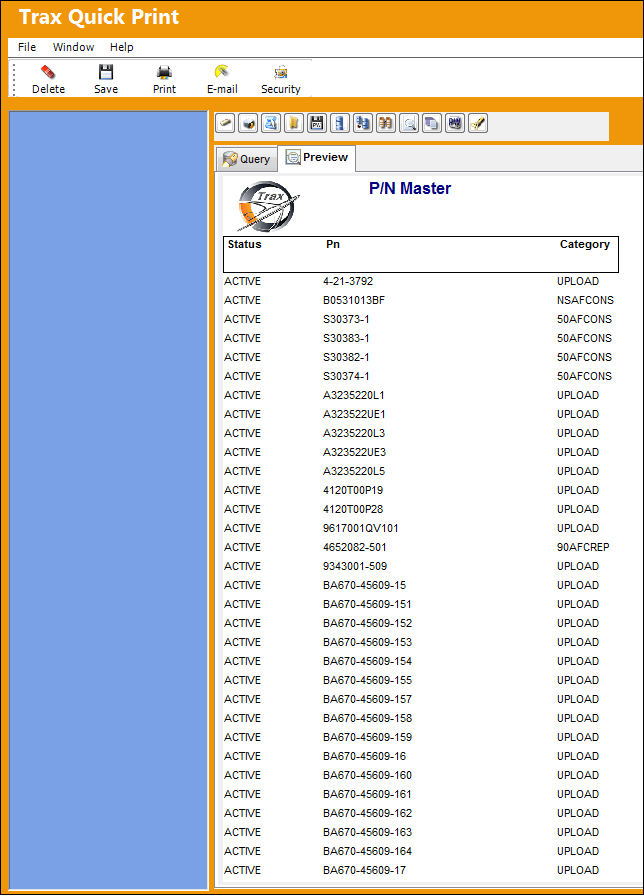
Select the Select button. The following table is generated from the user's selection:
Share
Print
|
©1997-2026 Trax USA Corp. All rights reserved. This manual may not be copied, photocopied, reproduced, translated, or converted to any electronic or machine-readable form, in whole or in part, without prior written approval from Trax USA Corp. |
 |