
 Share
Share
 Print
Print
|
|
|
|
|


Open Data Window Button
The Open Data Window option allows users to open a query in an already existing query in a TRAX module.
Open an existing query.
From the Update menu, click on the Open Data Window  button. The following pop up window appears:
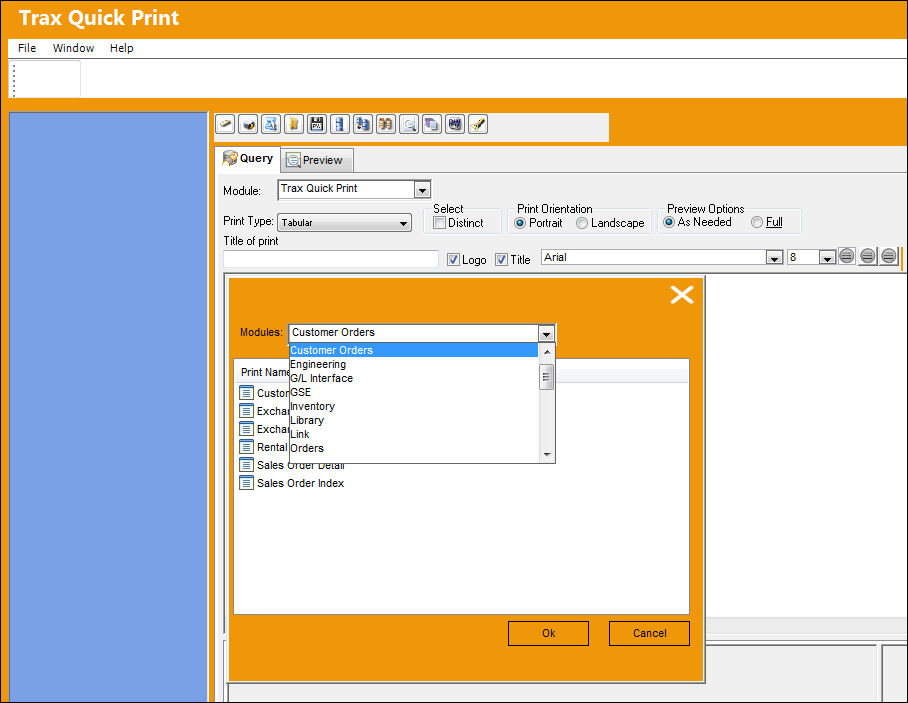
Select one of the modules to view a query in an already existing module (i.e. Engineering). The following selections become available.
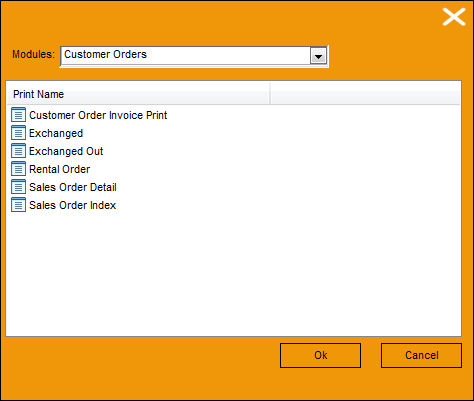
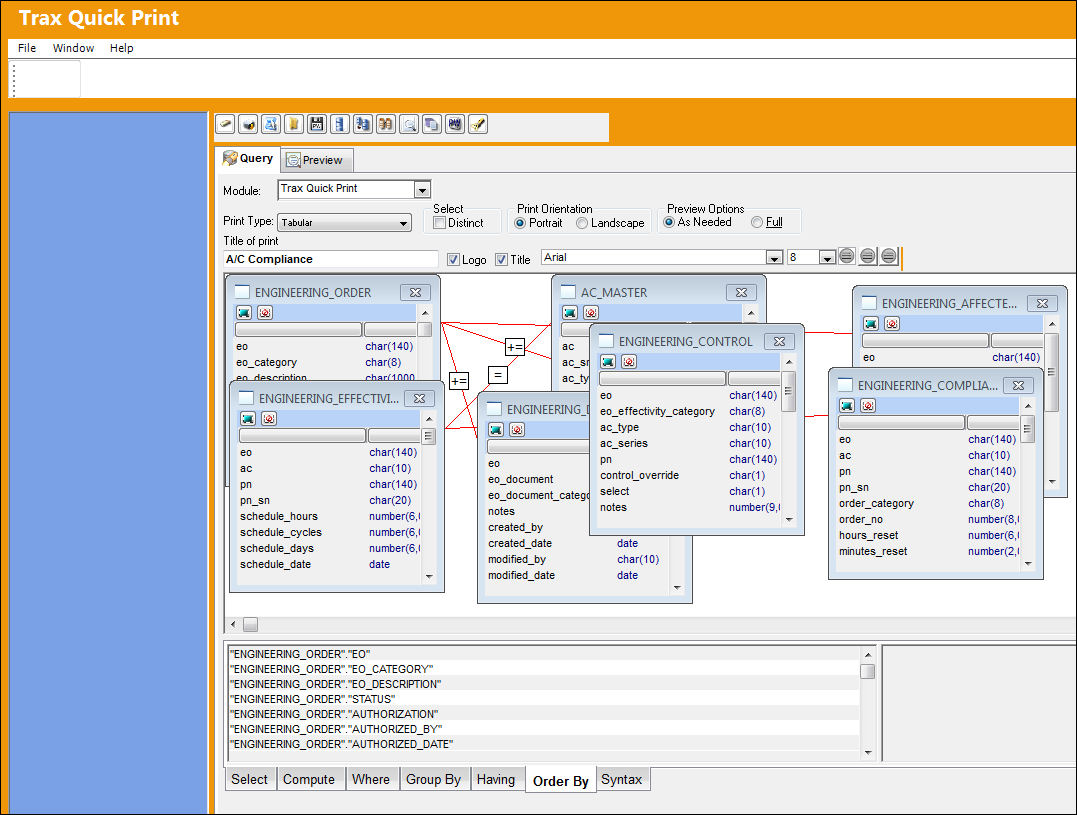
Select desired field to view query (i.e. A/C Compliance) and click on the Ok button. The following query is generated from the Engineering Module field A/C Compliance:
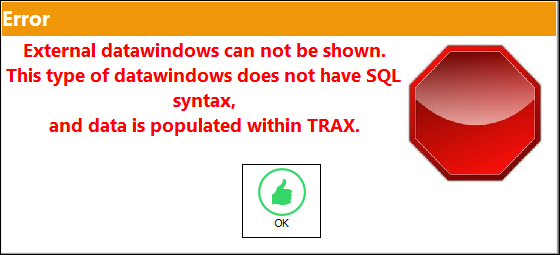
Due to PowerBuilder limitations, the following error message pops up when the selected print is not supported in the Trax Quick Print module.
Share
Print
|
©1997-2026 Trax USA Corp. All rights reserved. This manual may not be copied, photocopied, reproduced, translated, or converted to any electronic or machine-readable form, in whole or in part, without prior written approval from Trax USA Corp. |
 |