
 Share
Share
 Print
Print
|
|
|
|
|


Join Button
The Join option allows users to establish a relationship between fields in multiple tables.
Open a table. The user may select multiples tables.
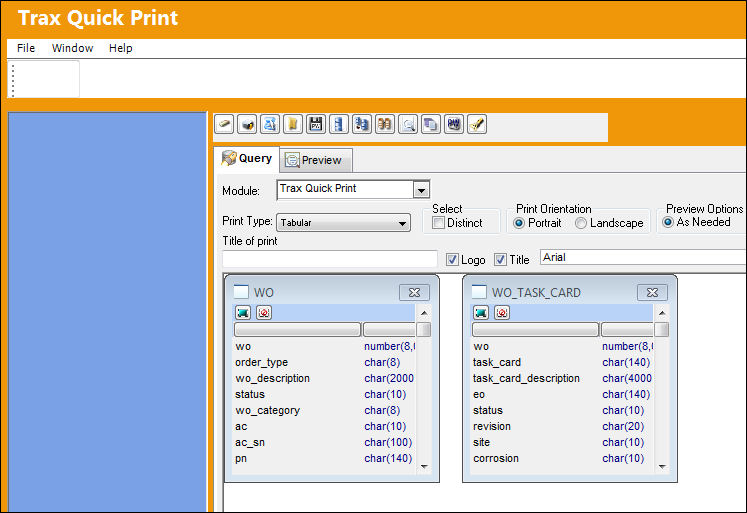
Select the Join  button to establish a relationship between the tables. Select a field from each table.
The ' = ' relationship is established by default  .
.
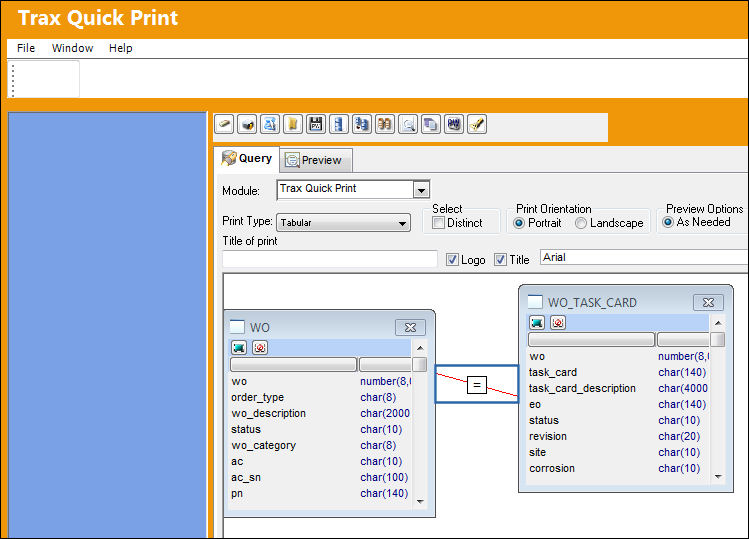
Change the relationship between the two fields by clicking on the relationship link and select a relationship from the Relationship Window.
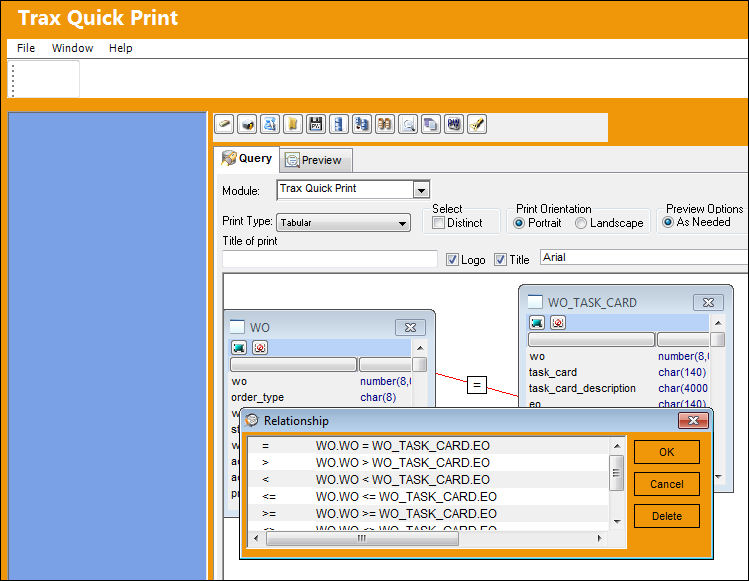
Select the fields from the tables that will be on the print. The Select Tab in the lower functions Window will show the selected fields. Select OK. The relationship changes from equal to ( = ) to greater than ( >).
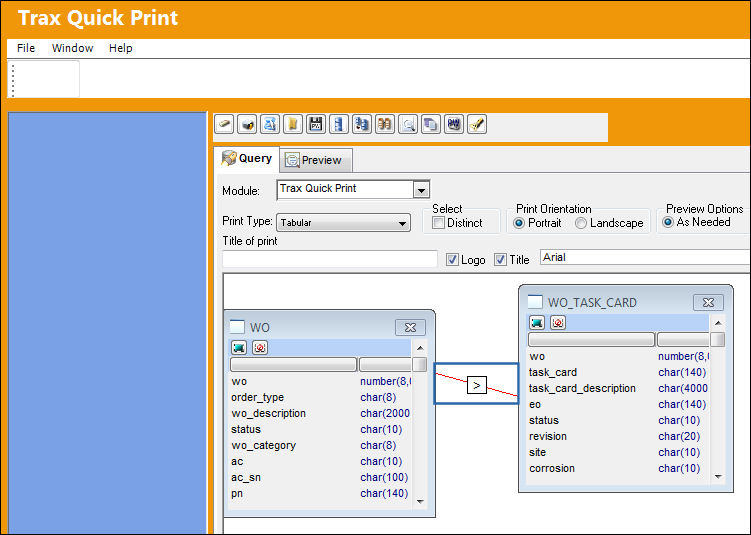
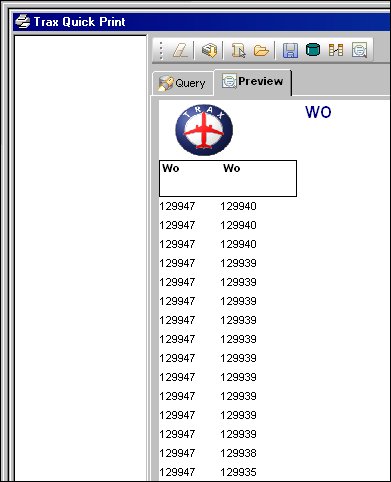
Select the Preview  button. The following table is generated. Notice the Work Order's in the column on the left are greater than (>) the Work Orders in the column on the right.
Share
Print
|
©1997-2026 Trax USA Corp. All rights reserved. This manual may not be copied, photocopied, reproduced, translated, or converted to any electronic or machine-readable form, in whole or in part, without prior written approval from Trax USA Corp. |
 |