
 Share
Share
 Print
Print
|
|
|
|
|


Create or find a Work Order. Select the Print  button.
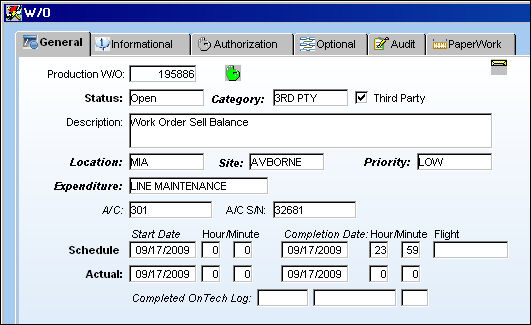
The Workpack Print window can also be accessed via Production/Print/W/O Pack Print.
TRAX displays the Workpack Print Window. Select desired documents to be included in the print and select the Print button to print package.
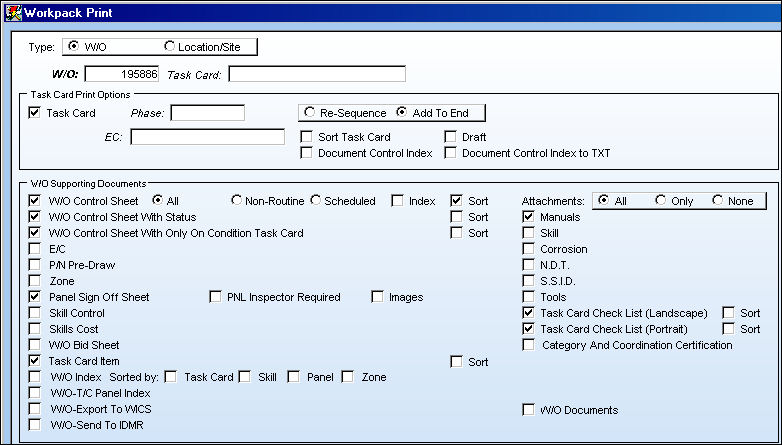
Multiple Work Orders can be selected for printing by selecting the Location/Site radio button at the top of the window. Enter all pertinent information then select the Print button.
Share
Print
|
©1997-2026 Trax USA Corp. All rights reserved. This manual may not be copied, photocopied, reproduced, translated, or converted to any electronic or machine-readable form, in whole or in part, without prior written approval from Trax USA Corp. |
 |