
 Share
Share
 Print
Print
|
|
|
|
|


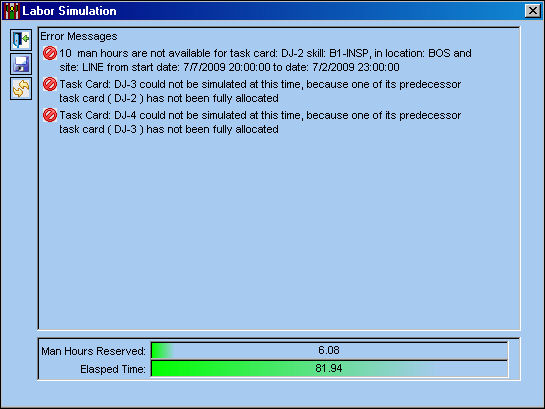
When the simulation is filtering by predecessor, the system is searching to ensure that labor can be reserved for all Task Cards. If a Task Card contains a predecessor and there are no available Man Hours for that predecessor's Task Card, error messages will appear in the Labor simulation window explaining why the simulation was not able to be completed.
For information regarding Task Cards With Predecessors, refer to the Task Card, Predecessor Tab via Task Card which can be found in the Engineering - T/C Training manual.
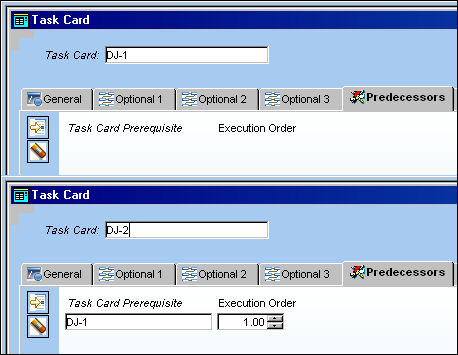
In the following example, four Task Cards were created (DJ-1, DJ-2, DJ-3, and DJ-4), some with Predecessors and some with out:
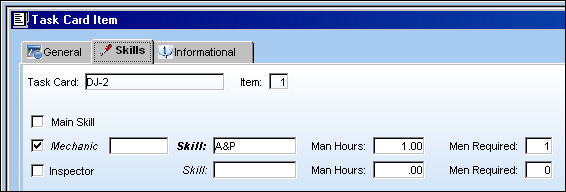
Skills and Man Hours were added to Task Cards DJ-2, DJ-3 AND DJ-4:
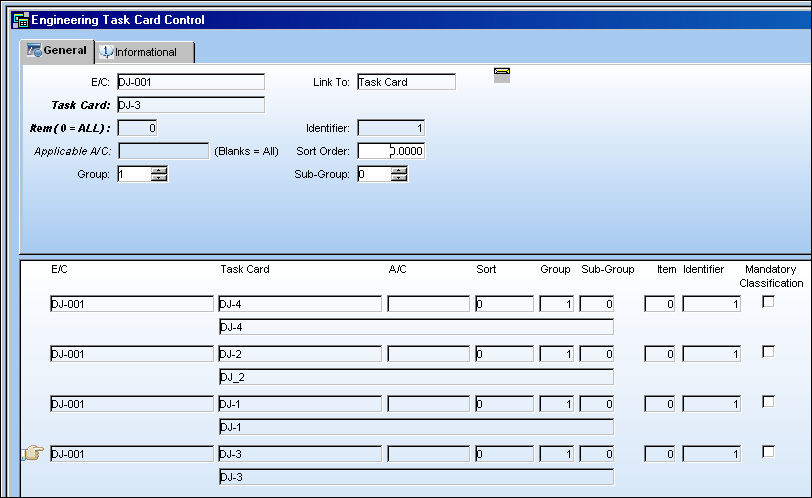
All Task Cards are placed on the following E/C:
The E/C was placed on a Work Order.
Go to Planning/Query/A/C Planning Query.
Run the A/C Planning Query.
Select and Work Order and a task. Select the Run Simulation  button.
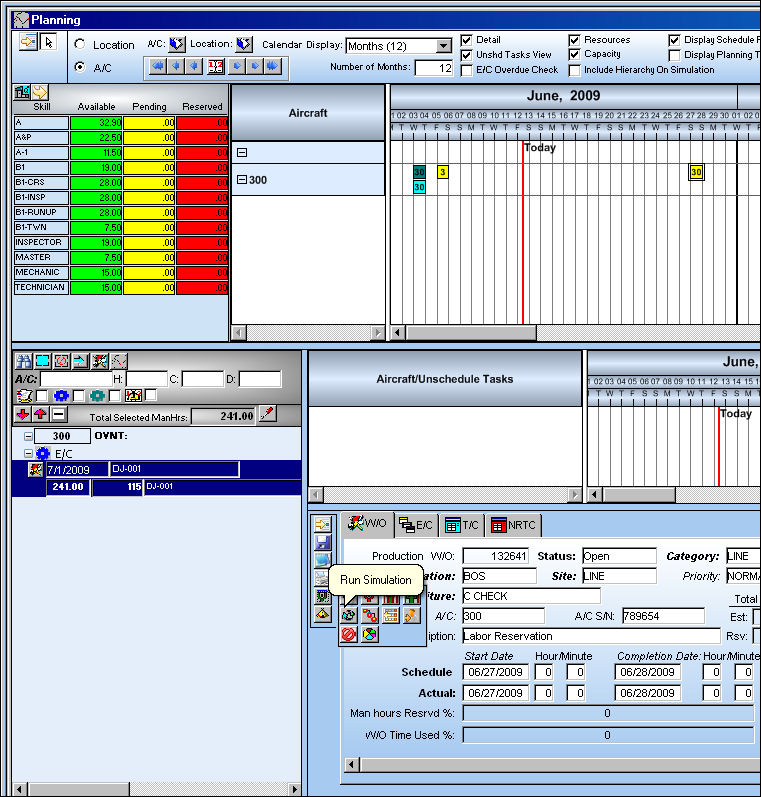
The Labor Simulation window appears. Labor cannot be simulated for the specified Work Order because the predecessor Task Cards cannot be competed.
Share
Print
|
©1997-2026 Trax USA Corp. All rights reserved. This manual may not be copied, photocopied, reproduced, translated, or converted to any electronic or machine-readable form, in whole or in part, without prior written approval from Trax USA Corp. |
 |