
 Share
Share
 Print
Print
|
|
|
|
|


Through the Individual Task Card button via Production/Update/W/O Task Card Work In Progress window, users can close individual T/C Items before completing the Task Card.
For this functionality to work properly, Production Switch  WOTCITEMCL must be set to Yes. This allows Items to be closed through the T/C Work window before completing the Task Card. For more information refer to Switch WOTCITEMCL via the Production Training Manual.
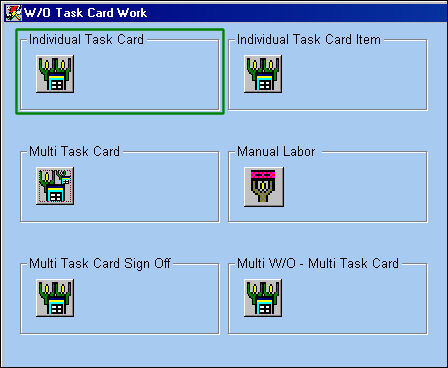
For example, select the Individual Task Card button from the W/O Task Card Work In Progress window.
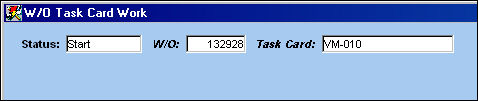
Enter the Work Order and a Task Card with attached Items then select the Find  button.
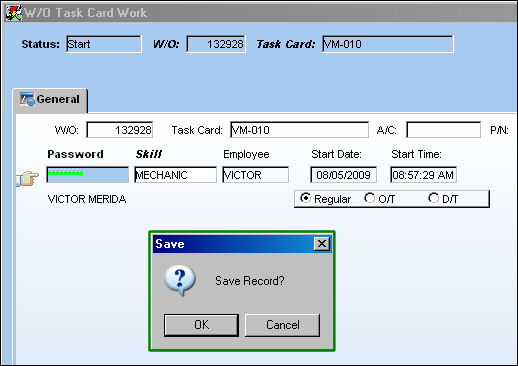
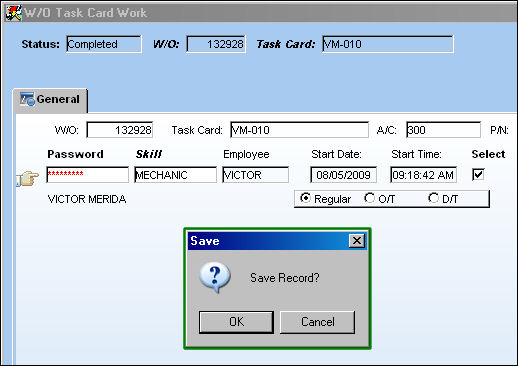
The detail window appears where users must enter their Wall Password.
Users must sign in previously to be allowed to enter their Password to proceed. For more information refer to the Employee Sign-On/Sign-Off.
Once entered select the Save  button.
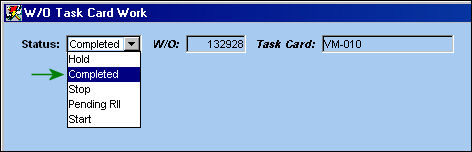
The header window automatically appears. Select 'Completed' from the Status drop down then select the Find button.
Once again, enter the Wall Password then select the Save button.
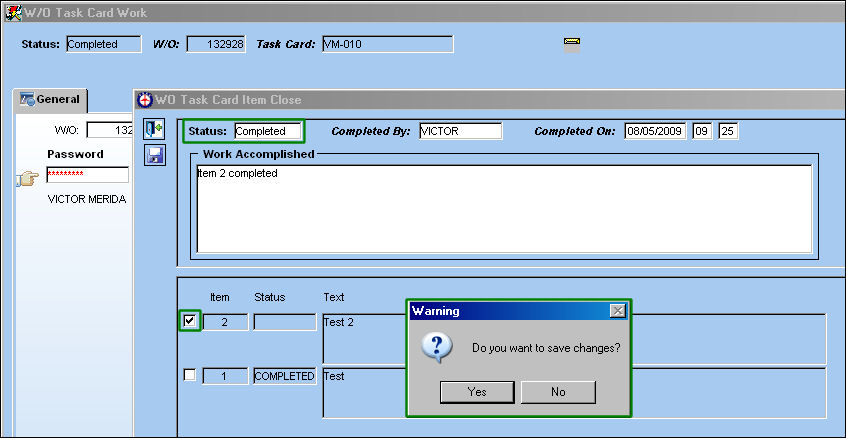
The W/O Task Card Item Close window automatically appears with the Status drop down defaulted to 'Completed'. Users must choose the Items they wish to close by flagging the checkboxes to the left of each. Enter the Work Accomplished then select the Save button.
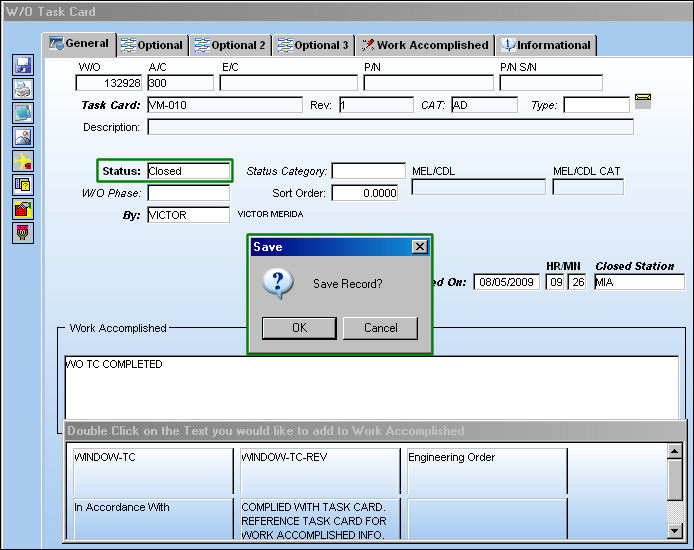
The W/O Task Card window automatically appears allowing users to Close the Task Card.
Share
Print
|
©1997-2026 Trax USA Corp. All rights reserved. This manual may not be copied, photocopied, reproduced, translated, or converted to any electronic or machine-readable form, in whole or in part, without prior written approval from Trax USA Corp. |
 |