
 Share
Share
 Print
Print
|
|
|
|
|


The Revision  button can be found in the Customer Contract, General tab. This button is used to edit the general and detail windows of a Customer Contract. When the Revision Control option is used, the Status field notes the different phases of the revision process.
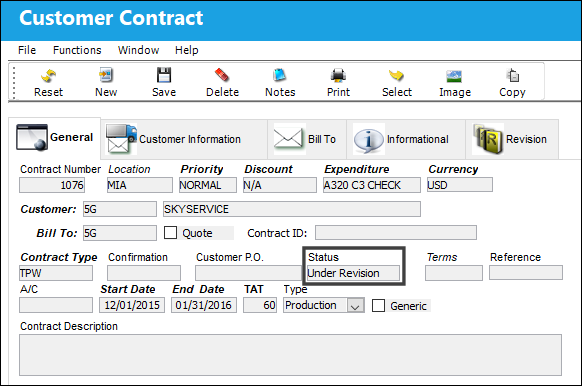
When a new Customer Contract is created, the status of the contract is 'Under Revision' until the contract is saved and authorized. While the status of the revision is 'Under Revision,' the Revision button is not available.
Populate the fields in the Customer Contract Header, General tab and select the Save  button.
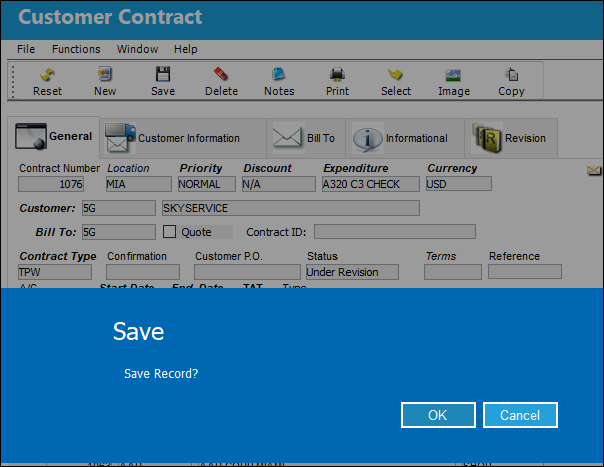
The Save prompt appears. Select 'OK.'
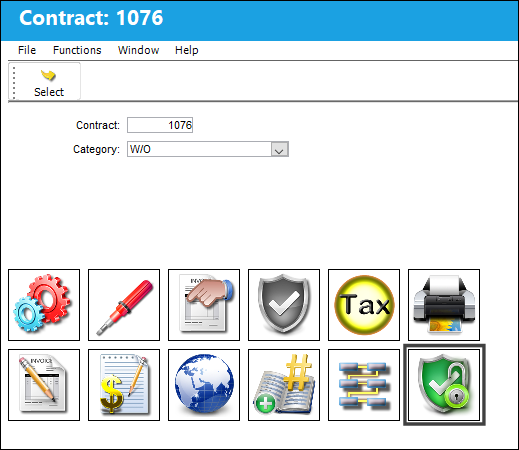
The user is taken to the Customer Contract Header Detail where the contract is assigned a reference number. From this window, the user must select the Release For Authorization  button to authorize the contract in order for it to be available for use.
Select the Release For Authorization button.
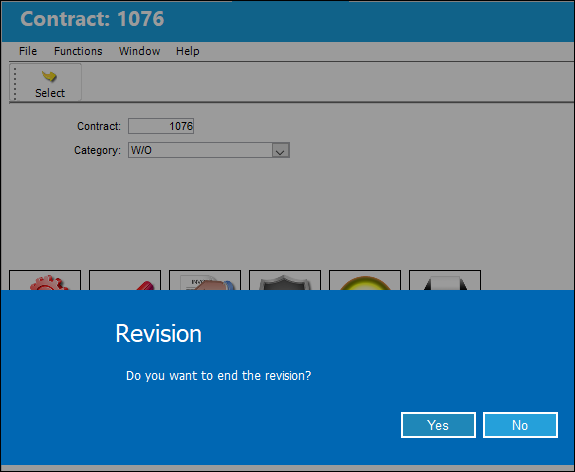
The following pop up message appears asking the user if they would like to end the revision. Ending the revision will place the contract in 'Active Status.' The contract can now be used. Select 'Yes' to end the revision.
Once the revision is completed, the user is returned to the Customer Contract Header where the Contract Number is now populated and the status of the contract is now in 'Active Contract' status. The Revision button is available and all of the fields are closed for editing.
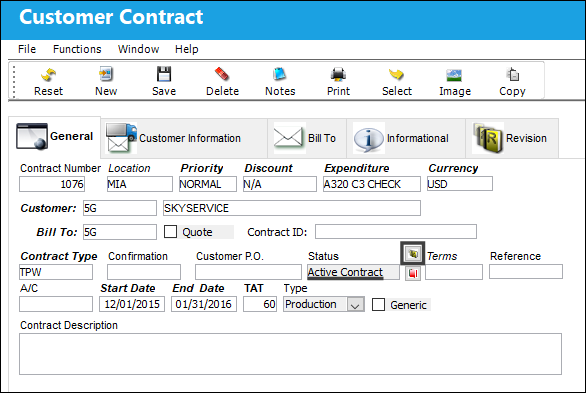
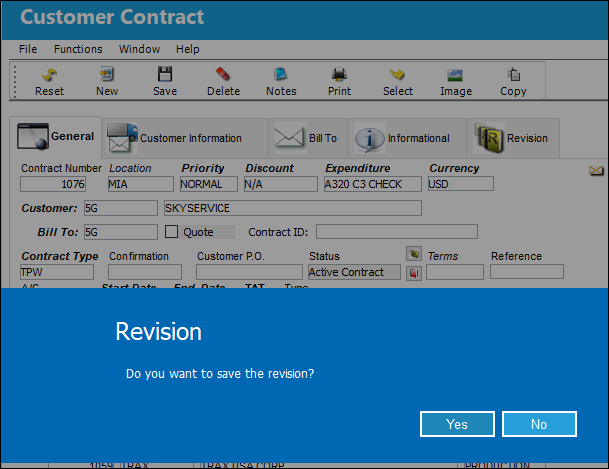
To create a new Revision, select the Revision Control button. A prompt asks if the user would like to save the revision. Select Yes.
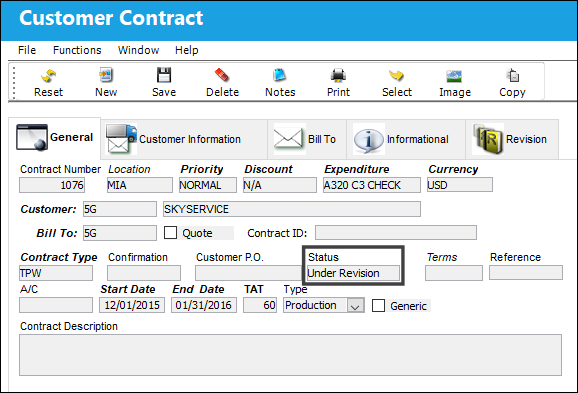
Notice that the Status now reads 'Under Revision' and all of the important fields are open for editing.
Share
Print
|
©1997-2026 Trax USA Corp. All rights reserved. This manual may not be copied, photocopied, reproduced, translated, or converted to any electronic or machine-readable form, in whole or in part, without prior written approval from Trax USA Corp. |
 |