
 Share
Share
 Print
Print
|
|
|
|
|


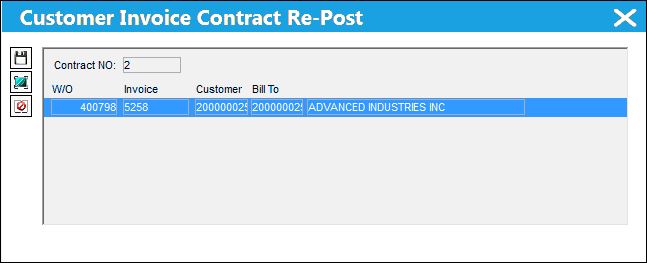
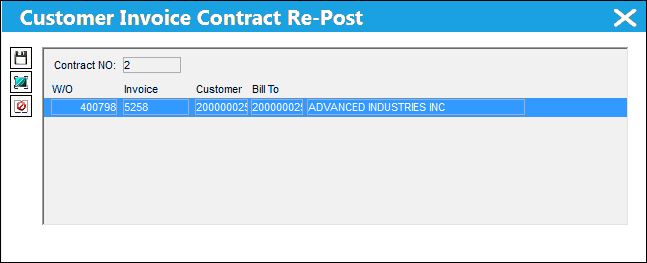
The Customer Invoice Contract Re-Post window pops up whenever a previously invoiced contract is revised while there are currently open invoices based on the pre-revision contract. From this pop-up window, users can select which open Third Party W/O Invoices to retroactively apply the contract revisions to. The selected Invoices for these 3rd Party W/Os (which were originally invoiced based on the contract's previous revision) will then be updated based on the contract's new revisions. Only those invoices that have not yet been posted and closed will appear in this pop-up.
When triggered, the pop-up window is displayed as follows:
See below for an example of the process that triggers the Customer Invoice Contract Re-Post window.
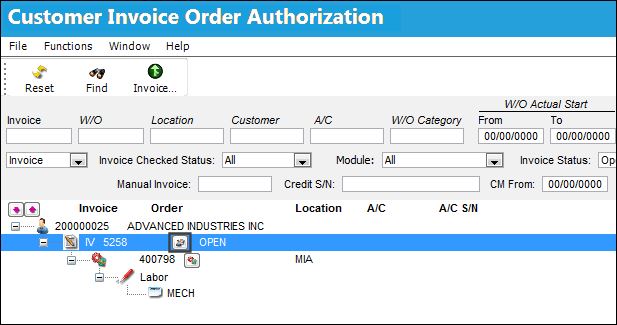
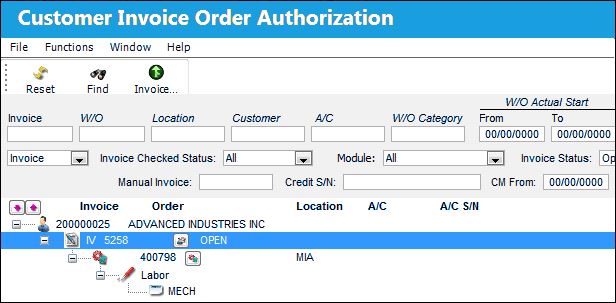
For example, notice the following invoiced W/O is pending authorization. Now go to the Customer Contract referenced against the invoice.
A new revision is created for the Customer Contract by selecting the Revision  button.
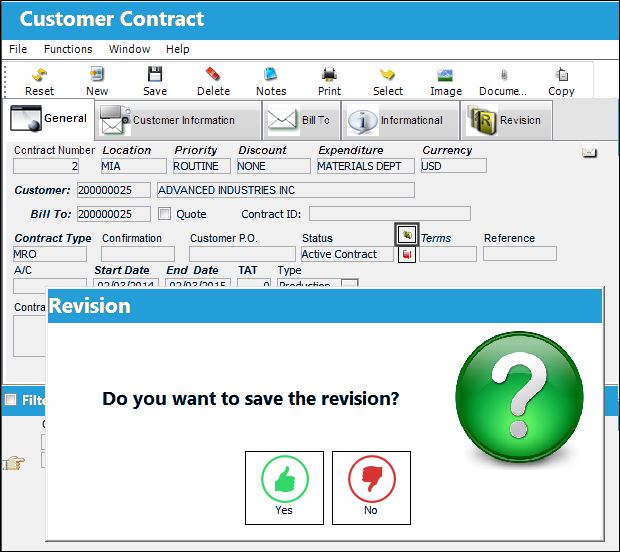
Refer to the Revision Button, via Customer Contract Header, General Tab for more information.
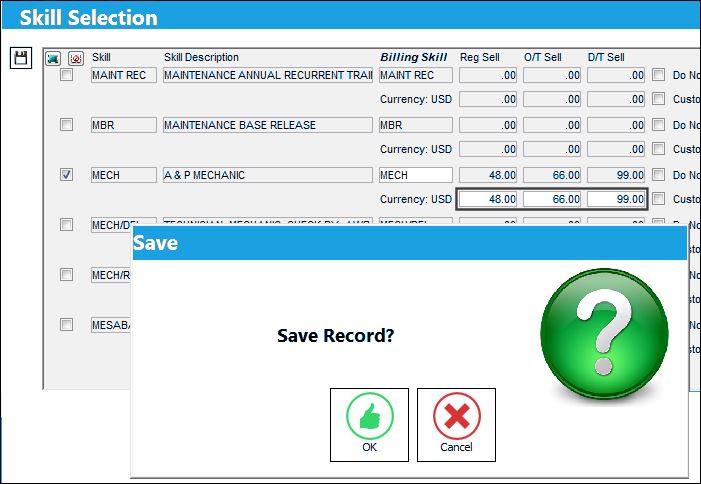
From the Customer Contract Detail, the Labor/Skill information is edited. Notice that the following Skill has a Regular Sell of 45.
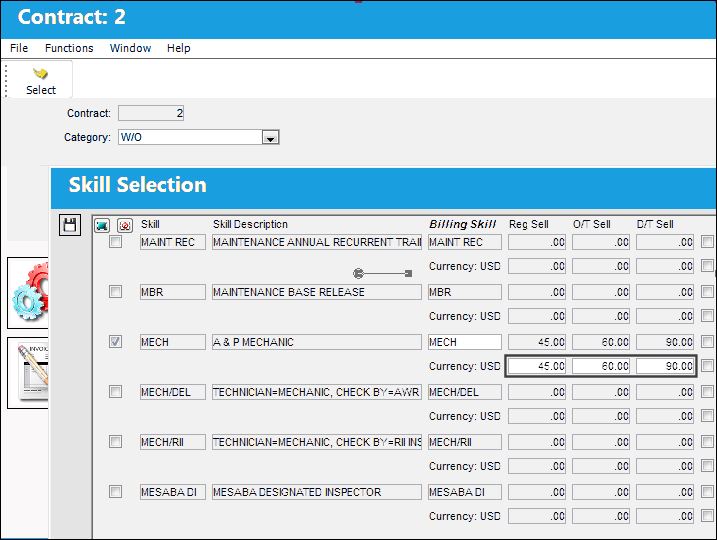
The Regular Sell is then changed to 48 and saved.
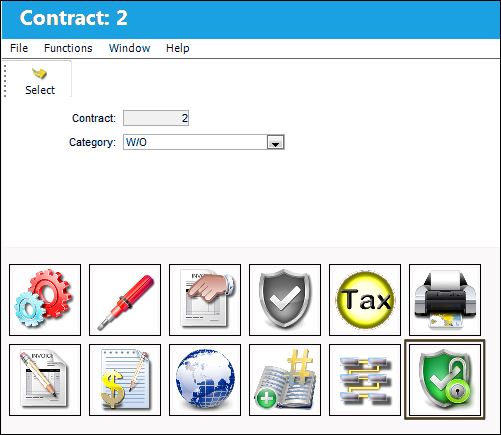
The revised contract must then be authorized. Select the Release For Authorization  button.
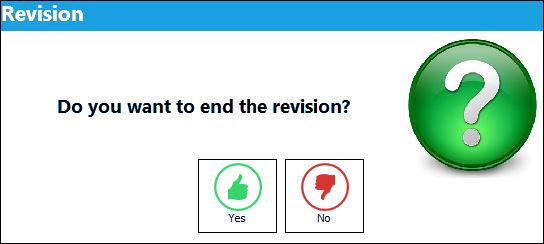
The following prompt comes up to end the Revision (thereby authorizing the revised contract). Select Yes.
The Customer Invoice Contract Re-Post window then pops up to ask if the revision to the contract should be reflected in any of the invoiced W/Os that are associated to that contract.
Users do not have to select any of the Invoices. By not selecting any of the previously invoiced W/Os, the revised contract will only be applicable to future invoices. If no invoices are to be updated, exit.
The following Invoice, however, is selected and saved.
Notice that the Invoice remains open in the Customer Invoice Order Authorization window. However, the contract's revisions have been applied.
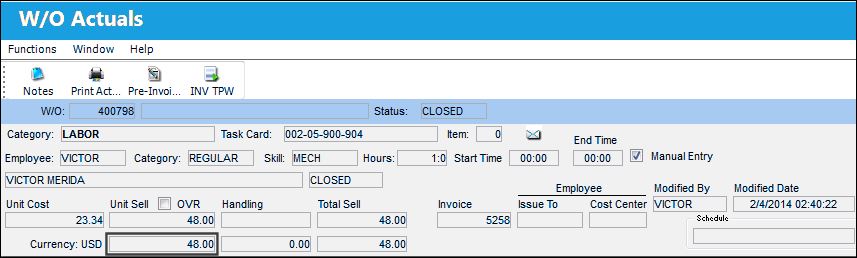
From the W/O Actuals window for the update contract's Work Order, notice that the Unit Sell has been changed to reflect the revised contract.
Share
Print
|
©1997-2026 Trax USA Corp. All rights reserved. This manual may not be copied, photocopied, reproduced, translated, or converted to any electronic or machine-readable form, in whole or in part, without prior written approval from Trax USA Corp. |
 |