
 Share
Share
 Print
Print
|
|
|
|
|


The Select Daily Details  button allows the user to view all scheduled flights for a particular aircraft for a specific date as well as any Called On E/Cs against the tail number.
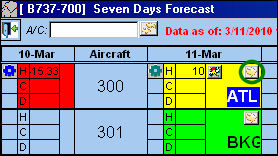
From the Seven Day Forecast window, select the Select Daily Details button.
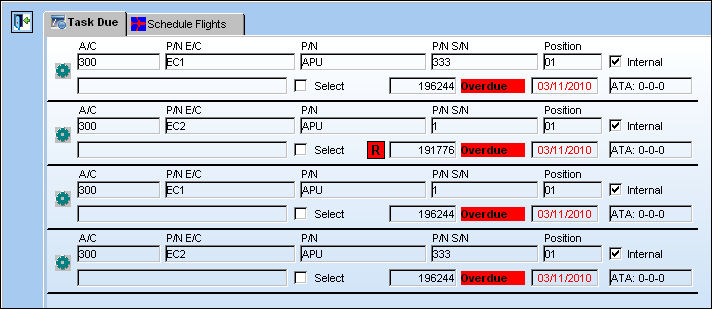
The Task Due tab displays all of the Called On E/Cs for the tail number:
The Schedule Flights tab displays all scheduled flights for A/C 300 on March 11, 2010:

Share
Print
|
©1997-2026 Trax USA Corp. All rights reserved. This manual may not be copied, photocopied, reproduced, translated, or converted to any electronic or machine-readable form, in whole or in part, without prior written approval from Trax USA Corp. |
 |