
 Share
Share
 Print
Print
|
|
|
|
|


Users can delete selected jobs from the TRAX Database Jobs window by selecting the Delete  button.
For example, select a job to be deleted then select the Delete button.
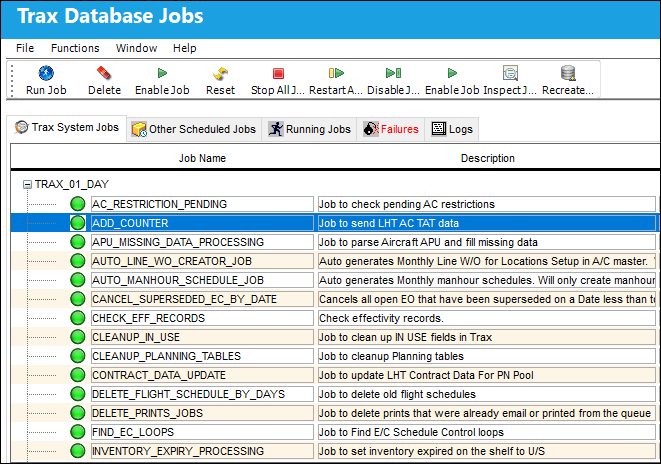
This can be applied to multiple jobs by holding the Shift key or Control key on the keyboard then selecting the different jobs.
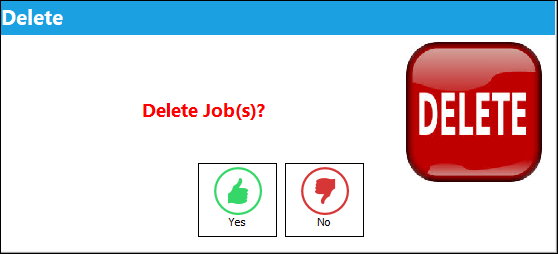
The Delete prompt appears. Select Yes.
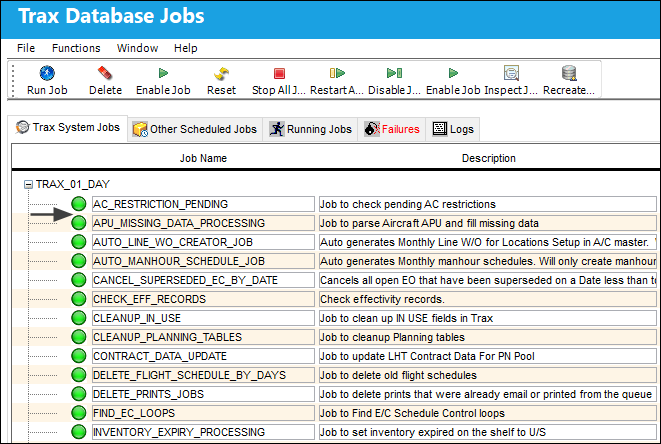
Notice that the selected job has been deleted.
Share
Print
|
©1997-2026 Trax USA Corp. All rights reserved. This manual may not be copied, photocopied, reproduced, translated, or converted to any electronic or machine-readable form, in whole or in part, without prior written approval from Trax USA Corp. |
 |