
 Share
Share
 Print
Print
|
|
|
|
|


Users can view more details regarding the invalid database jobs by selecting the Show Errors  button in the Trax Database Jobs window. The Trax Database window is located via Production/ System Administration/ Update/ Trax Database Jobs.
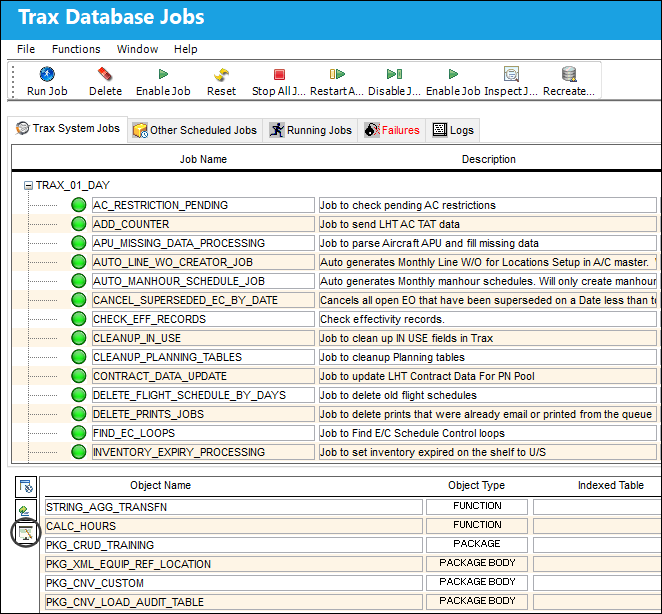
The Trax Database Invalids Detail window appears when the Shows Errors button is selected.
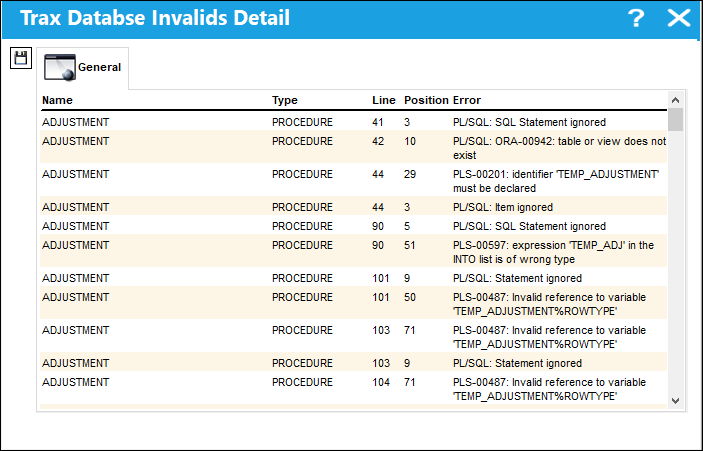
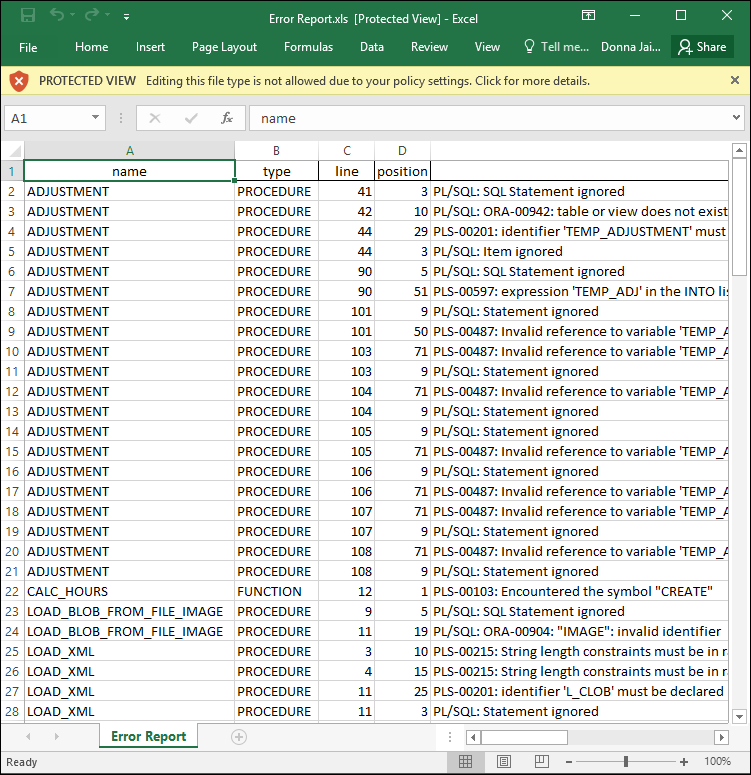
By selecting the Save  button, the user can create an Excel spreadsheet that shows the details of the Invalids report.
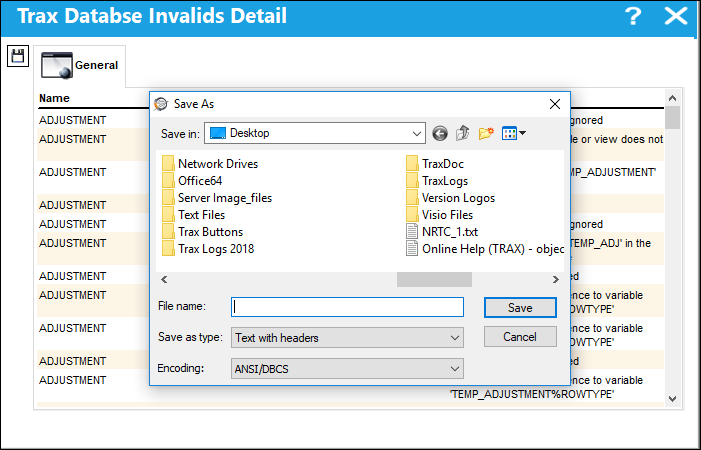
Name the file and in the 'Save as Type' field, the user must select 'Excel with Headers' in order to save the document as an Excel spreadsheet.
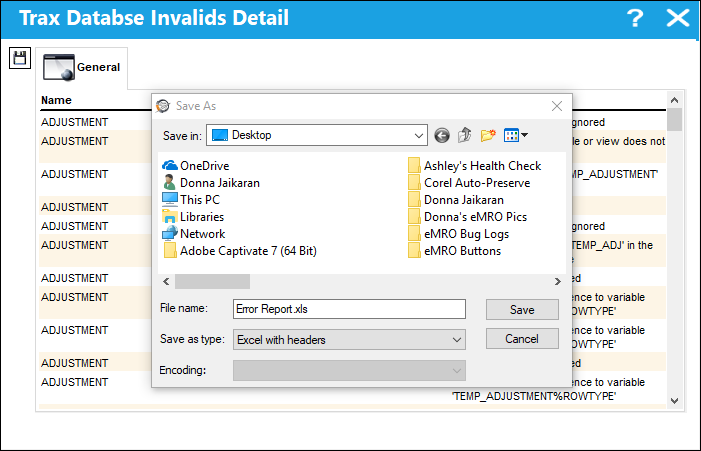
After the file location, file name, and the appropriate file type have been selected and saved, the Excel spreadsheet is created.
The Excel spreadsheet shows all information located in the Trax Database Invalids Detail window.
Share
Print
|
©1997-2026 Trax USA Corp. All rights reserved. This manual may not be copied, photocopied, reproduced, translated, or converted to any electronic or machine-readable form, in whole or in part, without prior written approval from Trax USA Corp. |
 |