
 Share
Share
 Print
Print
|
|
|
|
|


Load the Revised OEM Data
TraxDoc/ Update/ TraxDoc Authorization Management/ TraxDoc Document Revision
The OEM data for a full revision is loaded just as if it were the original TraxDoc version.
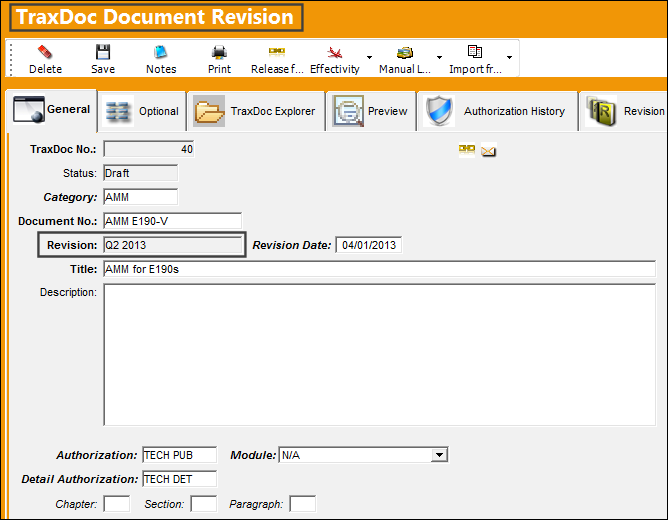
From the TraxDoc Explorer tab, right-click and select the New / Load XML  button. Enter all of the required data then save. For more information on these fields refer to Load XML Button [X], via the TraxDoc Explorer Tab.
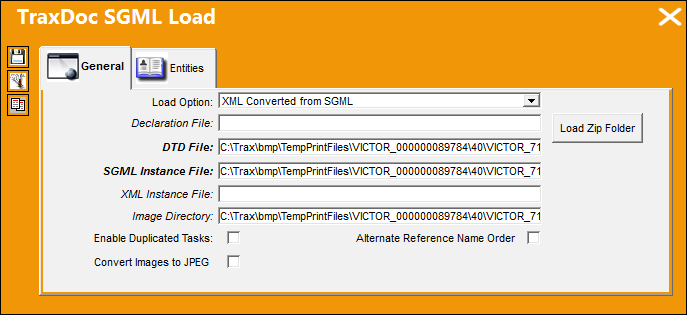
The following MS-DOC prompt comes up.
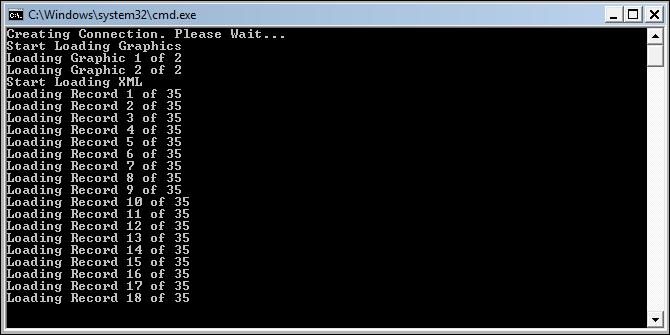
All files are then listed as follows.
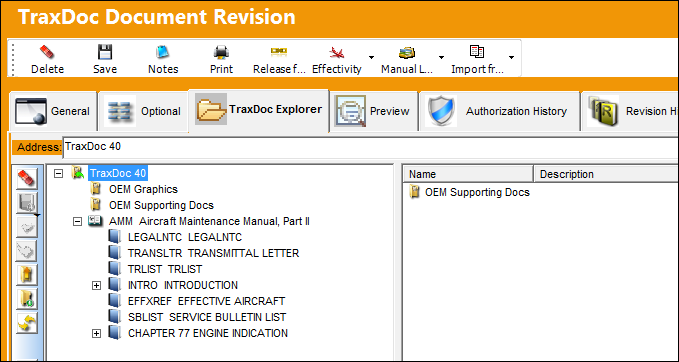
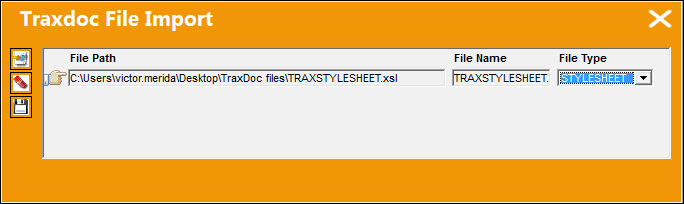
Import a Stylesheet by selecting New / Import File  button. For more information refer to Import a Stylesheet.
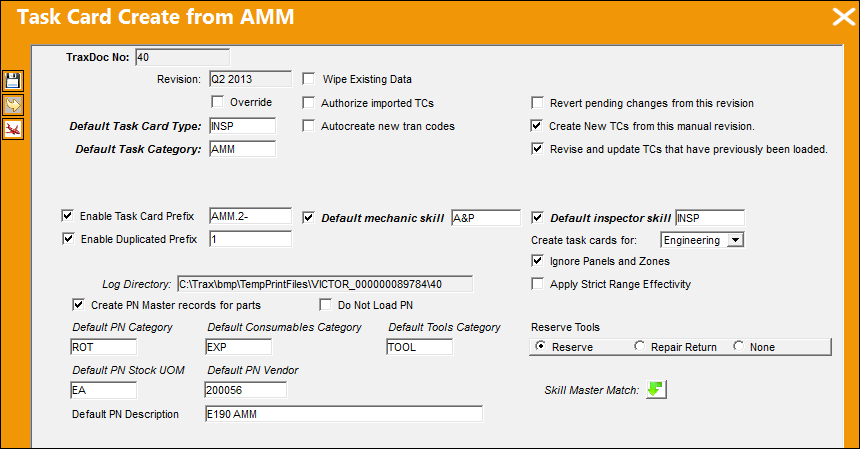
Finally, select the Import from OEM Manual  button. Enter all required data then select the Next
  button.
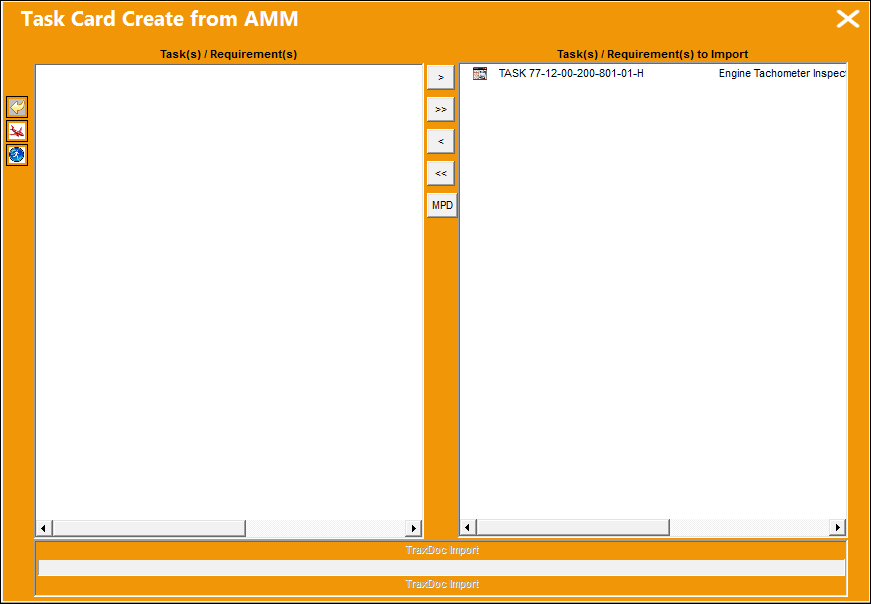
Select all required Task Cards to be imported. For more information refer to Select Tasks/Requirements to Import.
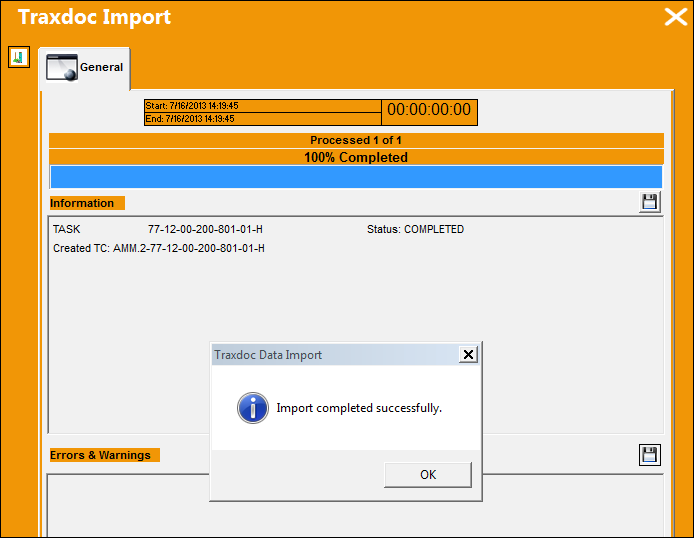
Then view the import statuses. For more information refer to View Import Progress and Errors/Warnings.
Share
Print
|
©1997-2026 Trax USA Corp. All rights reserved. This manual may not be copied, photocopied, reproduced, translated, or converted to any electronic or machine-readable form, in whole or in part, without prior written approval from Trax USA Corp. |
 |