
 Share
Share
 Print
Print
|
|
|
|
|


Select Tasks/Requirements to Import
TraxDoc/ Update/ TraxDoc Master/ TraxDoc Document/ Import from OEM Manual Button
Once all required information has been entered, select the Next  button.
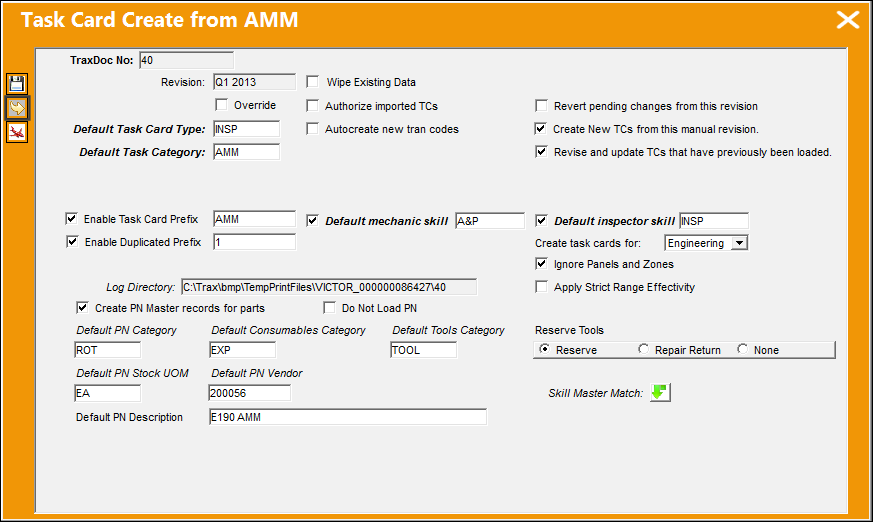
At this point, users are required to select which Task Cards must be imported into TRAX. This step help users prevent faulty data from being imported.
The desired Task Card (left) must be placed into the 'To Import' section of the window (right). Select the desired Task Cards, then select the arrows between the two sections.
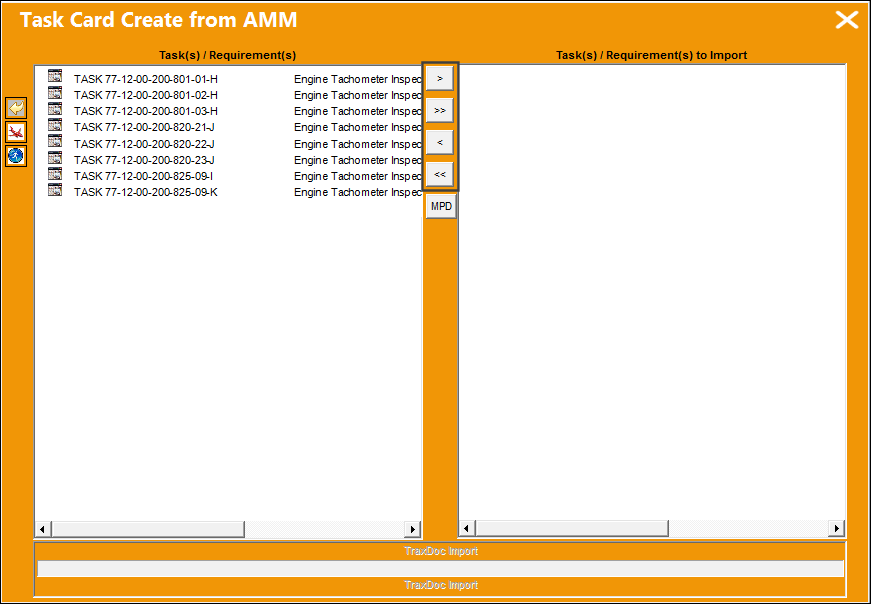
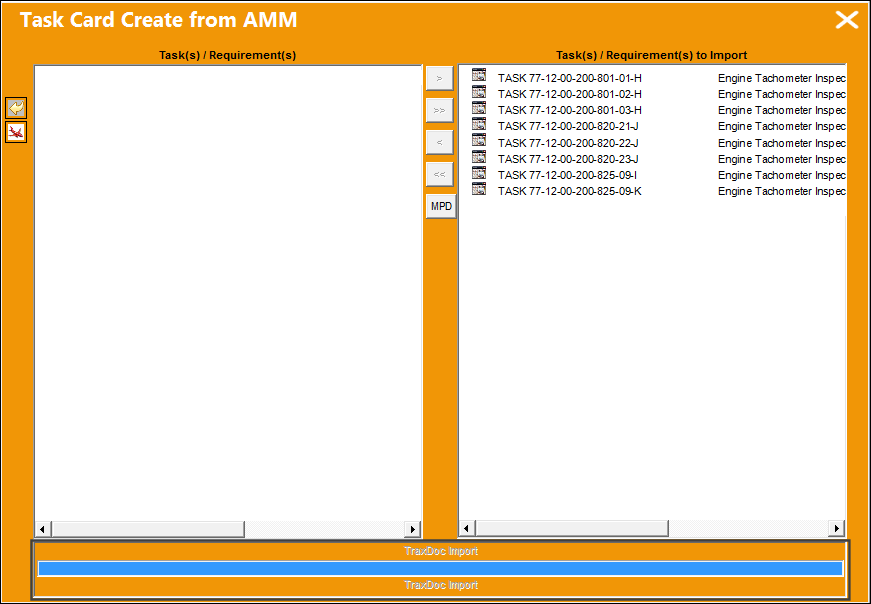
Once all required Task Cards have been moved to the 'To Import' section, select the Run  button.
Once selected, the files are imported into TRAX.
Share
Print
|
©1997-2026 Trax USA Corp. All rights reserved. This manual may not be copied, photocopied, reproduced, translated, or converted to any electronic or machine-readable form, in whole or in part, without prior written approval from Trax USA Corp. |
 |