
 Share
Share
 Print
Print
|
|
|
|
|


The EDMS Authorized Configuration Export  button allows users to export authorized P/N Software Configurations to an XML document for the selected Aircraft.
This EDMS (Engineering Data Management System) report displays main and alternate configurations for the given part/software component for a specific Aircraft. The alternate components are only both-way interchangeable with the main components. The exported files are the schema used by a Boeing EDMS tool that compares what is configured in TRAX against what is installed in the Aircraft.
From the P/N Software Configuration window, select the EDMS Authorized Configuration Export button. The Export Configuration window pops up. Enter the A/C then save to complete the export.
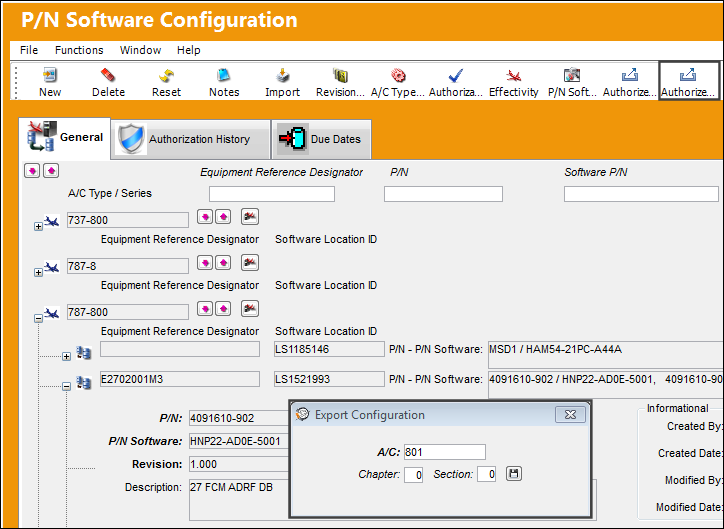
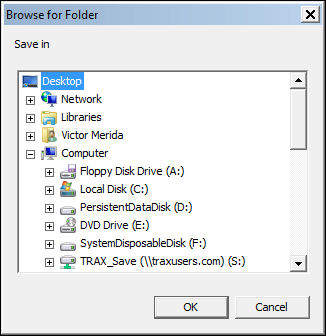
The user must then select a location for the files to be exported to.
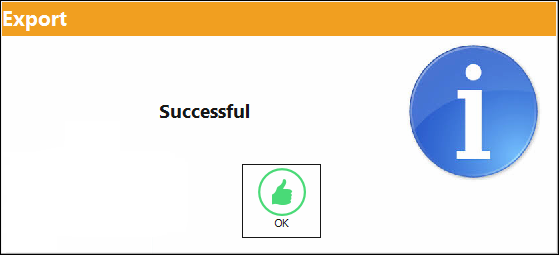
Once selected, the following prompt appears indicating that the export was successful.
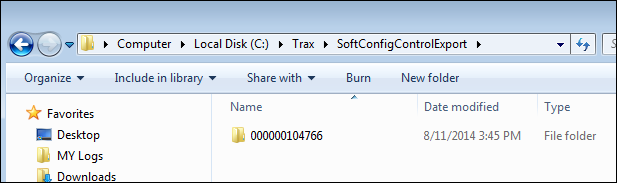
At the bottom of the TRAX window, the path where the files were exported to is listed.

Follow that path to view the exported file.
Share
Print
|
©1997-2026 Trax USA Corp. All rights reserved. This manual may not be copied, photocopied, reproduced, translated, or converted to any electronic or machine-readable form, in whole or in part, without prior written approval from Trax USA Corp. |
 |