
 Share
Share
 Print
Print
|
|
|
|
|


The W/O Sell tab in the Customer Order pop-up window is used to link the 3rd Party Work Order to a Customer Contract record. The Contract Number used will determine how the W/O is billed/processed for the chosen customer.
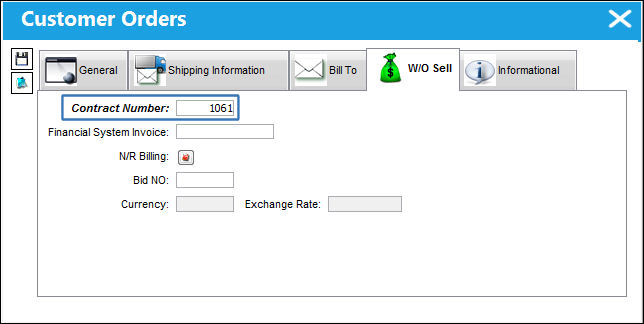
The following information/options are available in this window:
_____________________________________________________________________________________
Contract Number
The allocated Customer Order reference number.
The Contract Number will carry over to Child Work Orders. This also applies to Shop Work Orders.
Financial System Invoice
Informational only. If a company uses a third party financial system, they may enter the invoice number here as a reference.
N/R Billing  button
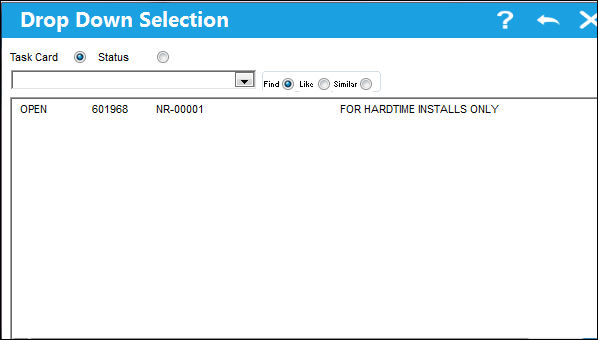
Select this button to create a Non-Routine Task Card for the Customer Order. The following drop down menu appears. Select a Non-Routine Task Card by double clicking the desired selection.
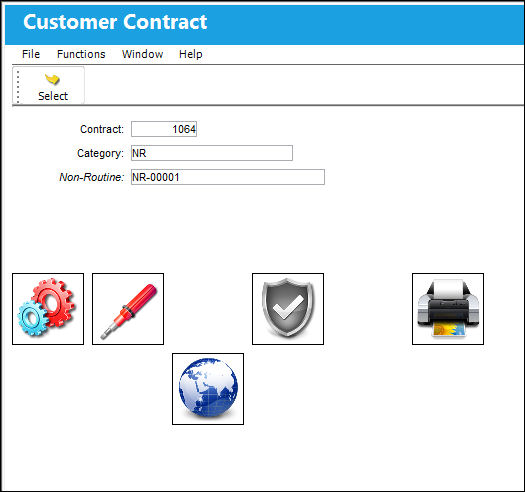
The system displays the Customer Contract N/R window. Select the New  button to create a new Customer Contract Non-Routine.
Currency
The currency that will be used for the order transaction. Currencies may be defined for the Customer/Vendor in the Customer/Vendor Master and overridden at the order level. For additional information, please refer to the Currency section of the G/L Interface, System Transaction Code Training Manual.
Exchange Rate
The currency exchange rate associated with the order.
_____________________________________________________________________________________
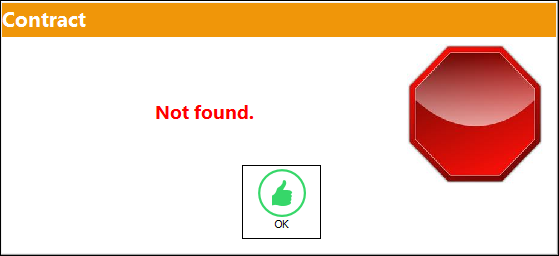
The Contract Number is mandatory when linking a contract to a Third-Party W/O. If the Contract Number is not populated, the system will display the following hard error, preventing the user from saving the Customer Order:
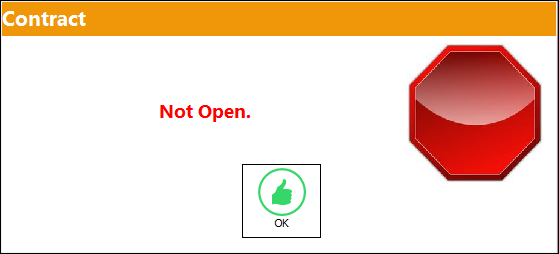
If the contract is 'Under Revision' or 'Closed Contract' status, the system will display the following error:
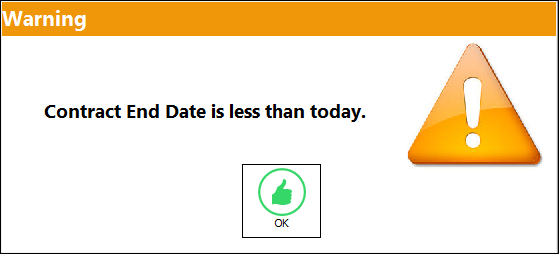
If the date of the contract is less than the current date, the system will display the following error:
Select the Save  button to save the information in the record.
Share
Print
|
©1997-2026 Trax USA Corp. All rights reserved. This manual may not be copied, photocopied, reproduced, translated, or converted to any electronic or machine-readable form, in whole or in part, without prior written approval from Trax USA Corp. |
 |