
 Share
Share
 Print
Print
|
|
|
|
|


This option allows a technician to join a task that has already been started by one or more technicians. Select the Multi Task Card option via the W/O Task Card Work window.
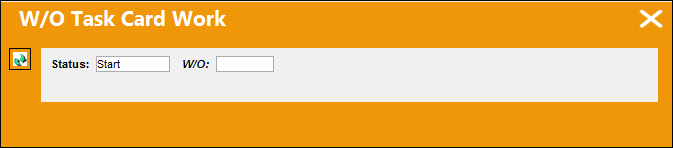
The W/O Task Card Work window appears. Select the 'Completed' status from the Status drop down menu.
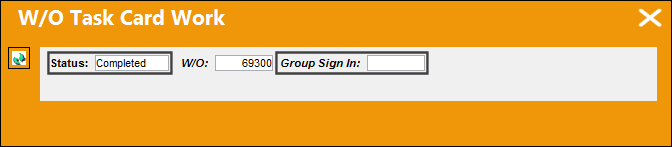
Once the 'Completed' status is selected, select the Work Order for the tasks that the employee would like to complete.
The Group Sign In field appears once the 'Completed' status is selected. Right click in the Group Sign In field.
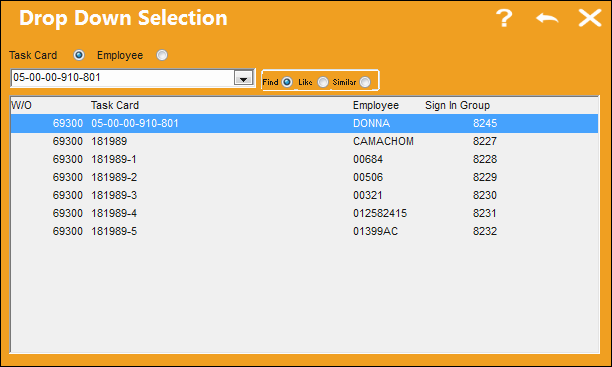
The following drop down selection appears displaying Task Cards that are currently open and in progress. The user may select any Task Card they wish to complete.
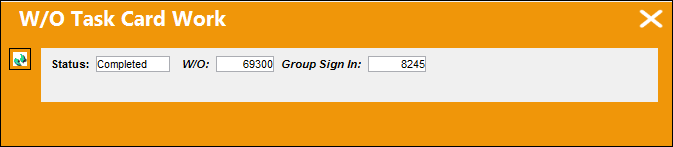
Once the Group Sign In has been populated, select the Continue  button.
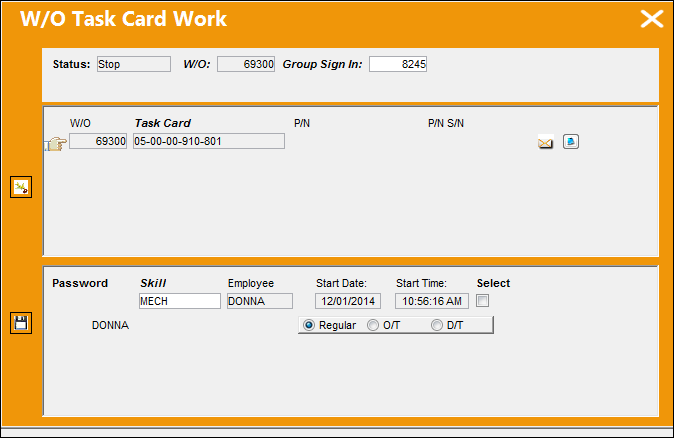
Since the user is already signed into the task, he/she does not have to enter their password in order to complete this task. Once the user completes this task, they will sign everyone else off who has joined the work for this task. This feature allows one person to sign of multiple users rather than having all user sign off individually. The user can also select from Regular, Overtime or Double time.
Select the Save  button.
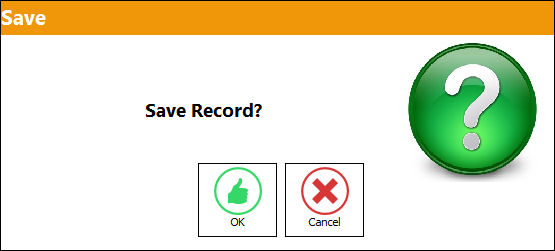
The Save prompt appears below. Select 'OK.'
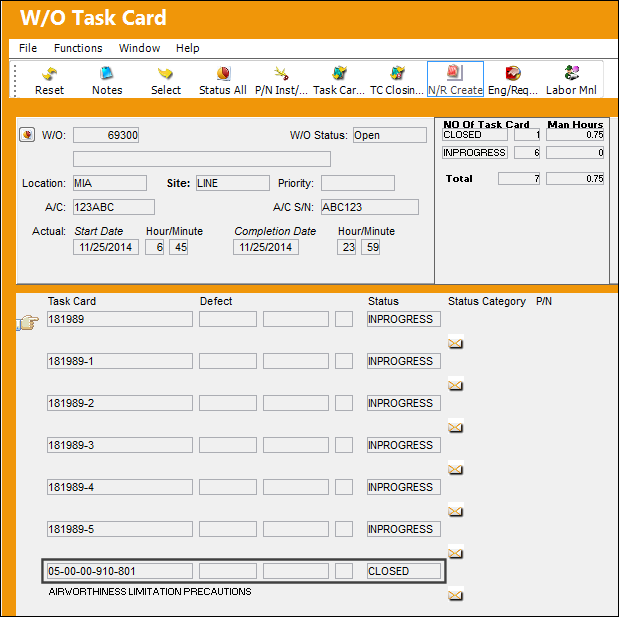
The Task Card is now in 'Closed' status.
Share
Print
|
©1997-2026 Trax USA Corp. All rights reserved. This manual may not be copied, photocopied, reproduced, translated, or converted to any electronic or machine-readable form, in whole or in part, without prior written approval from Trax USA Corp. |
 |