
 Share
 Print
|
|
|
|
|


ALWMULTTSK - Prevent Element From Being Added to a Work Order
Prevent Element From Being Added To A Work Order
Affected Window: w_ac_planning_qry
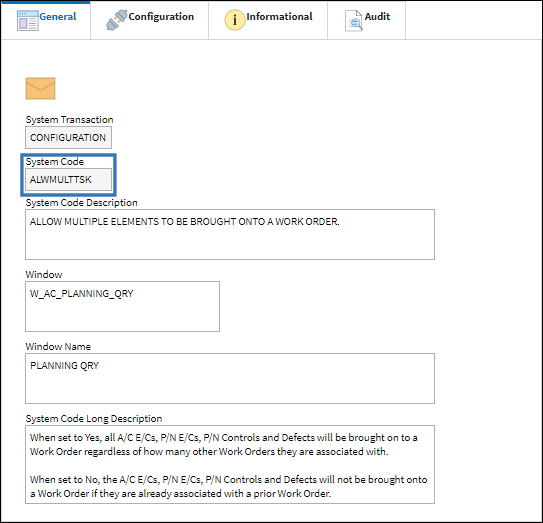
Note: The functionality of this switch is only applicable in the Production module, but not in Production Control.
Switch Set to Yes:
When set to Yes, all A/C E/Cs, P/N E/Cs, P/N Controls and Defects will be brought on to a Work Order even if the elements are already on an existing Work Order.
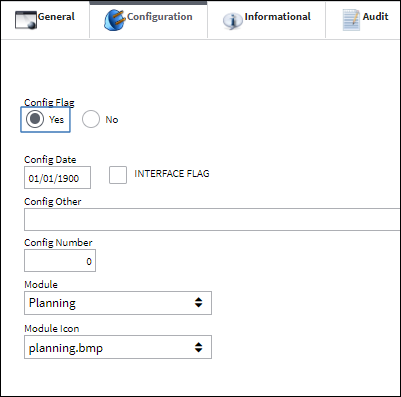
The following E/C has been created.
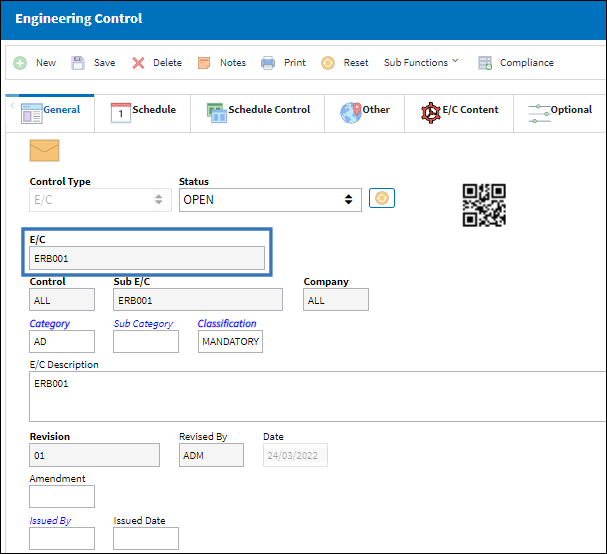
The E/C is controlled by a specific P/N.
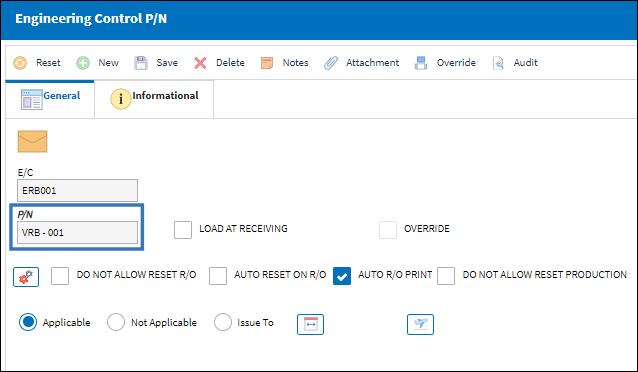
A Work Order is created:
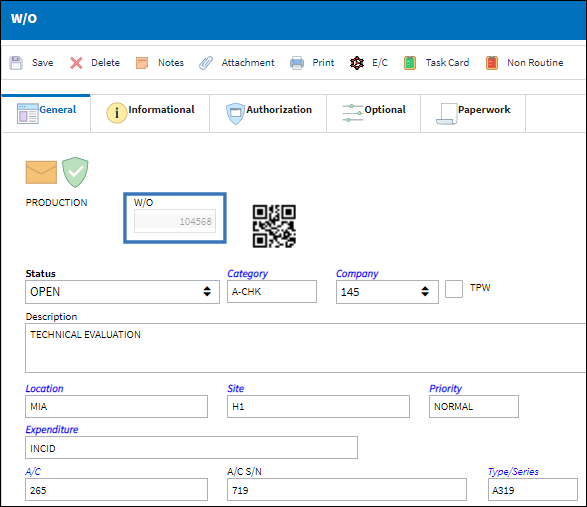
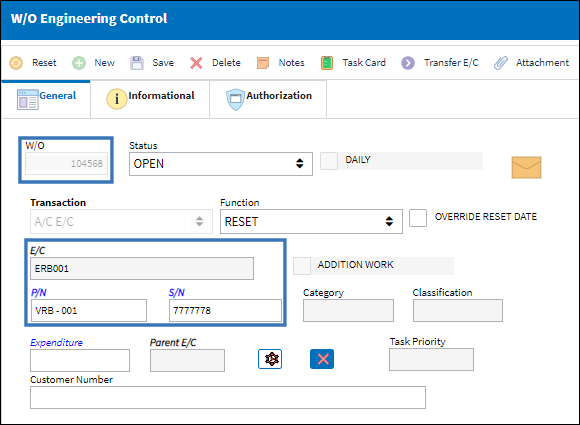
The P/N E/C is attached to the W/O.
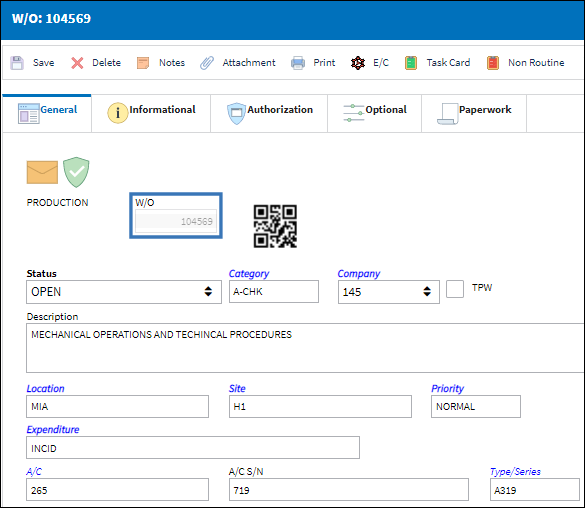
A new Work Order is created.
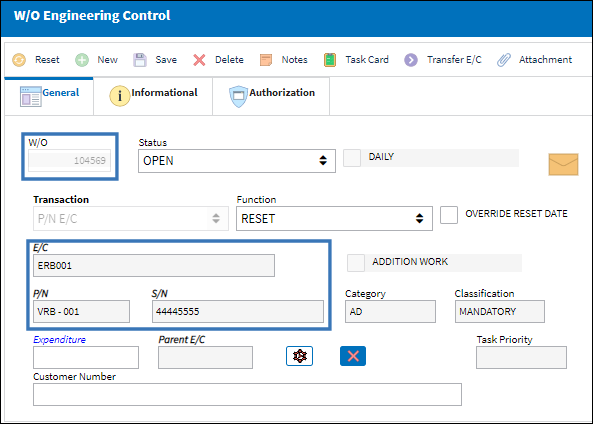
The user attaches the P/N E/C to the new Work Order and the system allows the user to save.
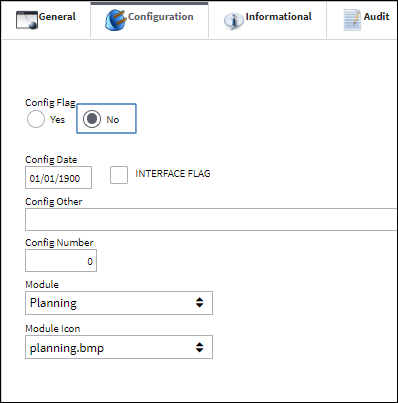
Switch Set to No:
When set to No, an element (i.e A/C E/C, P/N E/C, P/N Control or Defect) will not be brought onto a Work Order if it already exists on another Work Order.
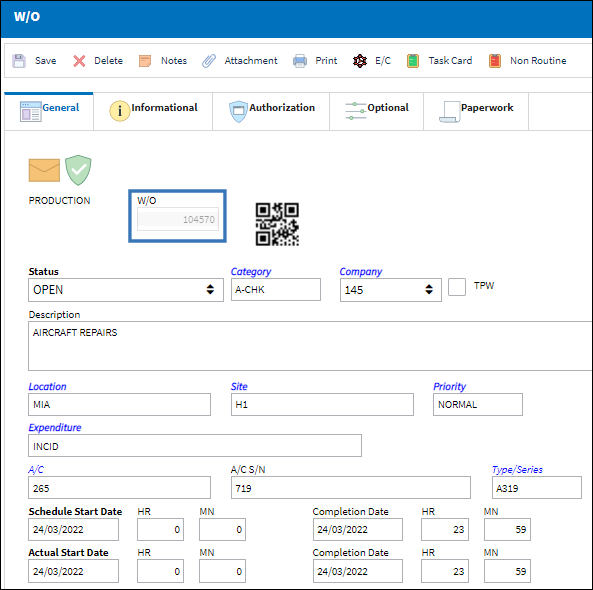
A new Work Order is created for the same P/N E/C used in the above example:
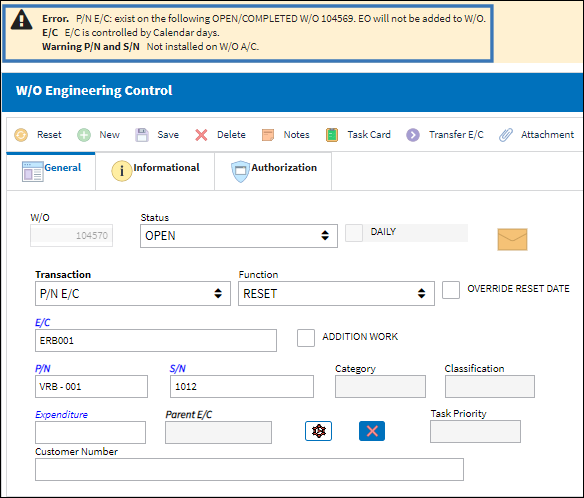
When the user attempts to add it to this new Work Order, despite the P/N E/C already existing on a Work Order that is in Open or Completed status, the system will generate the following error:
Share
Print
|
©1997-2026 Trax USA Corp. All rights reserved. This manual may not be copied, photocopied, reproduced, translated, or converted to any electronic or machine-readable form, in whole or in part, without prior written approval from Trax USA Corp. |
 |