
 Share
 Print
|
|
|
|
|


Daily Transit W/O Button, via Interactive Planner

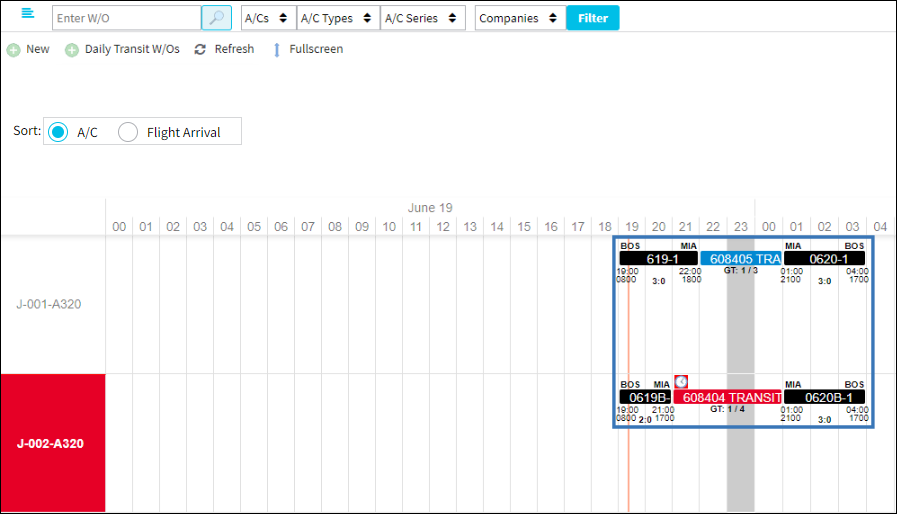
The Daily Transit W/O  button allows users to create Transit W/Os for all scheduled flights of a selected date. Transit Work Orders are automatically generated upon the arrival of scheduled flights once certain requirements are met. These W/Os are identified by the 'TRANSIT' category and "TRANSIT_CHECK' E/C name.
Note: This button only appears if switch  WOTRANSITCHECK is set to Yes. For more information, refer to WOTRANSITCHECK in the Planning Training Manual.
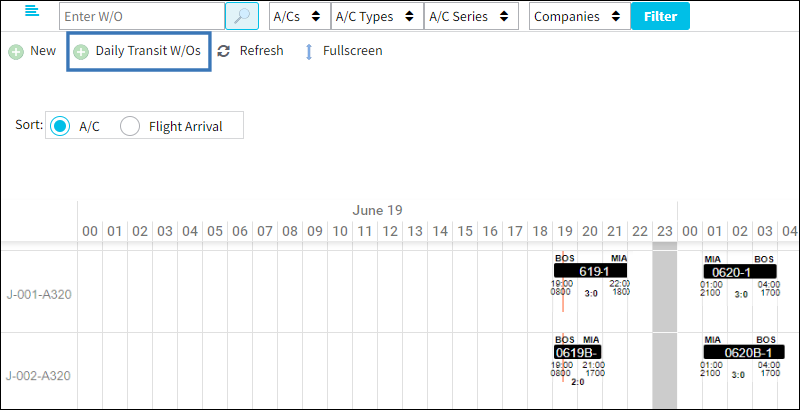
From within the Interactive Planner window, select the Daily Transit W/O button.
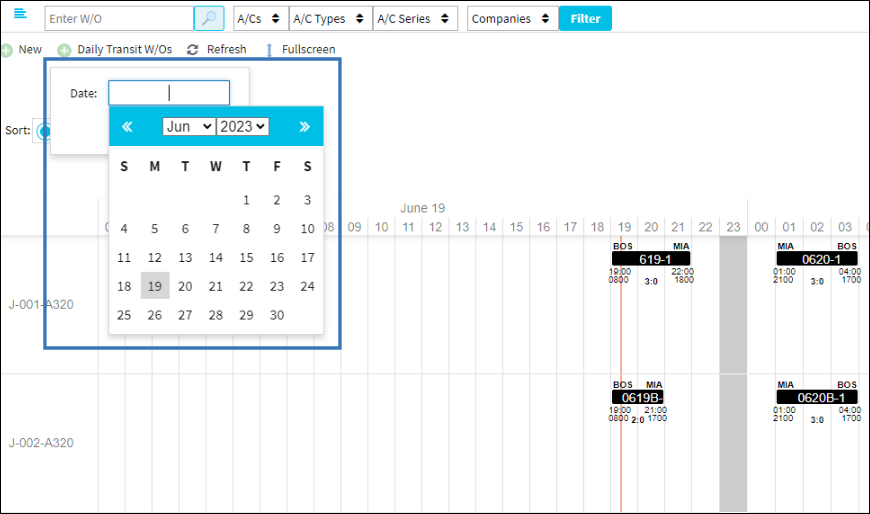
Select the desired date.
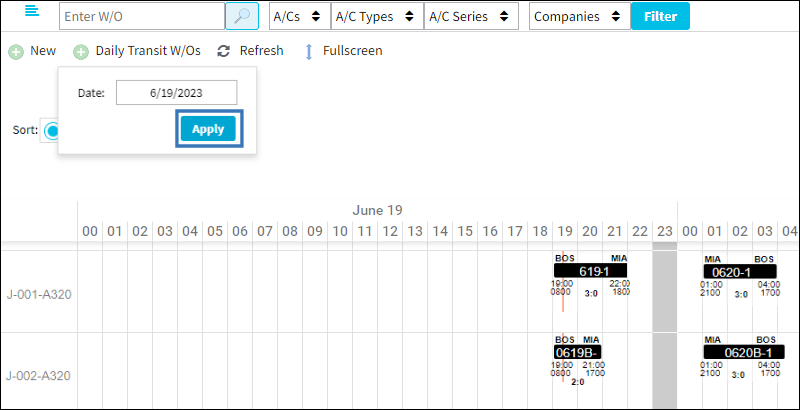
Select the Apply  button.
The system generates Transit W/Os for all flights scheduled on the selected date.
Share
Print
|
©1997-2026 Trax USA Corp. All rights reserved. This manual may not be copied, photocopied, reproduced, translated, or converted to any electronic or machine-readable form, in whole or in part, without prior written approval from Trax USA Corp. |
 |