
 Share
 Print
|
|
|
|
|


Defect Detail, via Interactive Planner

When the Defect  icon is selected from the Interactive Planner window or the Defect hyperlink is clicked in the Due List results, the Defect Detail window opens. From the Defect Detail, users can view all pertinent information related to a Defect Report. Users can also add a Defect to a Work Order using the New W/O
 button and the Existing W/O button.
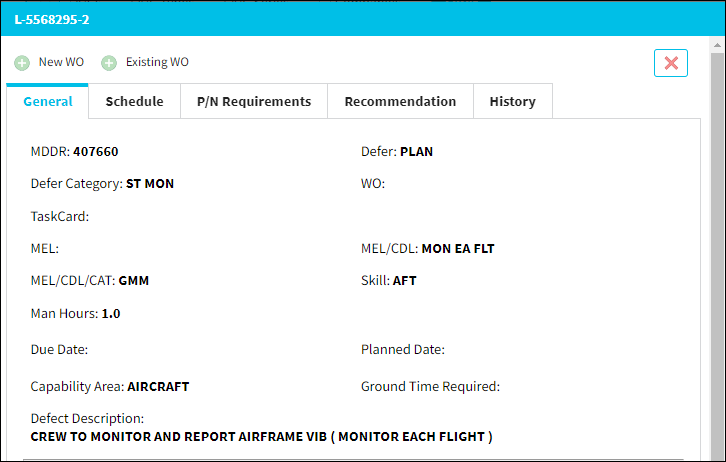
The following tabs are available:
Share
Print
|
©1997-2026 Trax USA Corp. All rights reserved. This manual may not be copied, photocopied, reproduced, translated, or converted to any electronic or machine-readable form, in whole or in part, without prior written approval from Trax USA Corp. |
 |