
 Share
 Print
|
|
|
|
|


E/C Detail, via Interactive Planner

From the E/C Detail, users can view all pertinent information related to an Engineering Control. When the E/C  icon is selected from the Interactive Planner window, the E/C Detail window appears. The E/C Detail can also be accessed by selecting an E/C's hyperlink from the results in the Due List window.
Users can add an E/C to a Work Order using the New W/O  button and the Existing W/O button.
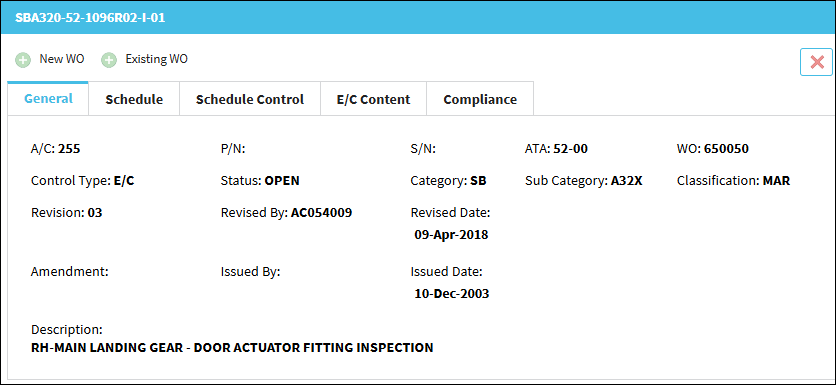
The following tabs are available:
 Share
Print
|
©1997-2026 Trax USA Corp. All rights reserved. This manual may not be copied, photocopied, reproduced, translated, or converted to any electronic or machine-readable form, in whole or in part, without prior written approval from Trax USA Corp. |
 |