
 Share
 Print
|
|
|
|
|


The Excludes  button is used to specify items that will not be covered in Contract. These contract-excluded items will be listed in the customer's invoice and may consist of specific items or services that may be provided through the Work Order but fall outside of the scope of this contract. If a flat rate is applied for materials, labor, or miscellaneous items, these excluded items are not covered by that flat rate. The customer would be expected to pay for excluded items/services that fall outside of the covered flat rate.
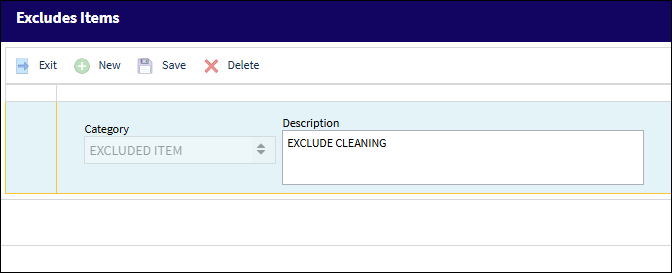
Note: Exclusions added in the Shop Customer Contract can be seen from the Excludes button within the quoting window for Work Orders linked to that contract.
Share
Print
|
©1997-2026 Trax USA Corp. All rights reserved. This manual may not be copied, photocopied, reproduced, translated, or converted to any electronic or machine-readable form, in whole or in part, without prior written approval from Trax USA Corp. |
 |