
 Share
Share
 Print
Print
|
|
|
|
|


Invoice Transfer to A/P
The Invoice Transfer To A/P option is used to export accounts payable information to a text only or Microsoft ® Word (.TXT or .DOC) document. This document will contain information regarding all paid invoices in a list format for import into any accounting software. Please contact TRAX Customer Support for additional information regarding this option if necessary.
To transfer all invoices to the A/P, select G/L Interface/Update/J/E Detail Transfer.
After selected, a warning prompt will appear. It is important for this option to be used only by an administrator.
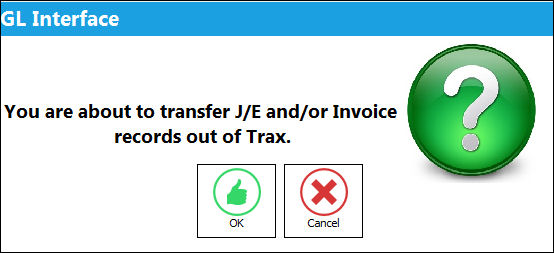
Select 'Cancel' to return to the Control Panel. By selecting 'OK', TRAX will transfer the Journal Entries and/or invoices.
The location for the invoices to be transferred to is set up via G/L Switch  INVTRANS. Through this switch users can enter the path and assign a sequential batch number.
Share
Print
|
©1997-2026 Trax USA Corp. All rights reserved. This manual may not be copied, photocopied, reproduced, translated, or converted to any electronic or machine-readable form, in whole or in part, without prior written approval from Trax USA Corp. |
 |