
 Share
Share
 Print
Print
|
|
|
|
|


Journal Entries Manual Import

The Journal Entires Manual Import window allows users to manually enter Journal Entries.
Note: This is customer-specific functionality and may not be available to all users.
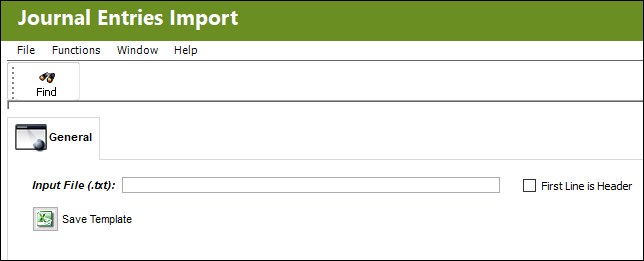
Note: For more information, refer to the Import button, via Standard Buttons.
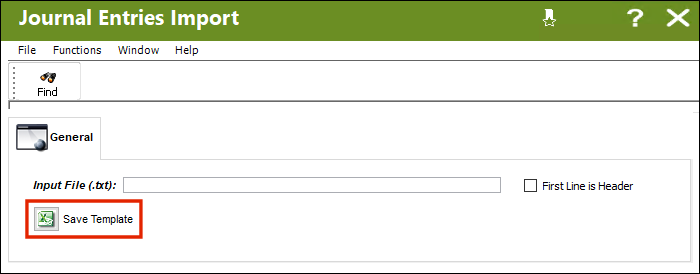
From the Journal Entries Import window, select the Save Template  button to export an Excel file template.
Enter all the relevant information for Journal Entry

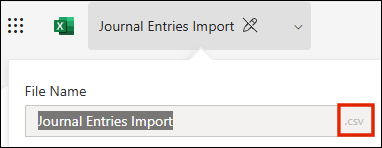
When saving the Excel file, convert it to a .CSV text file.
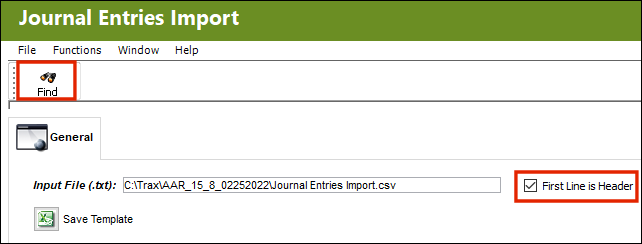
To add the .CSV file, right-click on the Input File field and select the desired file.
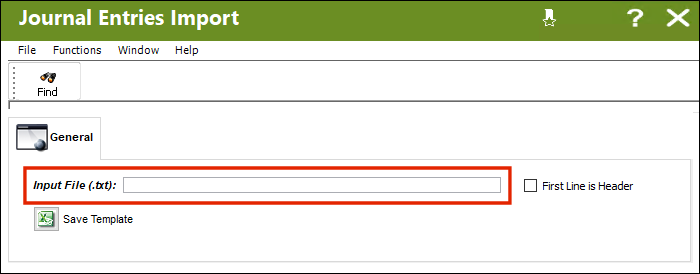
Select the First Line is Header checkbox, followed by the Find  button.
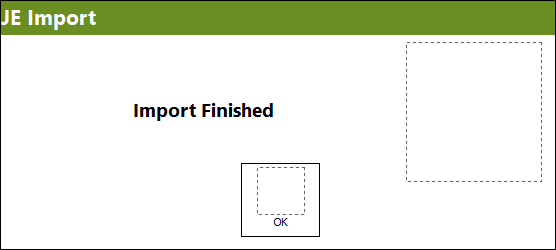
A prompt will appear informing the user the Import Finished.
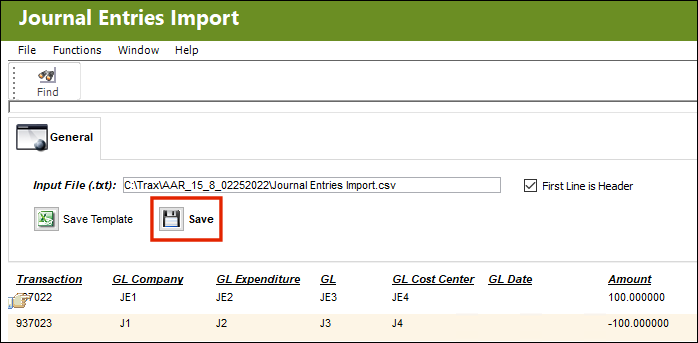
Select the Save  button
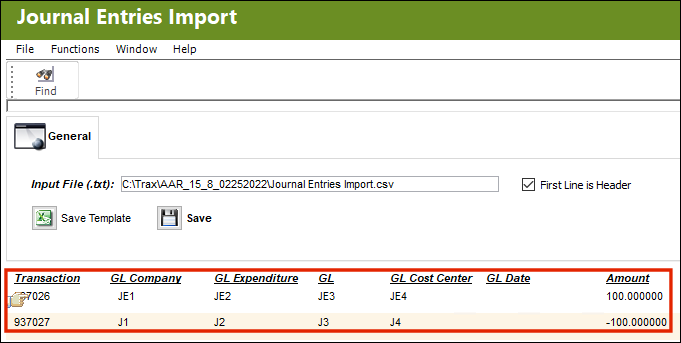
The Journal Entries have been loaded into the system.
Share
Print
|
©1997-2026 Trax USA Corp. All rights reserved. This manual may not be copied, photocopied, reproduced, translated, or converted to any electronic or machine-readable form, in whole or in part, without prior written approval from Trax USA Corp. |
 |