
 Share
Share
 Print
Print
|
|
|
|
|


Select the P/N Change  button to change the received parts' number to a new part number.
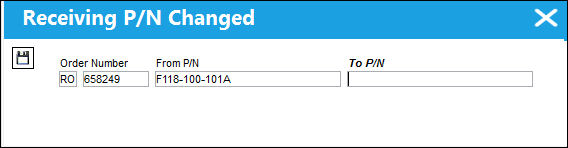
The following information/options are available in this window:
_____________________________________________________________________________________
Order/Number
The type of order and the order number for the transaction.
From P/N
The P/N received to be changed from.
To P/N
The P/N changed to.
The P/N Change will go throughout the entire system and change the part number of the selected part. While the inventory transaction can still be looked up in the Inventory Transaction History Query using both the old and the new part number, the system will display the new part number in every other place.
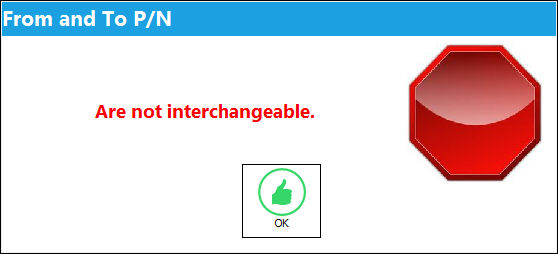
If the "From" and "To" part numbers are not interchangeable, the following prompt will appear:
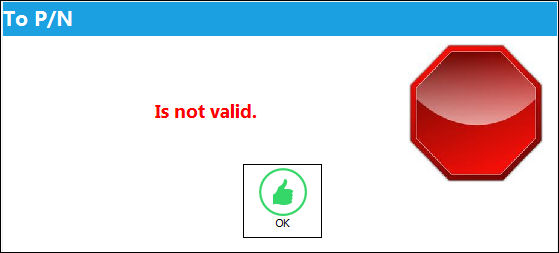
If the P/N does not exist in the system, the following prompt will appear:
_____________________________________________________________________________________
 P/N Change Audit Table
There is an audit table in Trax Quick Print called 'pn_sn_change_control_audit' that shows the before and after of the data that is updated via a P/N Change transactions. This information pertains to serialized parts. The data captured includes:
- Previous E/Cs linked to P/N S/N & Actuals
- Previous P/N Controls and Actuals
- New E/Cs being linked
- New P/N Controls being linked
- Transfer of Actuals
 Calibrated Tool Functionality
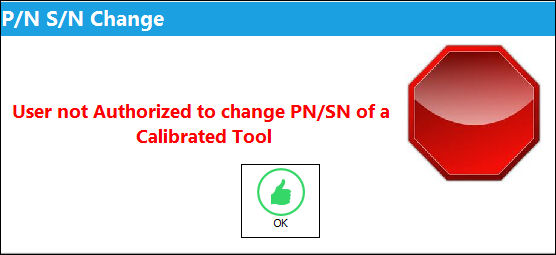
This button is security controlled for calibrated tools through the Security Explorer via Receiving/ Update/ Order Receiving/ P/N Change Button / Tool Calibration Control with Switch  TOOLCALCONTROL. For more information, refer to the Security Explorer via the System Administration Training Manual. Upon attempting to select the button without the necessary security, the following prompt will appear:
NLA Functionality
Once you have completed all fields and entered information using the desired buttons, select the Save  button to receive the part. If the part has an associated E/C, is time controlled, or is included as part of an assembly, the following windows will appear if the P/N has NLAs.
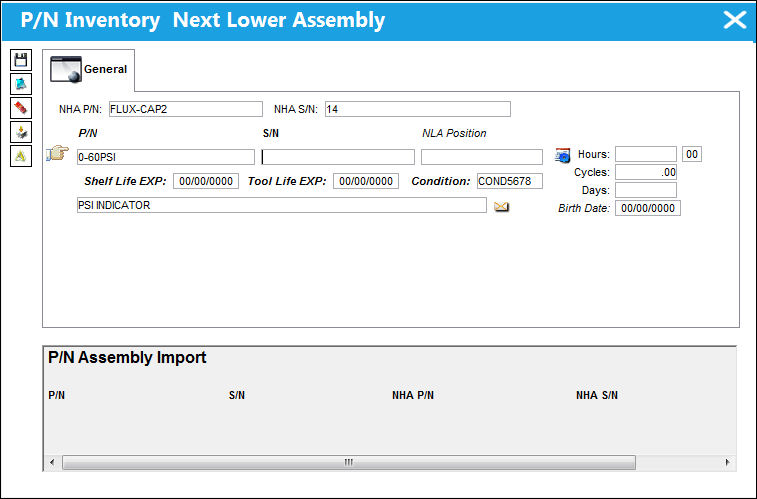
The following information/options are available in this window:
_____________________________________________________________________________________
NHA P/N
The part’s Next Higher Assembly P/N (if applicable).
NHA S/N
Next Higher Assembly (NHA) serial number.
P/N
The Part Number reference for the aircraft part. The part number for this level of the assembly.
S/N
The Serial Number for the specific serialized part. The serial number for this level of the assembly.
NLA Position
The position of the Next Lower Assembly.
Condition
The condition of the part.
Hours/Cycles/Days
Total time accrued against a serialized part.
_____________________________________________________________________________________
For more information on receiving an assembly part, please refer to Receiving An Assembly Part.
Engineering Control Functionality
If the P/N or NLA P/N's have effective P/N E/C's they will appear in the following window. P/N E/C's may be created as well by selecting the New  button. The user may also comply with E/C's or note that E/C's have been complied with. This window only pops up with newly received parts in Purchase, Exchange or Loan Orders.
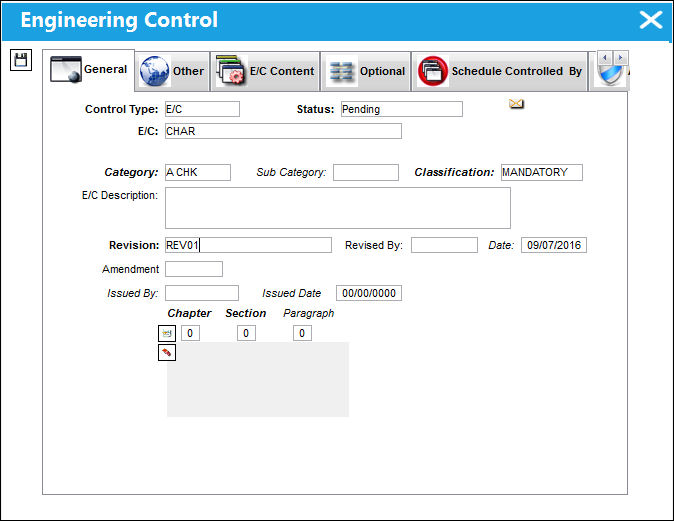
For more information on associating E/C's with the received part number, please refer to Associating E/C's with the Received Part.
P/N Controls Functionality
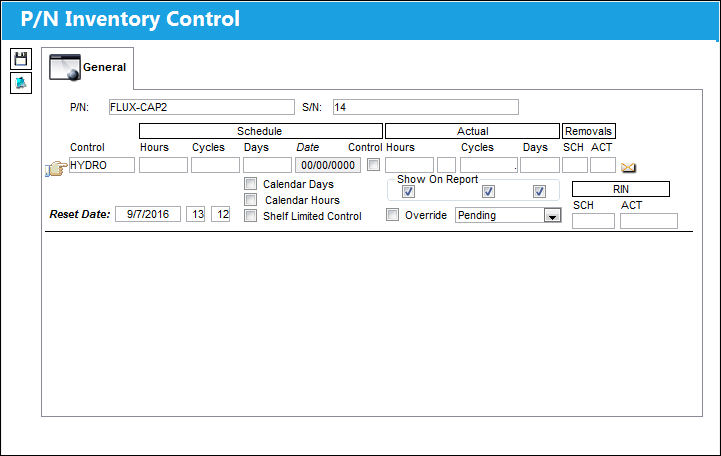
P/N Inventory Control is defined in the P/N Master of P/N Control. All Serial Numbers of that P/N will require the user to review and update P/N CTL Actuals. This is typically used to track how much Actuals have accumulated for that P/N CTL. The time limit can also be a life limit as shown in the example below. The TSN P/N has an on conditioned limit, meaning no schedule is pre-defined as shown below, where as the TSO P/N has a hard time limit of 15, 000 cycles where the part must be removed from the A/C and sent to repair.
Survey Functionality
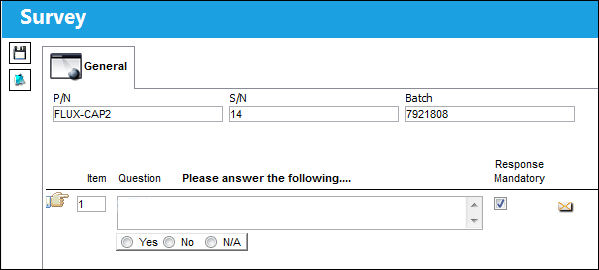
The following window will appear depending on the Configuration of Switch ORDERSURVEY. Either a checklist or a survey will appear. The following is an example of the P/N Receiving Check List.
Share
Print
|
©1997-2026 Trax USA Corp. All rights reserved. This manual may not be copied, photocopied, reproduced, translated, or converted to any electronic or machine-readable form, in whole or in part, without prior written approval from Trax USA Corp. |
 |