
 Share
Share
 Print
Print
|
|
|
|
|


Automatic Notes Notifications From Authorization Steps
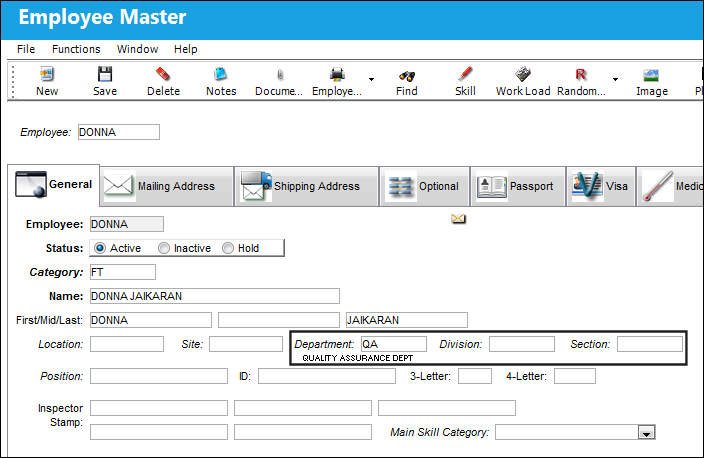
In TRAX, the Authorization Step  button allows the user to set up approval steps for Engineering Controls and P/N Engineering Controls, Task Cards, Manual/Category, Order Type, P/N Control, MEL Master and P/N Category. The way the automatic notifications are sent out is if the employee in the Employee Master matches the Department, Division, and Section of the Authorization Steps. The system notifies that employee automatically.
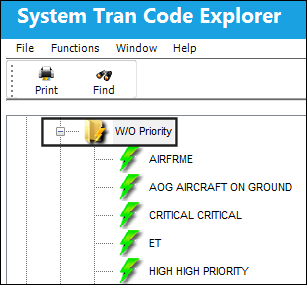
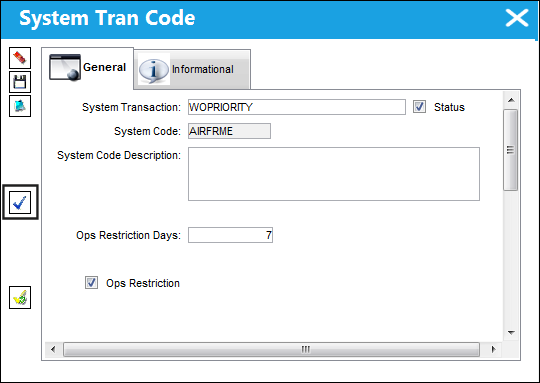
The Authorization Step button can be found in system transaction codes such as W/O Priority, E/C Category, Task Card Category, P/N Control, P/N Category etc.
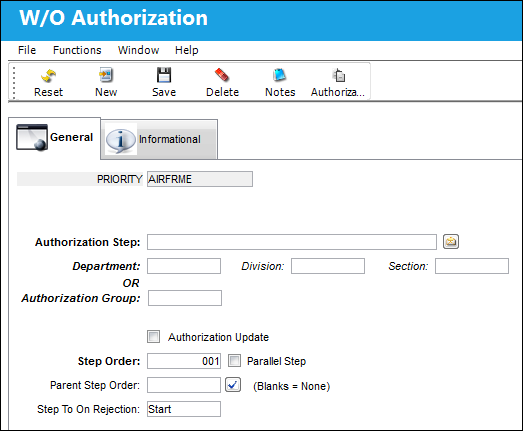
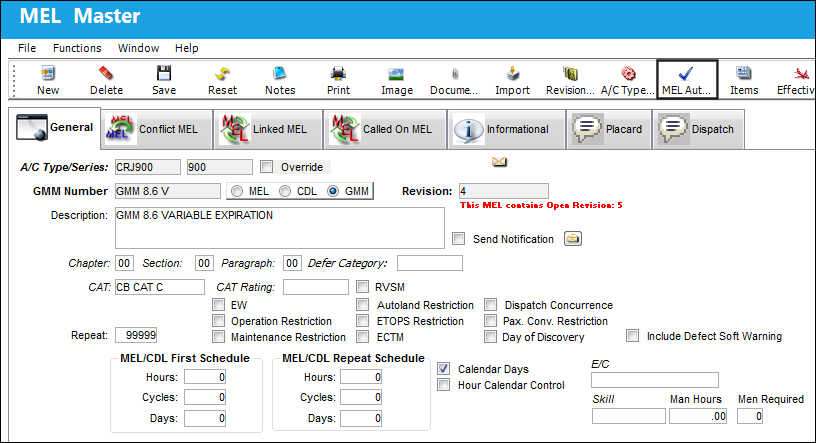
The Authorization Step button can also be found in modules such as Settings (MEL Master) and Library (Manual Control):
Share
Print
|
©1997-2026 Trax USA Corp. All rights reserved. This manual may not be copied, photocopied, reproduced, translated, or converted to any electronic or machine-readable form, in whole or in part, without prior written approval from Trax USA Corp. |
 |