
 Share
Share
 Print
Print
|
|
|
|
|


Format Control
The Format Control option allows the user to customize the prints displayed in the print window.
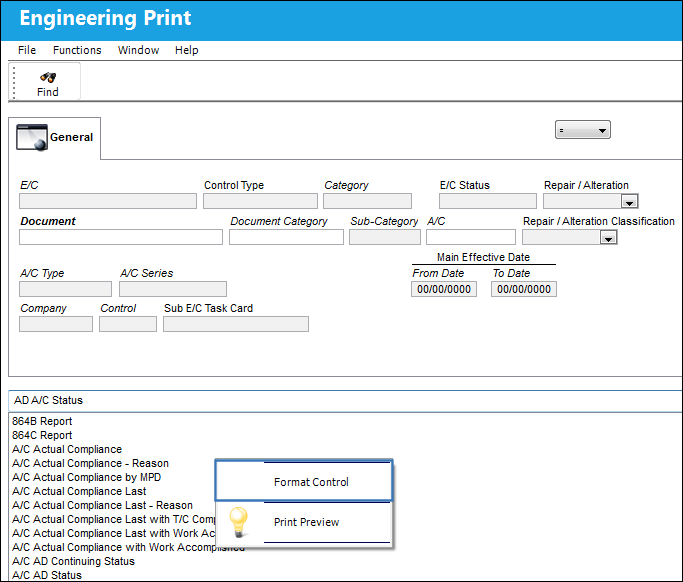
From any print window in the system, right-click to access the Format Control option.
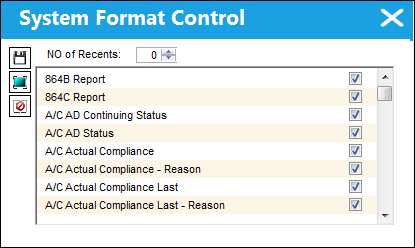
The System Format Control window appears. Here, the user may customize the prints visible to them in the print window. Only the selected prints will appear in the window.
To control which prints are accessible to different users in the organization, the Security Explorer would have to be used to modify the configurations.
Share
Print
|
©1997-2026 Trax USA Corp. All rights reserved. This manual may not be copied, photocopied, reproduced, translated, or converted to any electronic or machine-readable form, in whole or in part, without prior written approval from Trax USA Corp. |
 |