
 Share
Share
 Print
Print
|
|
|
|
|


Pre-Defined Notes
Users can set up pre-defined notes that can be used throughout the system. Users can also select from a pop-up window and have the system copy a long note into the current note automatically. To do so, right-clicking in the notepad text field.
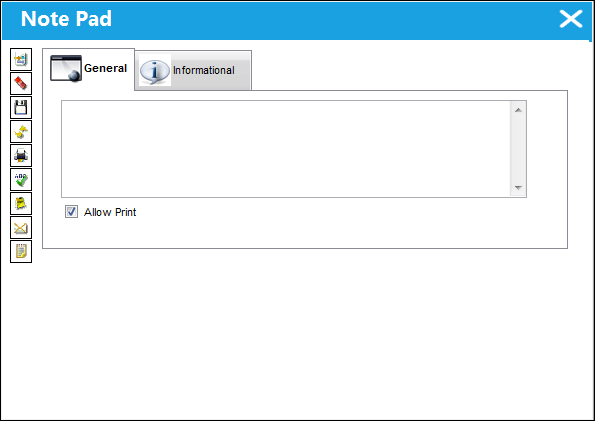
Users will see the following standard pop-up window:
The note selection is displayed in the normal data display area of the window. Double-clicking on the required note will copy the note back to the notepad.
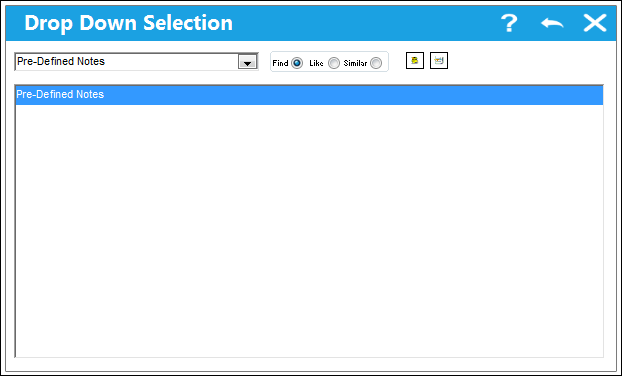
If a user requires to update an existing note, select the note required by clicking once on the item, then click on the Update Note  button. The system will then allow the user to edit and save the note by using the same screen as below for the New item. If the user is required to create a new note, click on the New
  button and the following screen will appear:
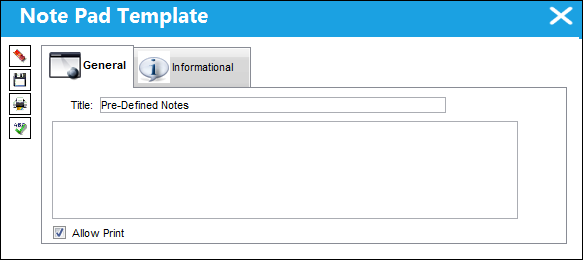
Enter the note as required and then click on the Save  button. It will then be available for use in the note selection window.
Share
Print
|
©1997-2026 Trax USA Corp. All rights reserved. This manual may not be copied, photocopied, reproduced, translated, or converted to any electronic or machine-readable form, in whole or in part, without prior written approval from Trax USA Corp. |
 |