
 Share
Share
 Print
Print
|
|
|
|
|


Message Notifications

Once a user has logged into the application, it will be able to view system notifications in real time while working in the system. These notifications will appear in a quick view format and will then leave the screen.
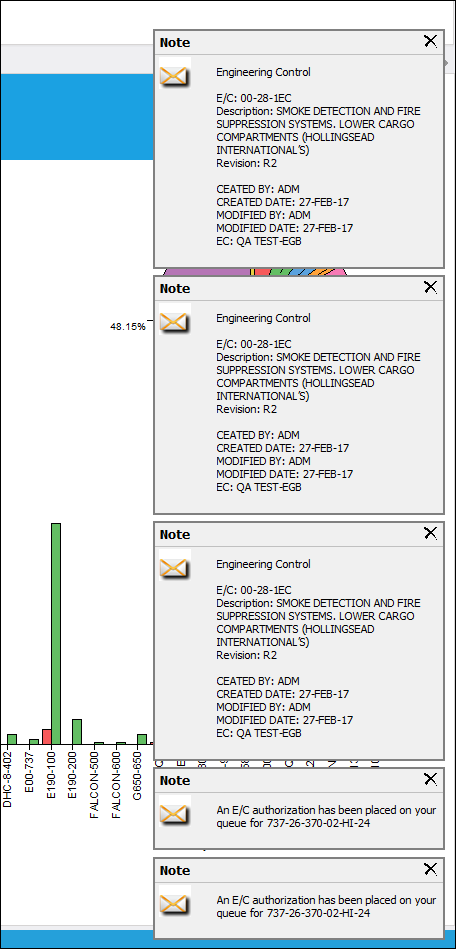
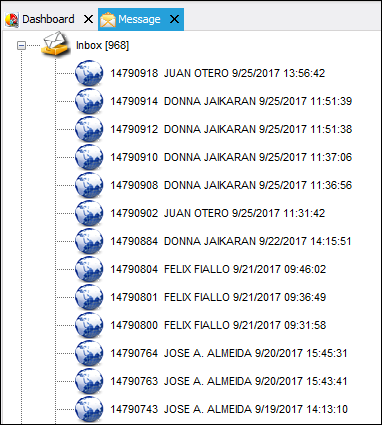
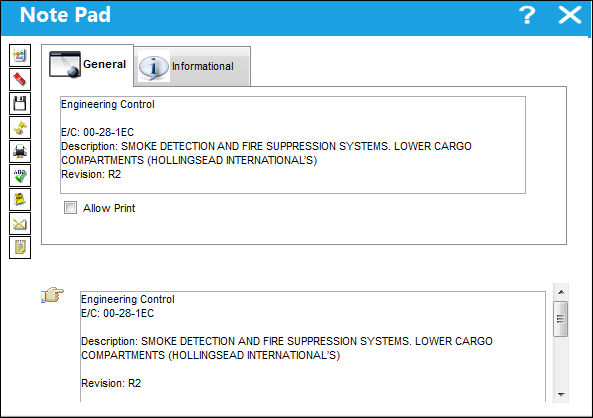
These notifications can be viewed in detail from the Message option via the Information tab.
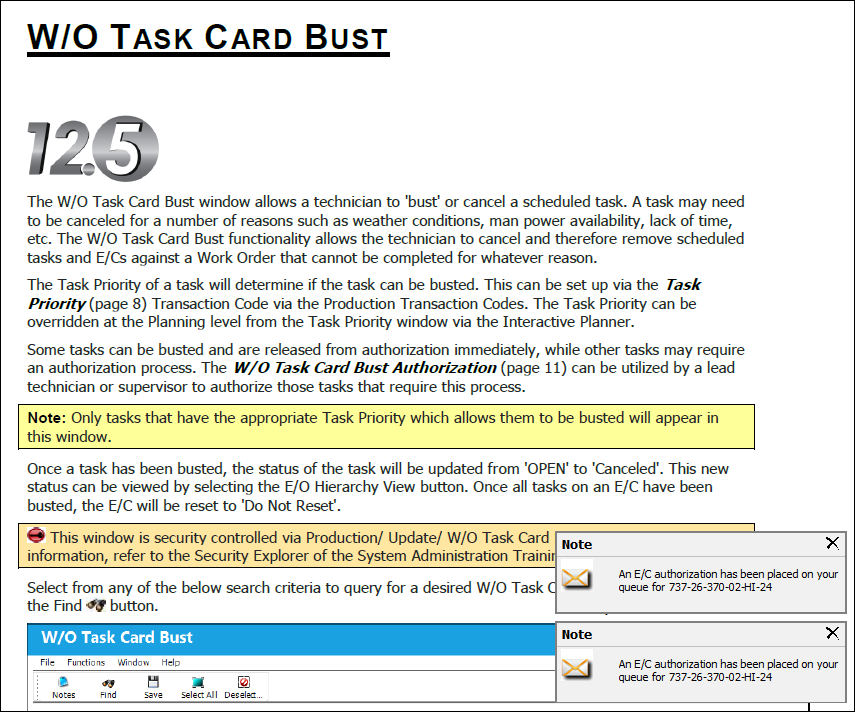
Even if the user is not currently working in the application, the notification messages will still pop-up as long as the application is open and the user is logged in.
Share
Print
|
©1997-2026 Trax USA Corp. All rights reserved. This manual may not be copied, photocopied, reproduced, translated, or converted to any electronic or machine-readable form, in whole or in part, without prior written approval from Trax USA Corp. |
 |