
 Share
Share
 Print
Print
|
|
|
|
|


Row Finder

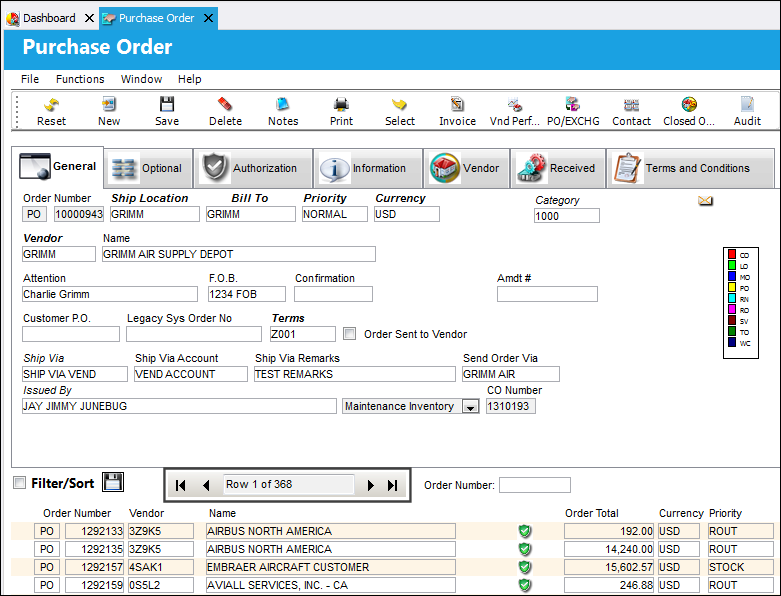
Users can use the Row Finder to more efficiently navigate through various records by selecting the arrows on the Row Finder.
This feature has been added system-wide, meaning that each window that displays records has been updated with this functionality (i.e. Orders, P/N Master, W/O, Inventory Transaction, etc.).
The following is an example of the Purchase Order Header.
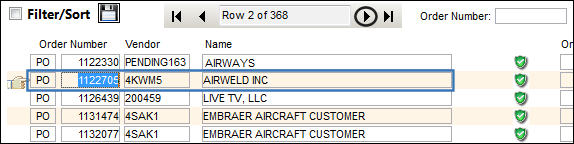
Selecting the arrow highlighted below will allow the user to jump one row at a time.
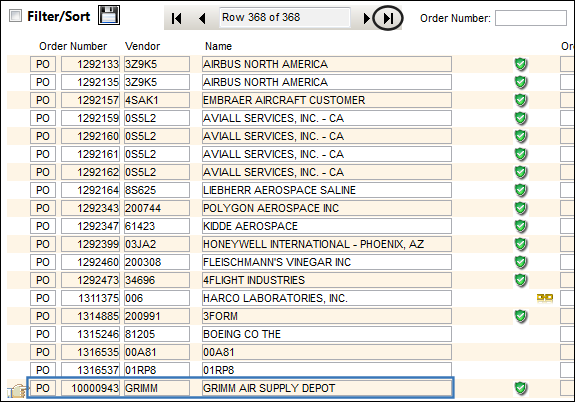
Selecting the arrow highlighted below will allow the user to jump to last record in the row.
Share
Print
|
©1997-2026 Trax USA Corp. All rights reserved. This manual may not be copied, photocopied, reproduced, translated, or converted to any electronic or machine-readable form, in whole or in part, without prior written approval from Trax USA Corp. |
 |