
 Share
Share
 Print
Print
|
|
|
|
|


The Task Card (sometimes referred to as Job Card) displays the instructions to carry out work on an aircraft or components. These instructions can include additional information such as material pre-loads, skills and manuals required to carry out the job.
Select the Task Card  button to access the W/O Task Card window.
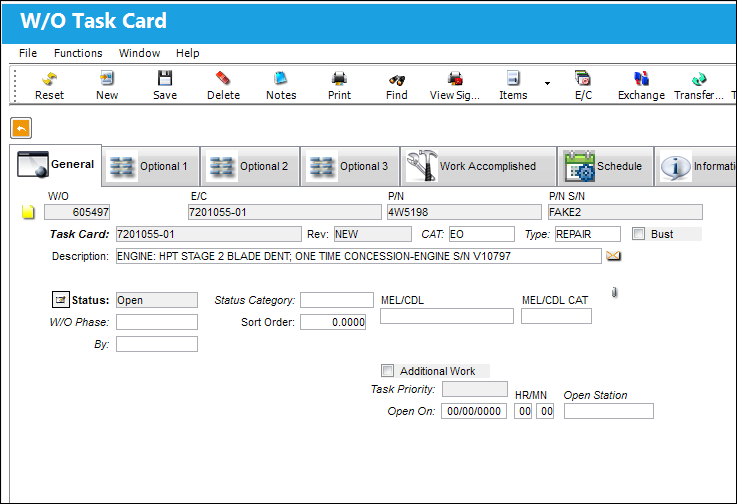
For detailed information on all of the functionality, tabs, and buttons available in this window, refer to the Task Card button, via W/O Shop Detail.
P/N Task Card Shop Item:
Users can add Task Cards to non-serialized parts that have two or more Shop items associated to them. These T/Cs can be added to each Shop item separately. Each T/C is linked to the Shop item it was created for.
For example, notice the following two Shop Items for the same non-serialized part.
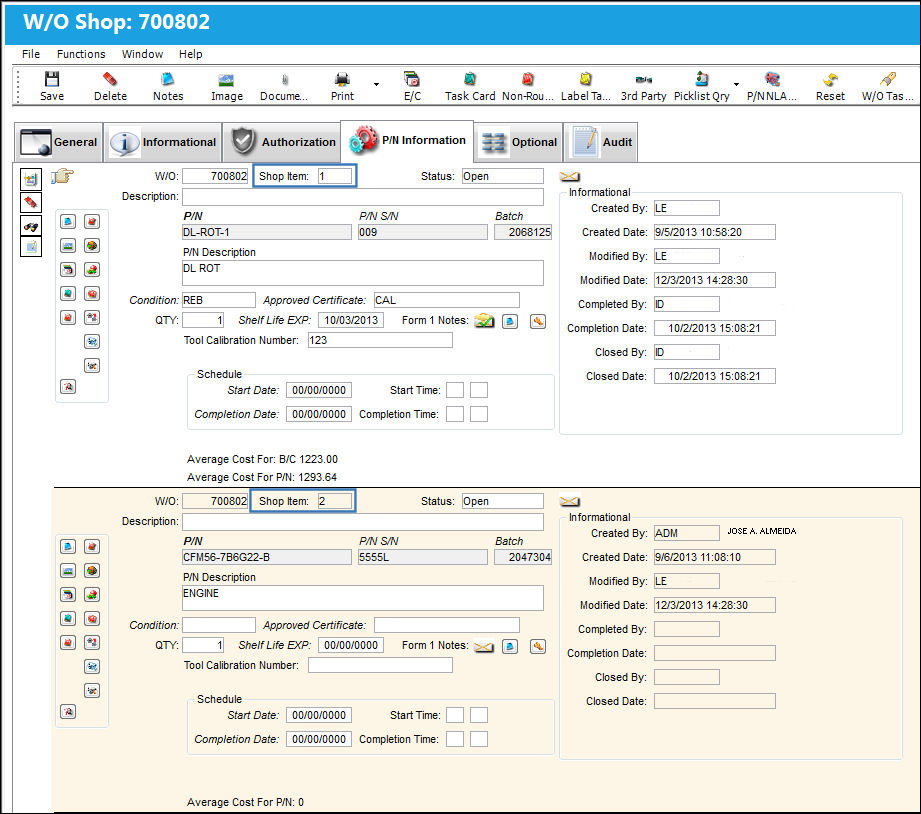
Task Cards can be added to each Shop Item.
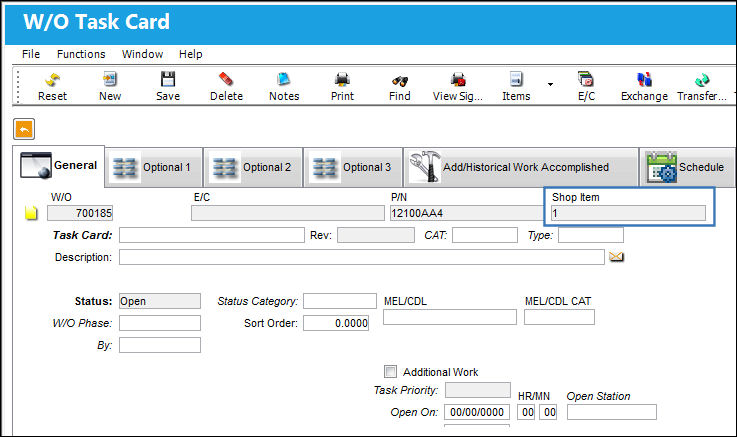
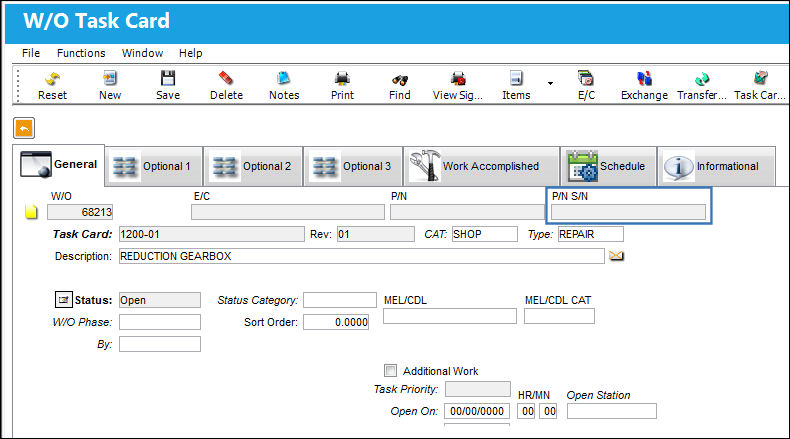
For the non-serialized parts, the P/N S/N field will contain the Shop Item number.
Share
Print
|
©1997-2026 Trax USA Corp. All rights reserved. This manual may not be copied, photocopied, reproduced, translated, or converted to any electronic or machine-readable form, in whole or in part, without prior written approval from Trax USA Corp. |
 |