Publication Date: 8/17/2026 Share Print

Previous Topic

Next Topic

Book Contents

Book Index

SHOPTLSHT - Shop Control Sheet Footer

This switch is a customized request.

Shop Control Sheet Footer

Affected Window: w_wo_print
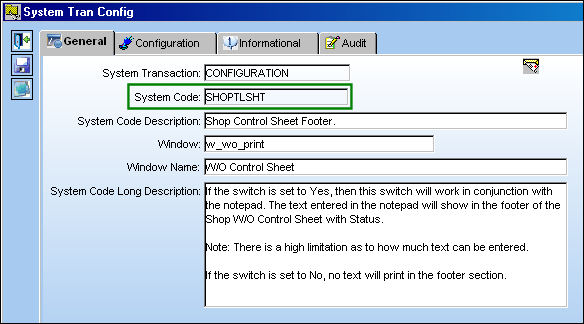
SHOPTLSHT


Switch Set to Yes:

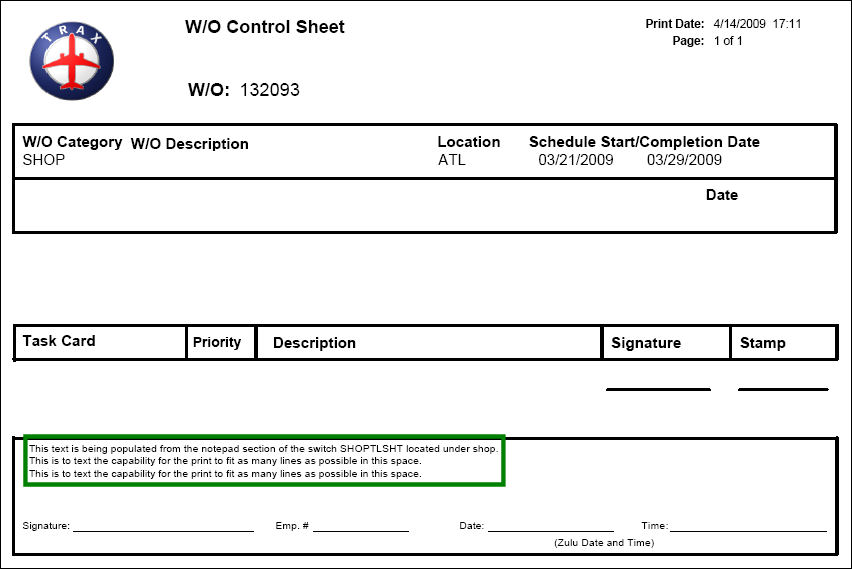
When set to Yes, then this switch will work in conjunction with the note pad. The text entered in the note pad will show in the footer of the Shop W/O Control Sheet with Status.
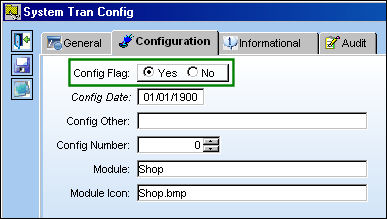
SHOPTLSHT_yes1

Note: There is a high limitation as to how much text can be entered.

Select the Notes but_notes_small button to view the note attached to the switch.
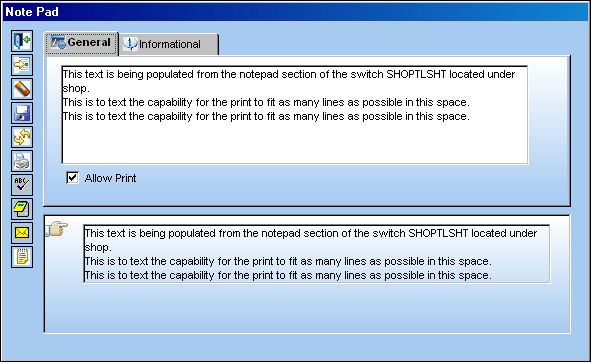
SHOPTLSHT_yes2

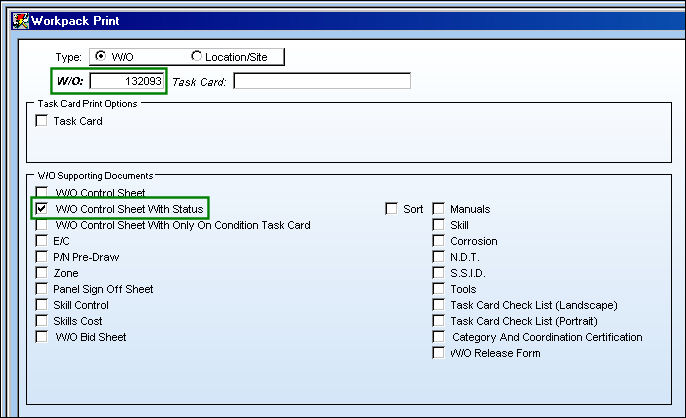
TRAX displays the Shop Workpack Print window. Select a Work Order and be sure the W/O Control Sheet With Status checkbox is selected.

Select the Email button.

SHOPTLSHT_yes3

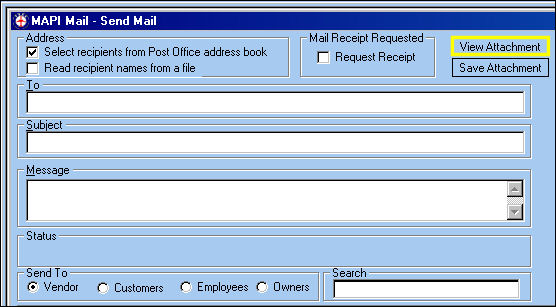
TRAX displays the following window. Select the 'View Attachment' button.
SHOPTLSHT_yes4

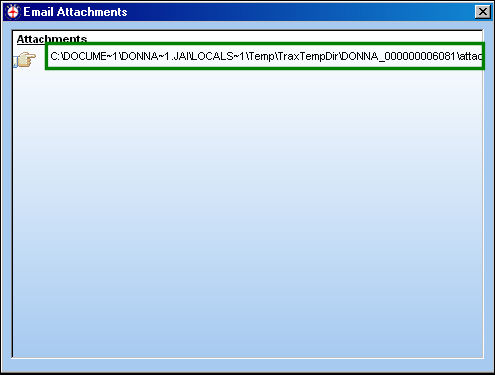
The Email Attachments window appears. Double click on the attachment.
SHOPTLSHT_yes5

The text in the Note appear in the footer of the W/O Control Sheet print.
SHOPTLSHT_yes6


Switch Set to No:

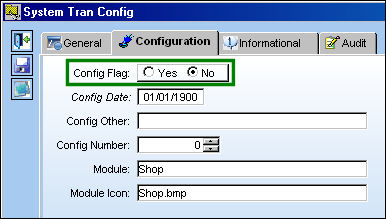
When set to No, no text will appear in the footer of the W/O Control Sheet print.
SHOPTLSHT_no1

Text from note does not appear in the W/O Control Sheet print.
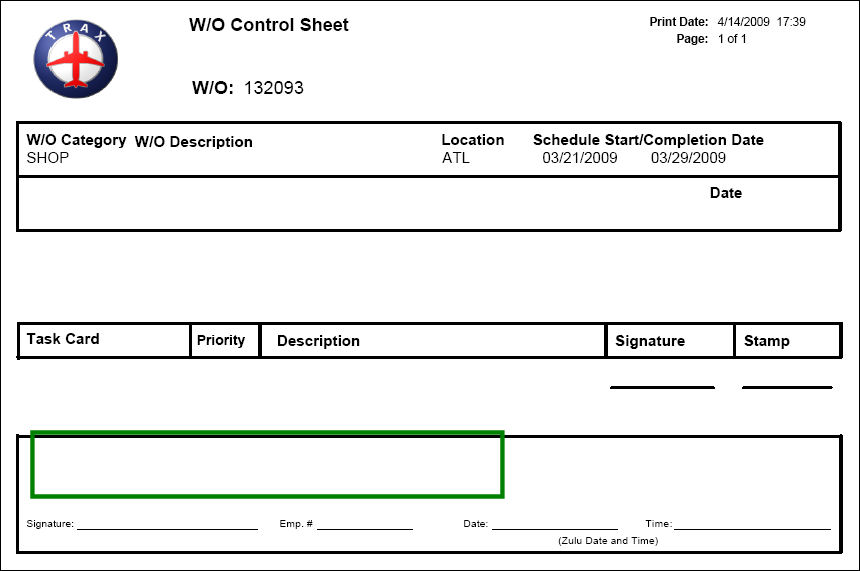
SHOPTLSHT_no2

See Also

Shop Switches

CONDNOTESMD - Make Condition and Form 1 Note Mandatory in Shop W/O

CONDNOTESMDPRT - Make Condition and Form 1 Notes Mandatory only Before Printing

DEF3PTYSHOP - Default Third Party checkbox for Shop W/O

DEFSHOP - Defect Report Default Code From Shop

DEFSHPWOSTAT - Set the Default Status of a New Shop Work Order

FORM1CMPLTONLY - Disable Shop W/O Form 1 (Tag) Print Button

INCASSEM - Display Warning When Closing Last T/C With An Incomplete Assembly

NRSHOPROD - Transfer N/R T/Cs to Shop or Production W/Os

NRTCATASHOP - ATA Chapter and Section Mandatory on Non-Routine Task Card

NRTCWAMS - Non-Routine Task Card Work Accomplished Mandatory

PNINFTABCERT - Make Approved Certificate field Mandatory in P/N Information tab for Shop W/O

SHOPEMPRORATING - W/O Shop Form 1 Print only Displays Relative P/N R/O Capability Rating for Employee

SHOPFORMTIP - Shop Form One Button "Tool Tip" Name

SHOPFRM1DS - Digital Sign Added to PDF

SHOPFRM1OP - Option To Select FAA or EASA When Printing Shop W/O Form 1

SHOPNRSCHDEF - Make Schedule Task Card and/or Defect field Mandatory

SHOPPNROCAPATH - Display Relative P/N R/O Capability Authority

SHOPWOECNORESET - W/O Shop E/C Reset Function

TCWAMNS - Task Card Work Accomplished Mandatory

TEARDWO - Tear Down Report from Shop W/O

WONRSHOP - Make the Open On, Hour/Minute, By, and Open Station (fields) Mandatory

WOSHOPCER - Populate Certified By/Date on the Form 1 Print in W/O Shop

WOSHOPCLPROTECT - Protect Certain Fields in Shop W/O with Closed Status

WOTCSHOPITEM - Enable The Shop Item Field

Top of Page Publication Date: 8/17/2026 Share Print