
 Share
Share
 Print
Print
|
|
|
|
|


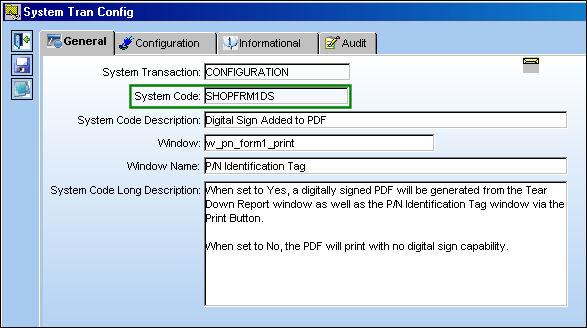
SHOPFRM1DS - Digital Sign Added to PDF
Digital Sign Added to PDF
Affected Window: w_pn_form1_print
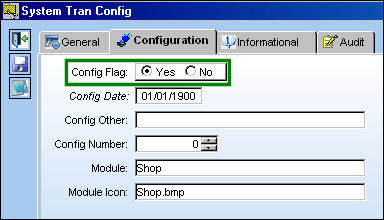
Switch Set to Yes:
When set to Yes, a digitally signed PDF will be generated from the Tear Down Report window as well as the P/N Identification Tag window via the Print Button.
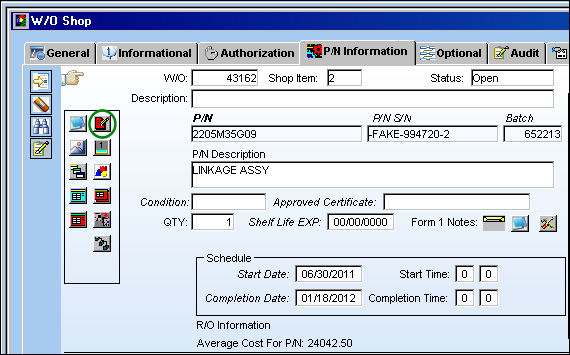
From the W/O Shop window, select the Tear Down Report  button.
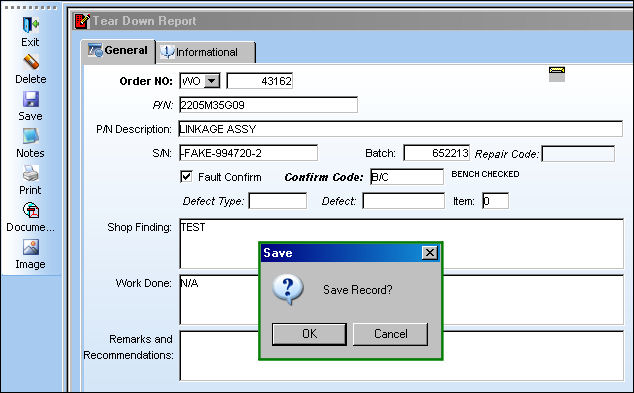
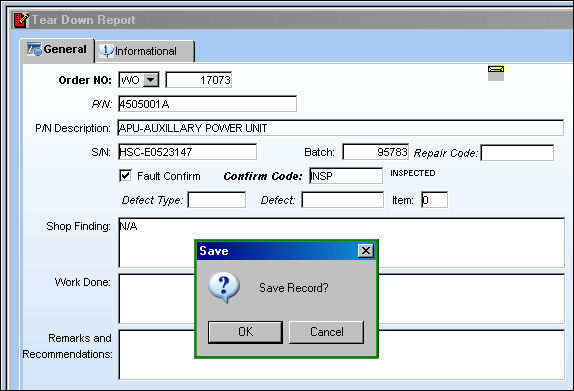
TRAX displays the Tear Down Report window. Populate all mandatory fields and select the Save  button. The Save prompt appears. Select 'OK.'
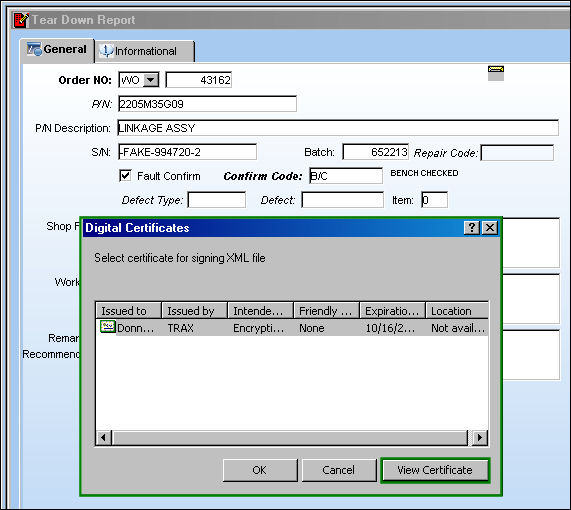
The Digital Certificates pop up appears. Select 'View Certificate.'
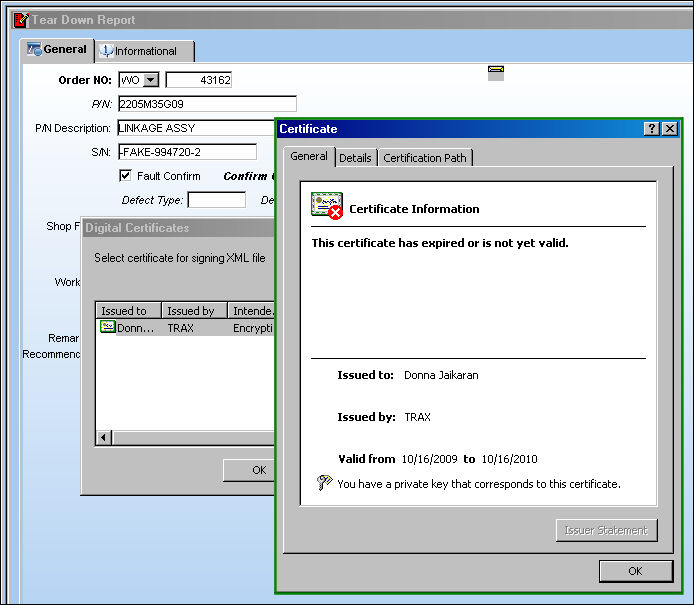
The Certificate appears.
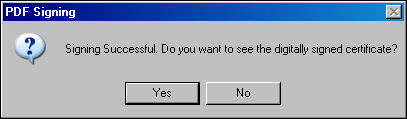
The PDF Signing pop up appears. Select 'Yes.'
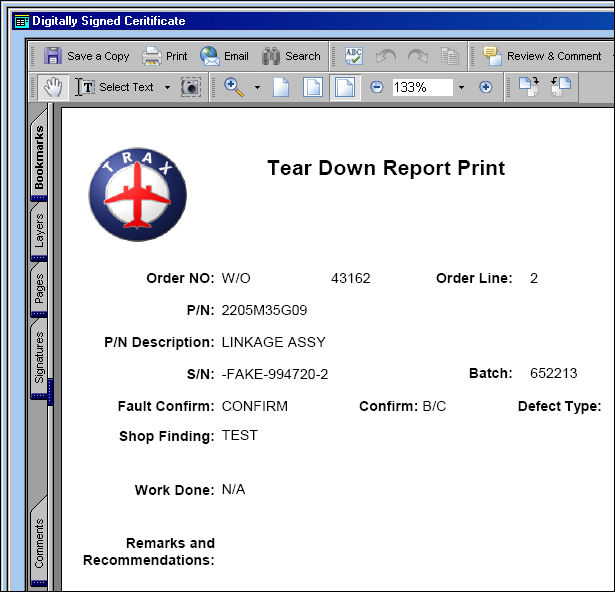
The Digitally Signed Certificate appears.
The View Signed PDF  button appears in the Tear Down report window. Select the View Signed PDF button.
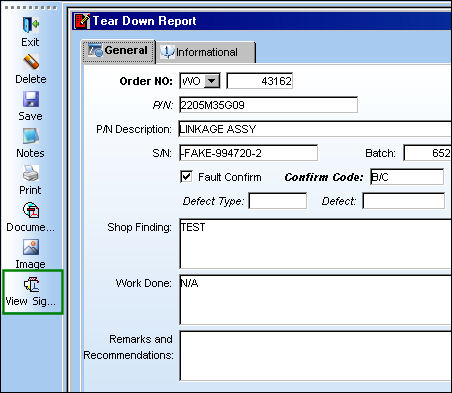
The user may also view the Digitally Signed Certificate.
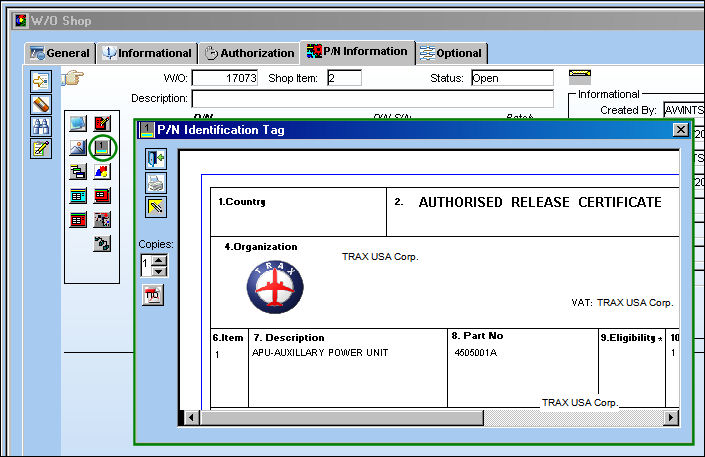
Return to the W./O Shop, P/N Information tab. Select the Tag  button.
The following three windows appear.
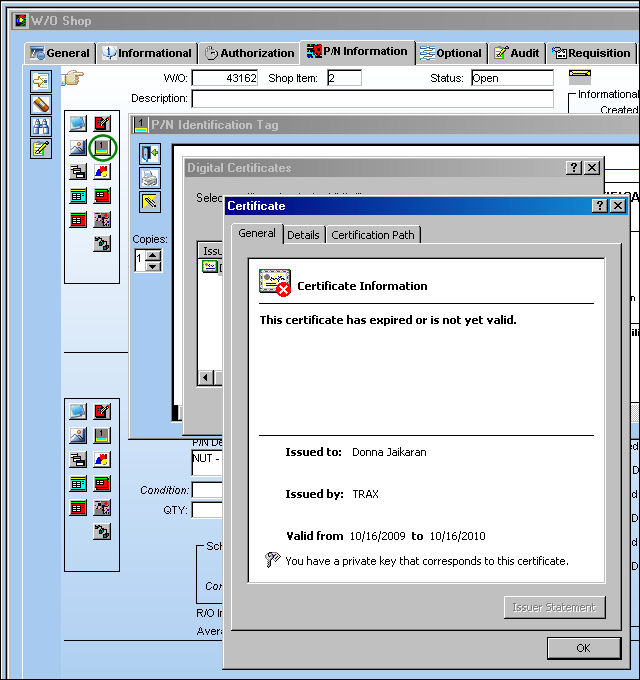
The PDF Signing pop up appears. Select 'Yes.'
The Digitally Signed Certificate appears.
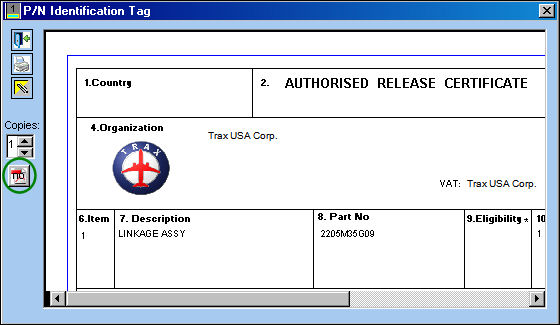
After the first form is printed, the View Form 1 button appears on the P/N Identification Tag window.
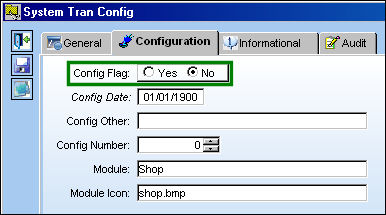
Switch Set to No:
When set to No, the PDF prints with no digital sign capability.
From the Tear Down Report window, populate all mandatory fields and select the Save button. The Save prompt appears. Select 'OK'. No digital print appears.
The user can print the certificate from the P/N Identification Tag window.
Share
Print
|
©1997-2026 Trax USA Corp. All rights reserved. This manual may not be copied, photocopied, reproduced, translated, or converted to any electronic or machine-readable form, in whole or in part, without prior written approval from Trax USA Corp. |
 |