
 Share
Share
 Print
Print
|
|
|
|
|


SHOPWOECNORESET - W/O Shop E/C Reset Function

W/O Shop E/C Reset Function
Affected Windows: w_wo_shop_eu
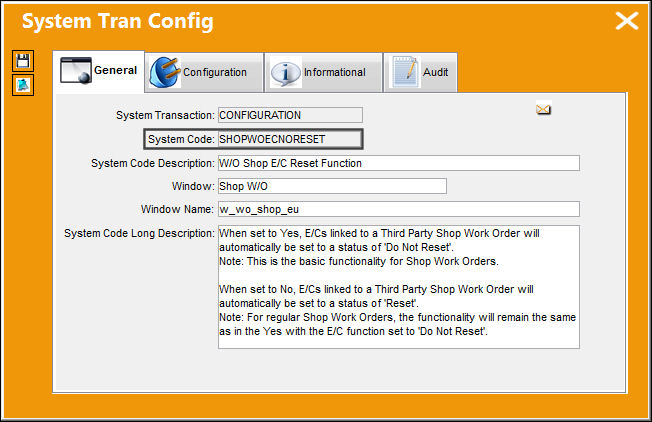
The purpose of Switch  SHOPWOECNORESET is for compliance to be met at either the closing of a Third Party Shop Work Order or at the receiving of the Repair Order. Depending on the switch setting, all E/Cs linked to Third Party Shop Work Orders will be automatically set to 'RESET', therefore compliance will be met once the Third Party Shop W/O is Closed. Or all E/Cs that are linked to Third Party Shop Work Orders will be automatically set to 'Do Not Reset,' and compliance will be taken at the receiving of the Repair Order instead of the Closing of the W/O.
 Configuration Switch SHOPWOECNORESET
Switch Set to Yes:
When set to Yes, E/Cs linked to a Third Party Shop Work Order will automatically be set to a status of 'Do Not Reset.'
This setting represents the classic functionality for Shop Work Orders.
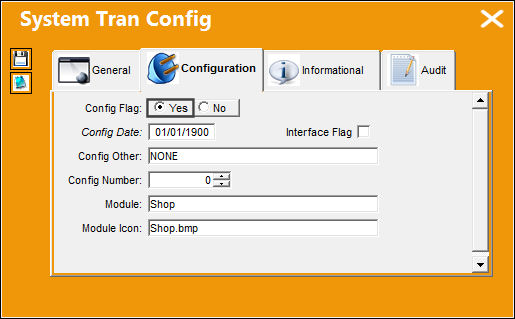
From the P/N Explorer window, select the P/N and right-click to create a Repair Order by selecting the Create R/O option.
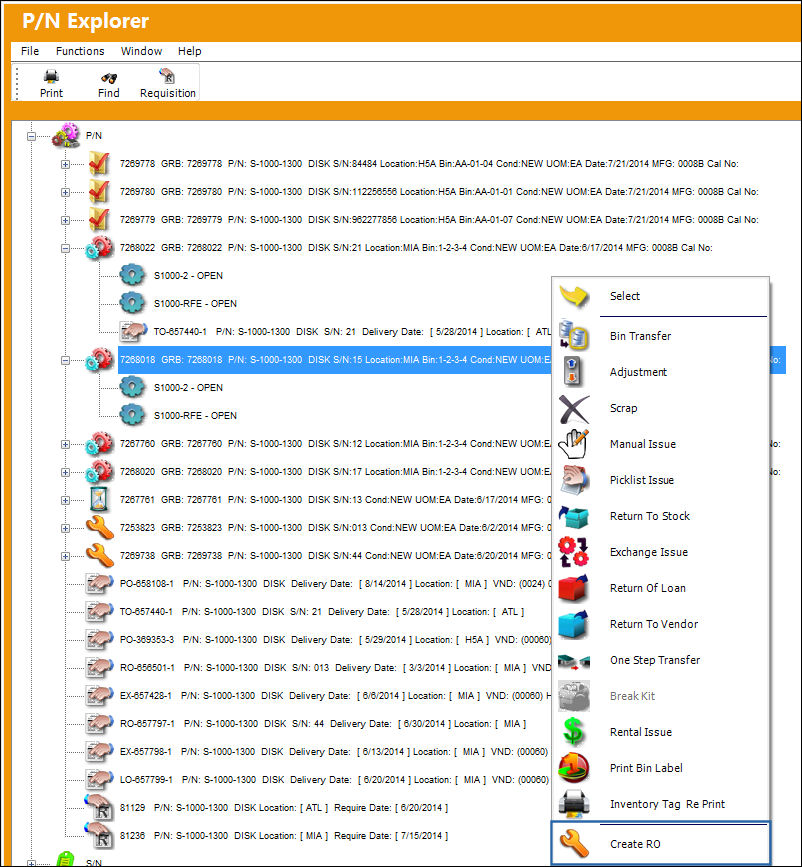
Create a Shop Work Order from the Repair Order Header.
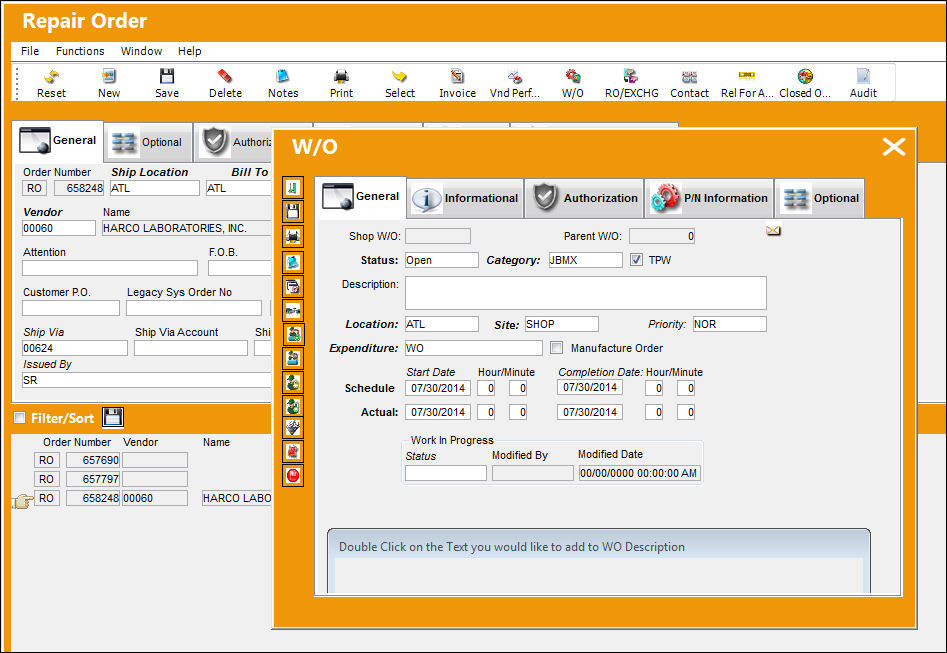
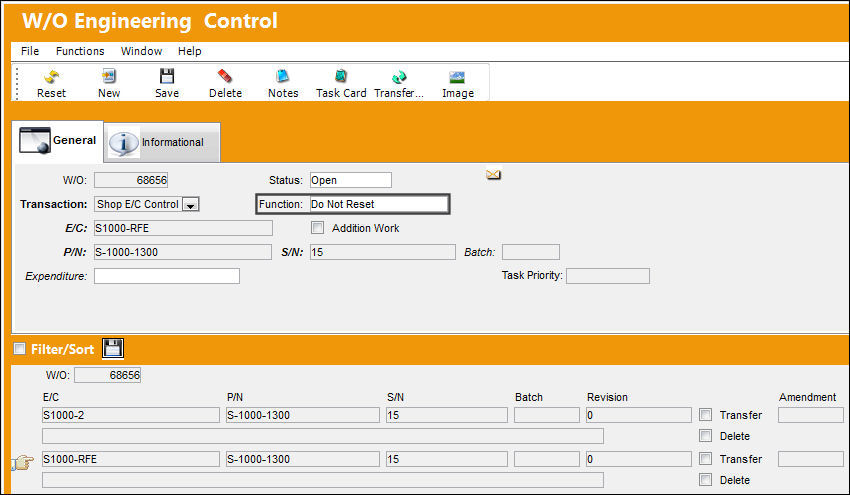
E/C 'S1000-RFE' has been set to a 'Do Not Reset' status.
Switch Set to No:
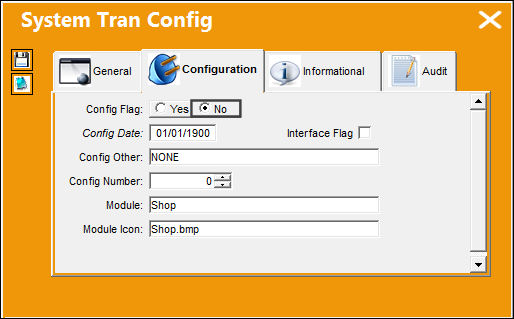
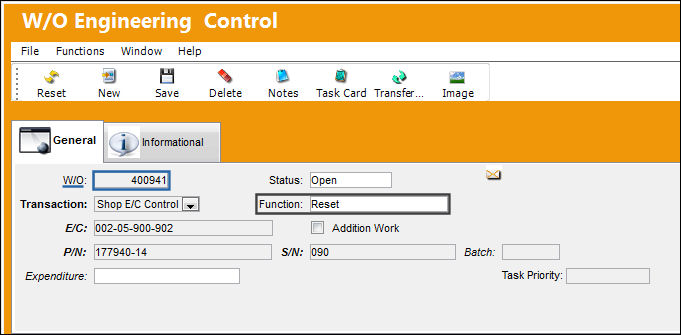
When set to No, E/Cs linked to a Third Party Shop Work Order will automatically be set to a status of 'Reset.'
For non-Third Party Shop Work Orders, the functionality will remain the same as in the Yes with the E/C function set to 'Do Not Reset.'
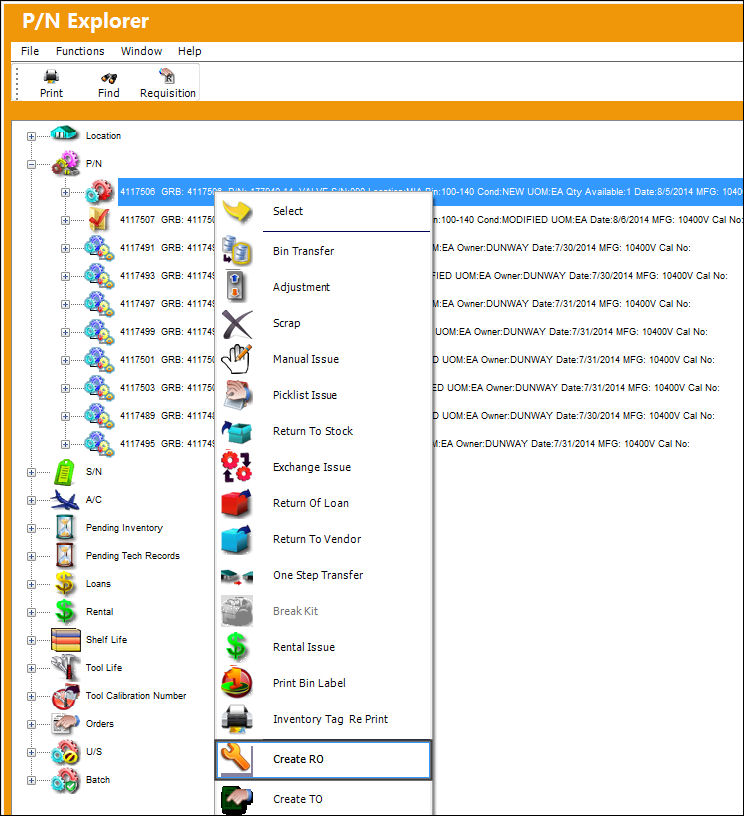
From the P/N Explorer window, select the P/N and right-click to create a Repair Order by selecting the Create R/O option.
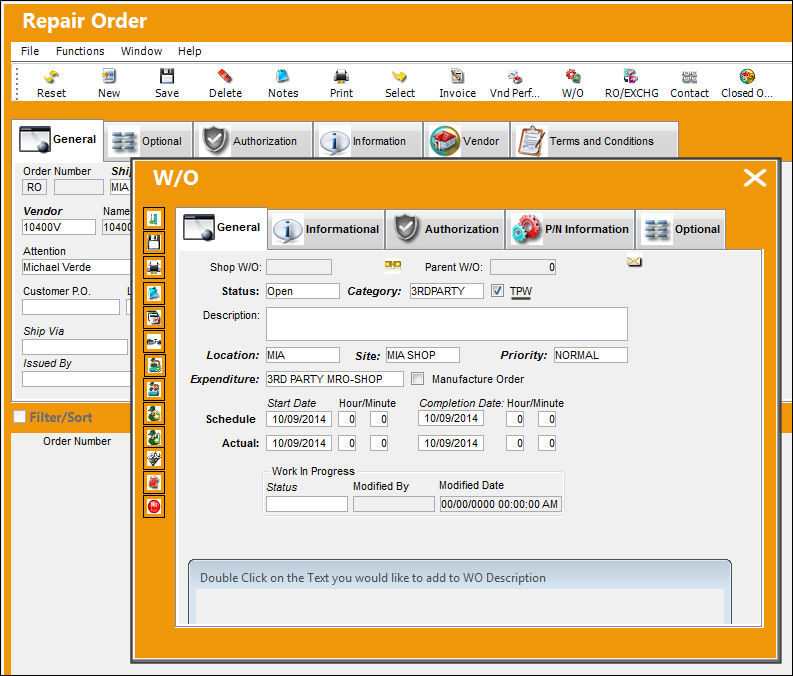
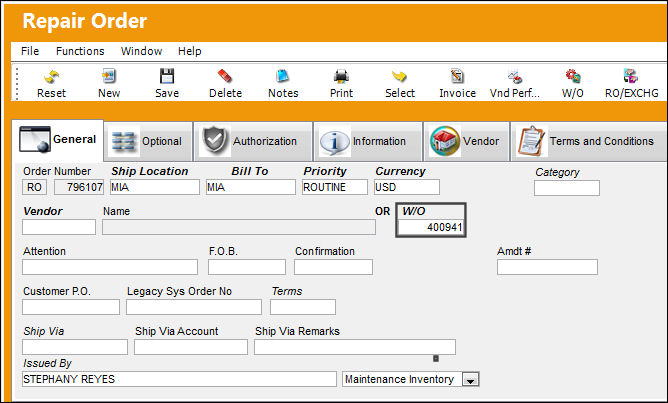
Create a Shop Work Order from the Repair Order Header. Notice that the TPW checkbox is selected, therefore the attached E/Cs will reset to a status of 'Reset.'
Shop Work Order '400941' was created.
E/C '002-05-900-902' has been reset to a status of 'Reset.'
Share
Print
|
©1997-2026 Trax USA Corp. All rights reserved. This manual may not be copied, photocopied, reproduced, translated, or converted to any electronic or machine-readable form, in whole or in part, without prior written approval from Trax USA Corp. |
 |