
 Share
Share
 Print
Print
|
|
|
|
|


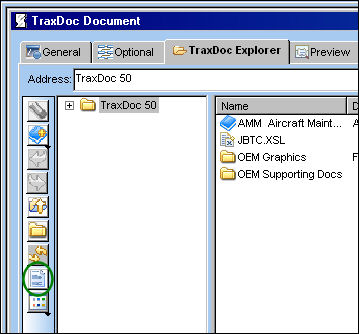
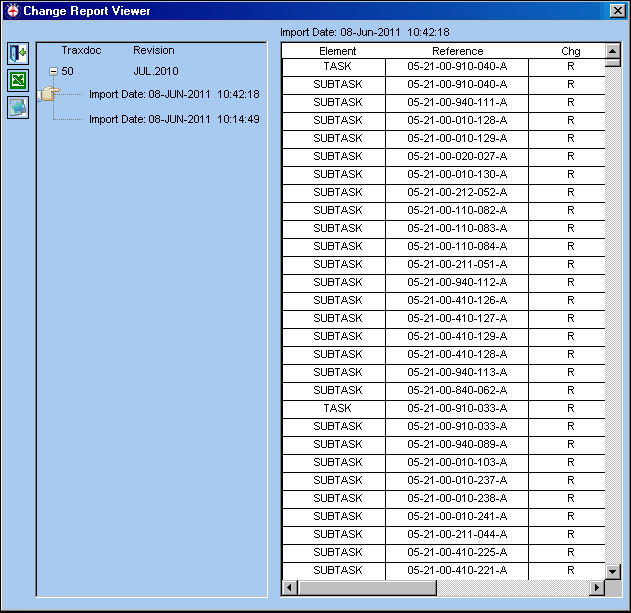
Select the View Change Report  button the view a list of imported changes in a report format. This report is used to keep track of changes between a revision of a manual and the previous revision, and is not affected by authorization status. The user is able to save this report in either excel or text format for future use.
Switch  TRXDCRUNPKG must be set to Yes for the View Change Report button to function.
From the TraxDoc Document window, select the View Change Report button:
The Change Report Viewer is displayed as shown below:
Select the Save As Excel  button.
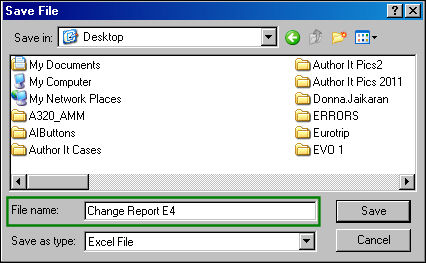
The following Save File pop up appears. Select a location to save the excel file, name the report and select 'Save.'
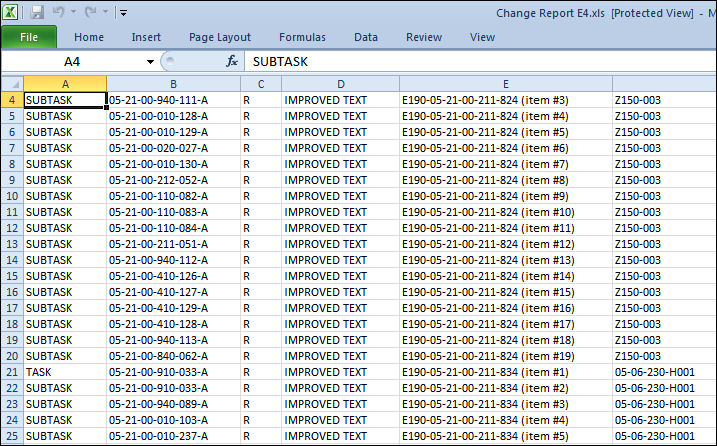
Go the the desktop and retrieve the excel file:
From the Change Report Viewer, select the Save As Text button:
The following Save File pop up appears. Select a location to save the text file, name the report and select 'Save.'
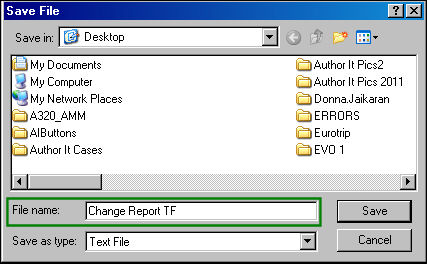
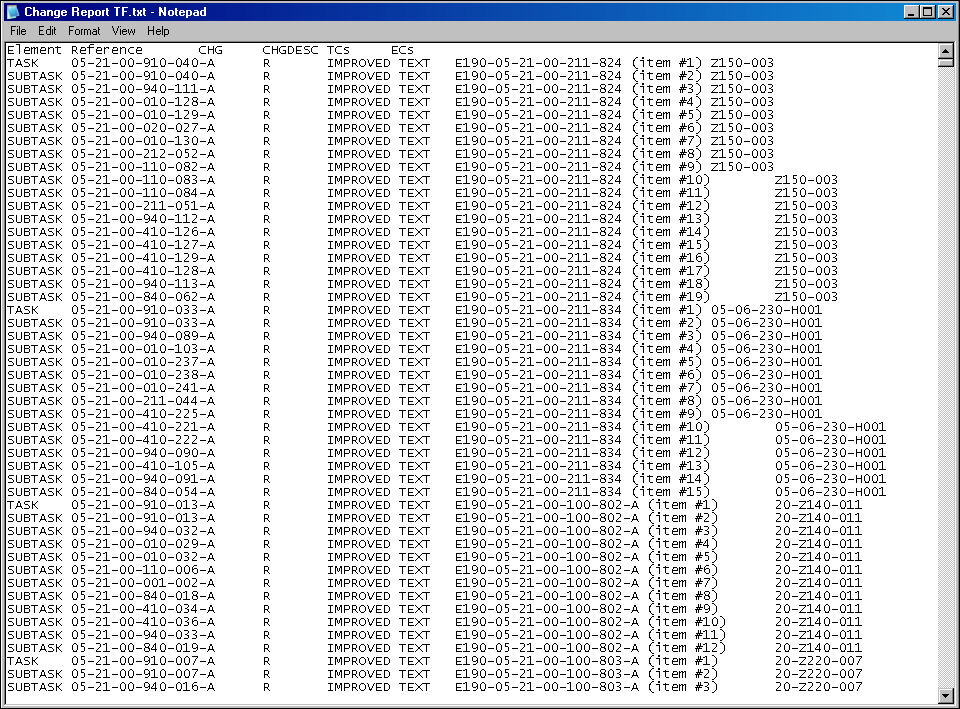
Go the the desktop and retrieve the text file:
Share
Print
|
©1997-2026 Trax USA Corp. All rights reserved. This manual may not be copied, photocopied, reproduced, translated, or converted to any electronic or machine-readable form, in whole or in part, without prior written approval from Trax USA Corp. |
 |