
 Share
Share
 Print
Print
|
|
|
|
|


TRXDCRUNPKG - Run TraxDoc OEM import through a Package or the JAR file
Run TraxDoc OEM import through a Package or the JAR file
Affected Window: w_traxdoc_eu
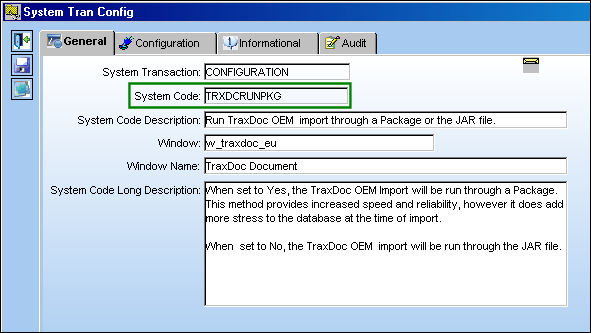
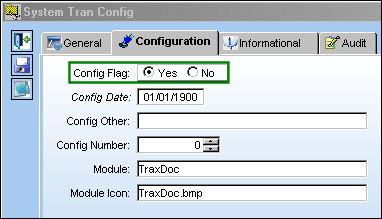
Switch Set to Yes:
When set to Yes, the TraxDoc OEM Import will be run through a Package. This method provides increased speed and reliability, however it does add more stress to the database at the time of import.
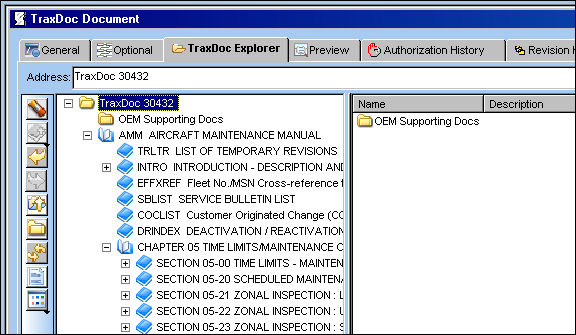
The below .XML manual has been loaded into the TraxDoc:
For information regarding how to load an .XML manual, refer to the Load XML Button, via the TraxDoc Explorer Tab of the TraxDoc Training Manual.
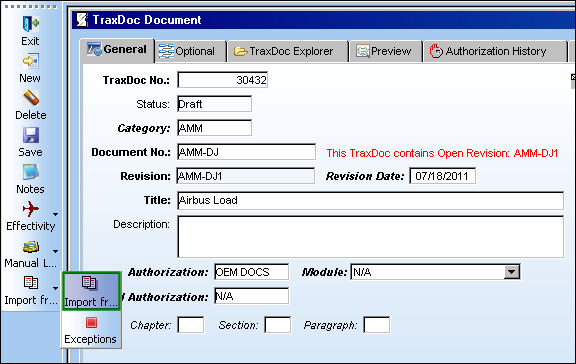
Return to the TraxDoc Document, General tab and select the Import from OEM Manual  button:
Populate all mandatory and desired information and select the Next  button:
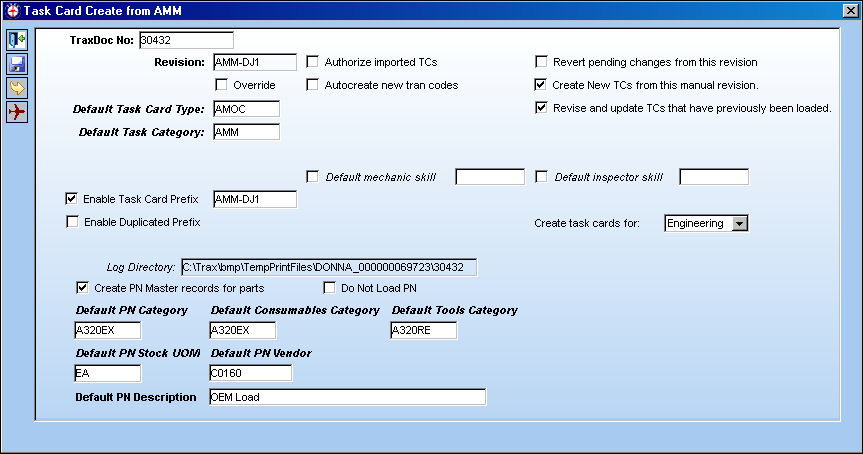
TRAX displays the following window:
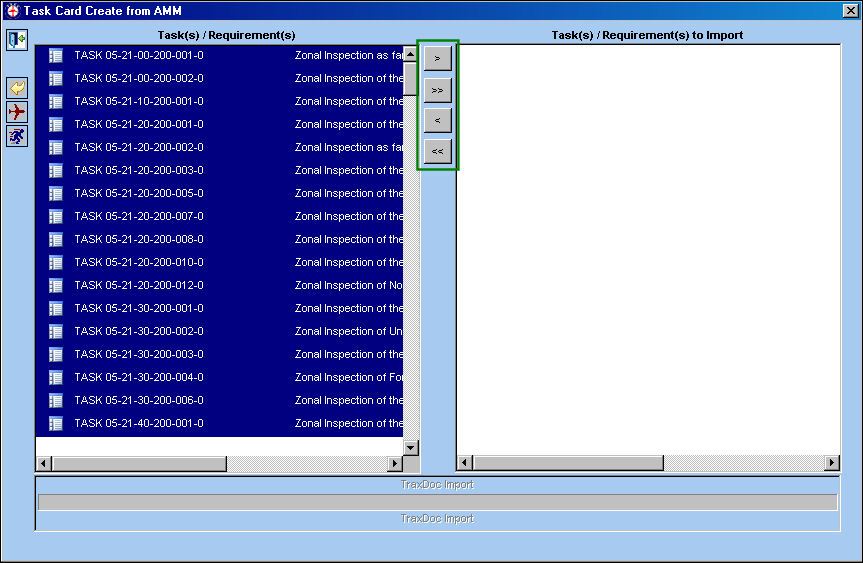
Select the Task Cards to be imported. Use the buttons in the middle to move the Task Cards from the Task(s)/Requirement(s) panel to the Task(s)/Requirement(s) to Import panel.
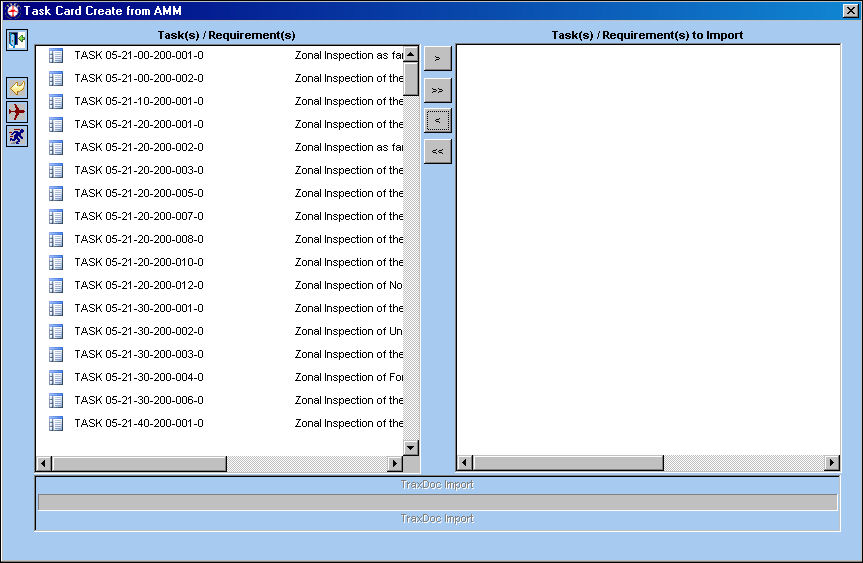
In the following example, the user has selected all Task Cards to import.
Once all desired Task Cards have been moved to the right panel, select the Run  button.
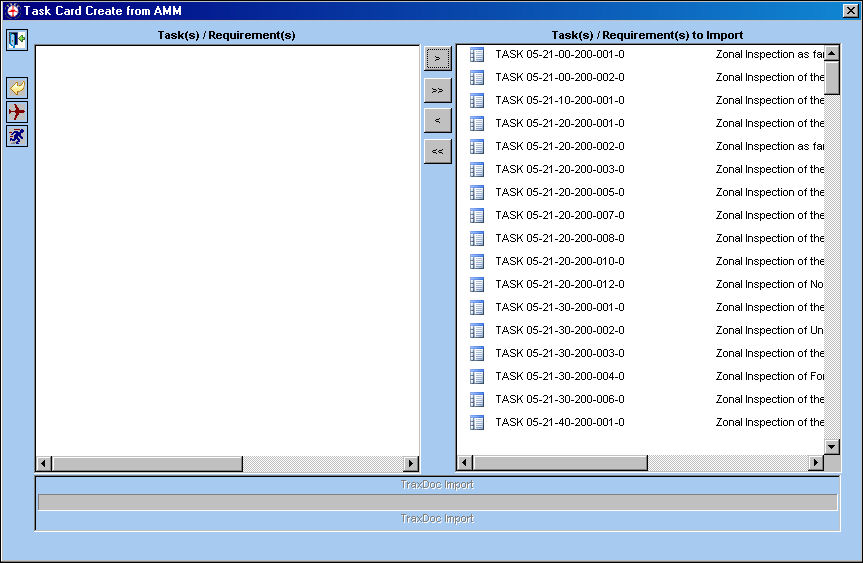
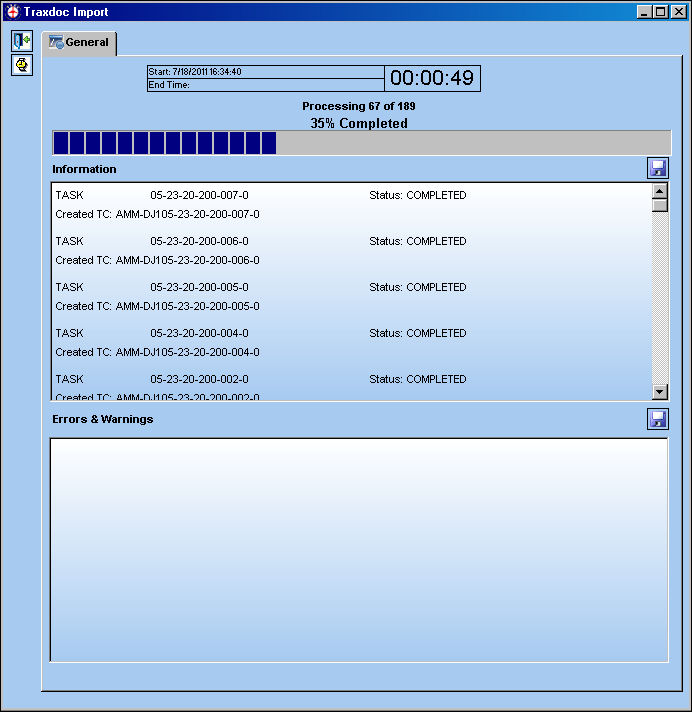
The system is processing the Task Cards creation:
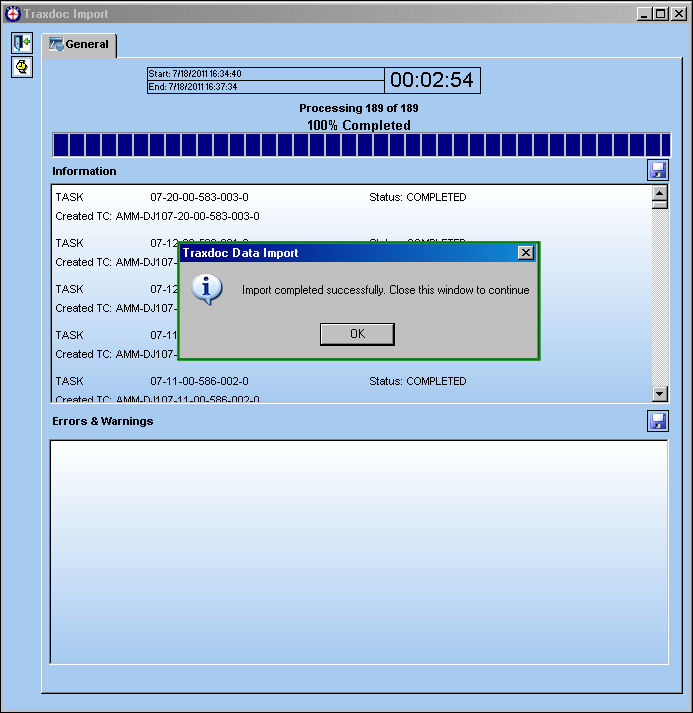
Once the import is complete, and there are no errors, the following information box will appear:
Select 'OK' and exit the window.
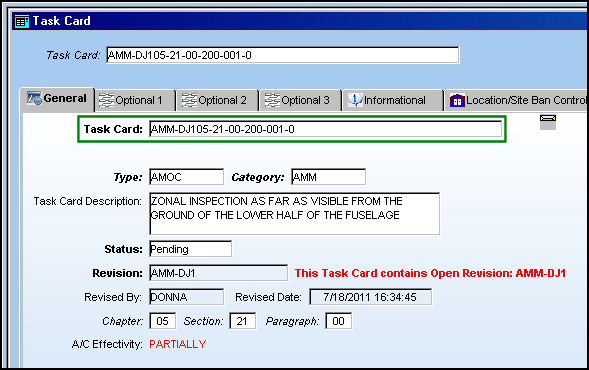
The Task Card now exists in the system:
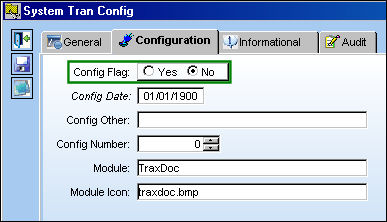
Switch Set to No:
When set to No, the TraxDoc OEM import will be run through the JAR file.
Save Service Bulletin Doctype items as RTF:
The system allows users to save SB Doctype Task Card items in RTF (Rich Text format).
This is a customized modification and may not be available for your company. For additional information, please contact your TRAX Administrator.
Switch Set to Yes:
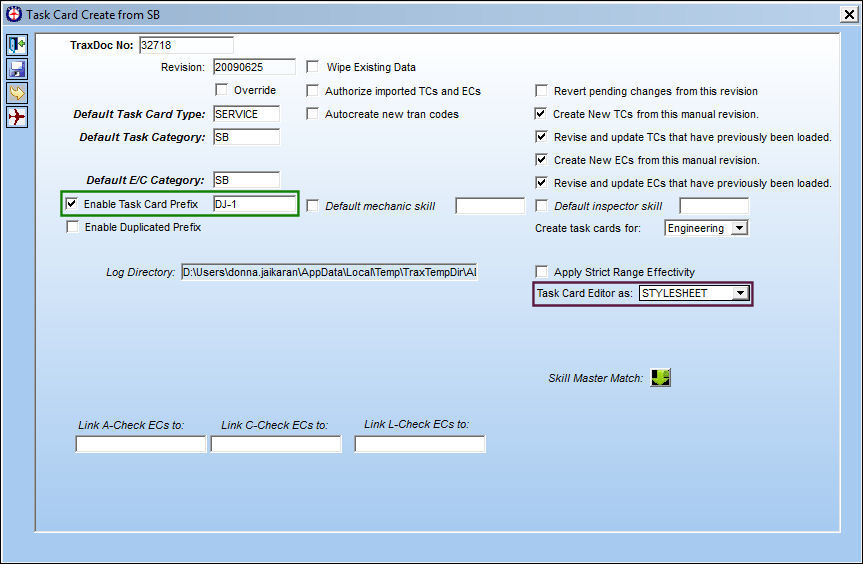
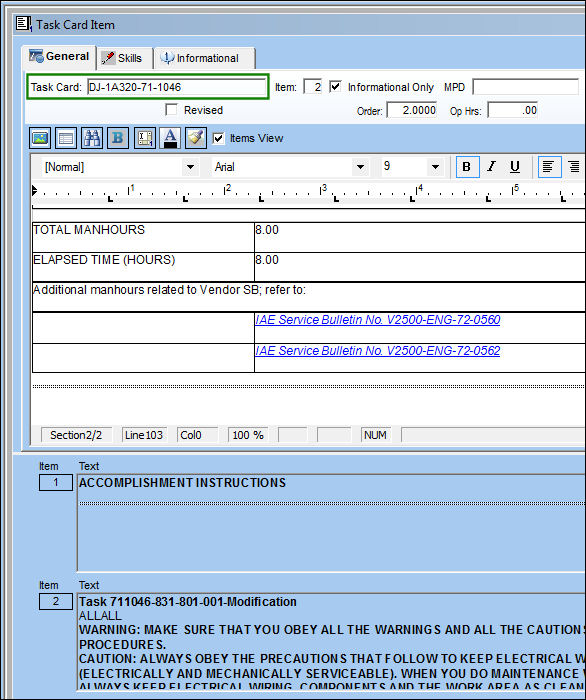
When set to Yes and the STYLESHEET option is selected, the Task Card will be created with the STYLESHEET editor. The item associated to the Task Card will be created with RTF (Rich Text Format).
In the following Task Card Create from SB window, the STYLESHEET editor is selected.
Run the import.
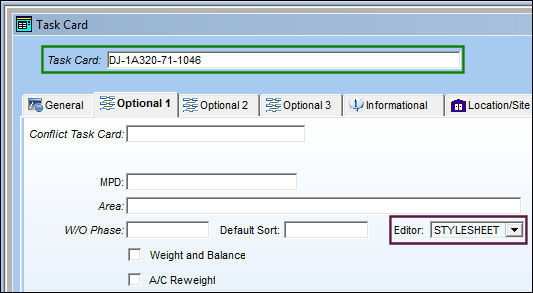
Once the import is complete, go to Engineering/ Update/ Task Card.
The Task Card is created with the STYLESHEET editor as shown below:
The Task Card item is created in RTF:
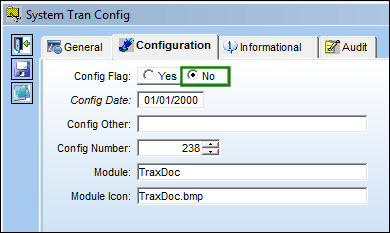
Switch Set to No:
When set to No, and the STYLESHEET option is selected, the Task Card will be created with the TRAXDOC editor. The item will not have RTF capability.
In the following Task Card Create from SB window, the STYLESHEET editor is selected.
Run the import.
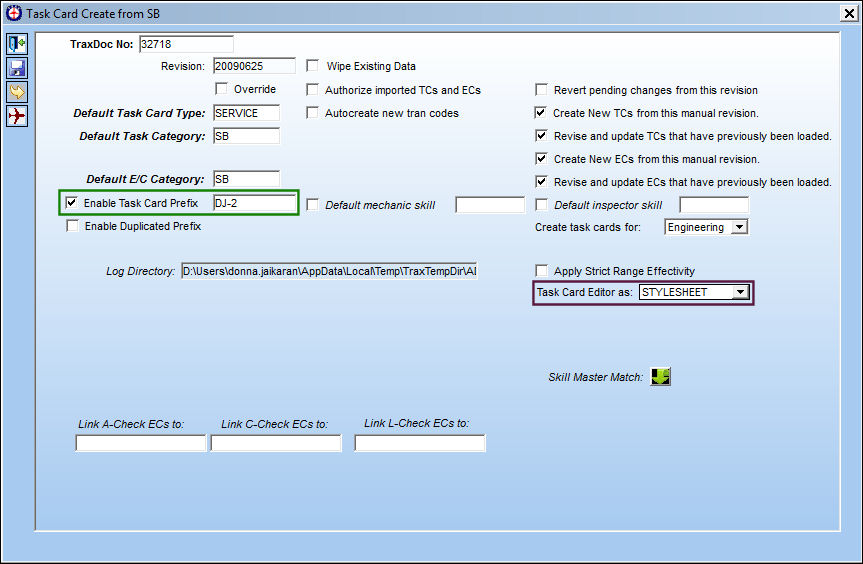
Once the import is complete, go to Engineering/ Update/ Task Card.
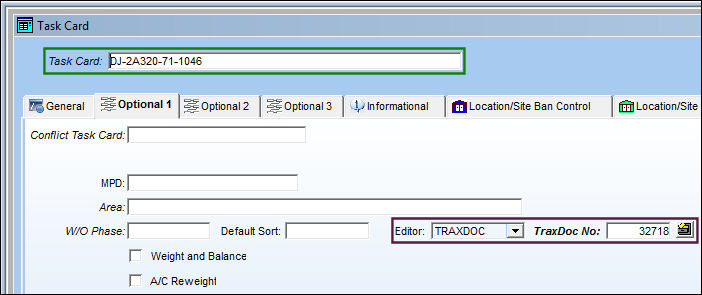
The Task Card is created with the TRAXDOC editor as shown below because the switch is set to No:
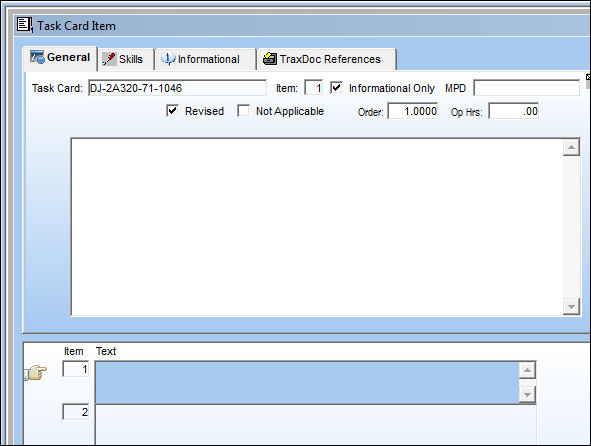
The Task Card item is created in with no RTF capability:
Share
Print
|
©1997-2026 Trax USA Corp. All rights reserved. This manual may not be copied, photocopied, reproduced, translated, or converted to any electronic or machine-readable form, in whole or in part, without prior written approval from Trax USA Corp. |
 |