
 Share
Share
 Print
Print
|
|
|
|
|


SORTBYGROUPSORT - Order by Group Sort value instead of alphabetically by File Name

Order items by Group Sort value instead of alphabetically by File Name
Affected Window: w_traxdoc_eu
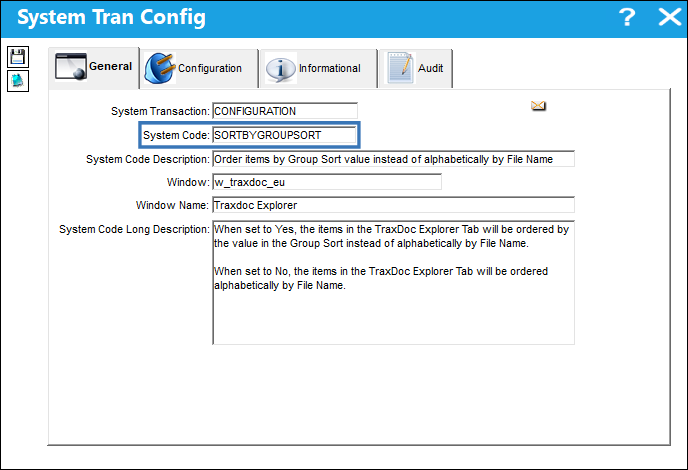
: When creating a Revision for a TraxDoc the changes made using the Group Sort will only be kept if the Create Empty Revision Checkbox is not selected via the TraxDoc Revision Control window.
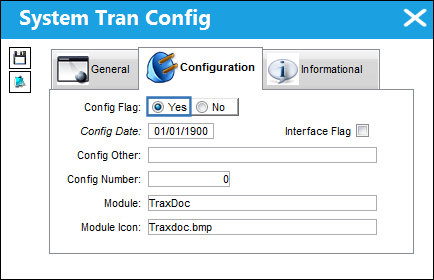
Switch Set to Yes:
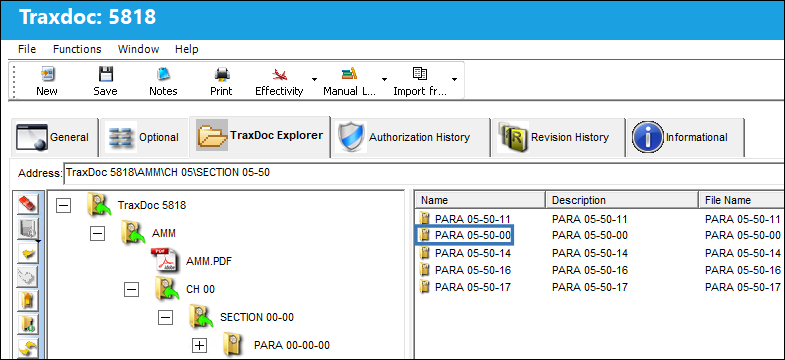
When set to Yes, the items in the TraxDoc Explorer tab will be ordered by the value in the Group Sort instead of alphabetically by the File Name.
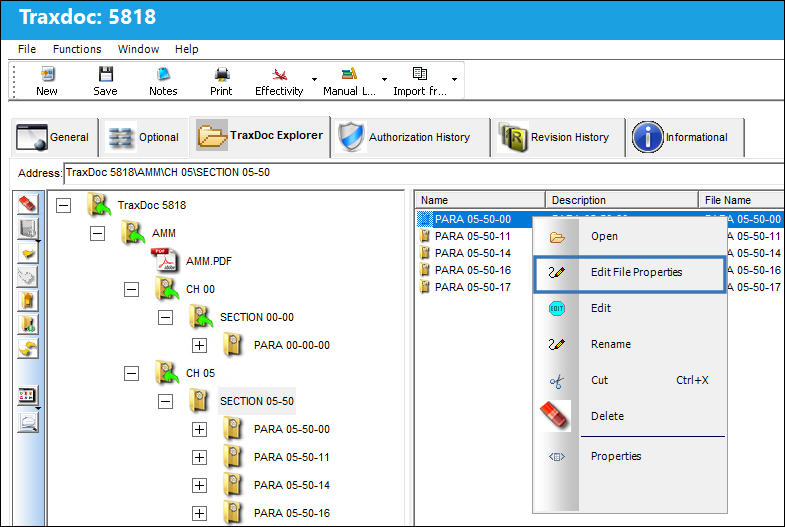
From the TraxDoc Explorer tab right click on the Folder Content view section and select the Edit File Properties button.
Enter the new Group Sort value and select the Save  button.
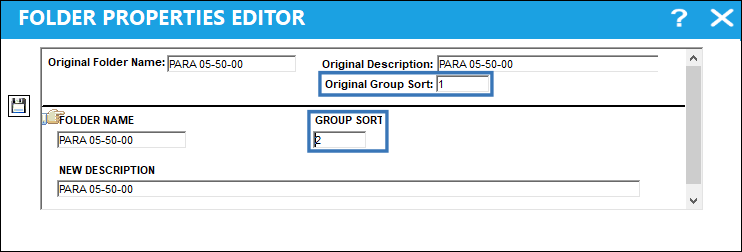
Notice the edited Folder order has changed from 1 to 2 based on the Group Sort value that was entered.
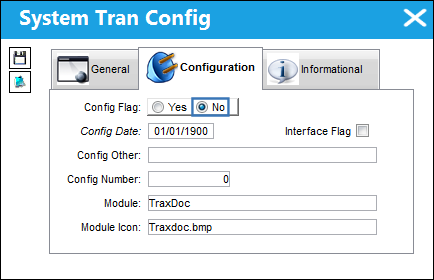
Switch Set to No:
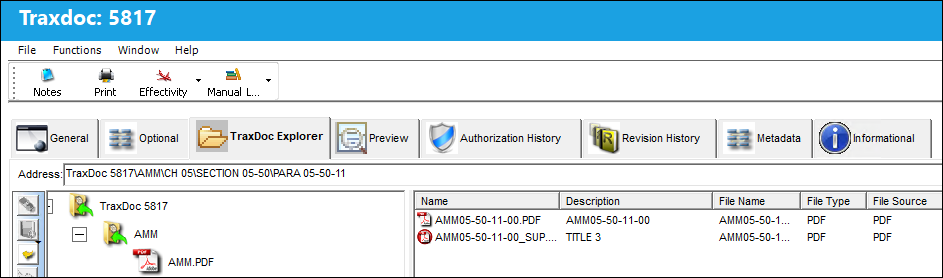
When set to No, the items in the TraxDoc Explorer tab will be ordered alphabetically by File Name.
As shown below the items in the Folders Content view are in alphabetical order by File Name.
Share
Print
|
©1997-2026 Trax USA Corp. All rights reserved. This manual may not be copied, photocopied, reproduced, translated, or converted to any electronic or machine-readable form, in whole or in part, without prior written approval from Trax USA Corp. |
 |