
 Share
Share
 Print
Print
|
|
|
|
|


TCSFROMPROCEDURES - Create a Task Card For each procedure in the MPT787

Create a Task Card for each procedure in the MPT787
Affected Window: w_traxdoc_eu
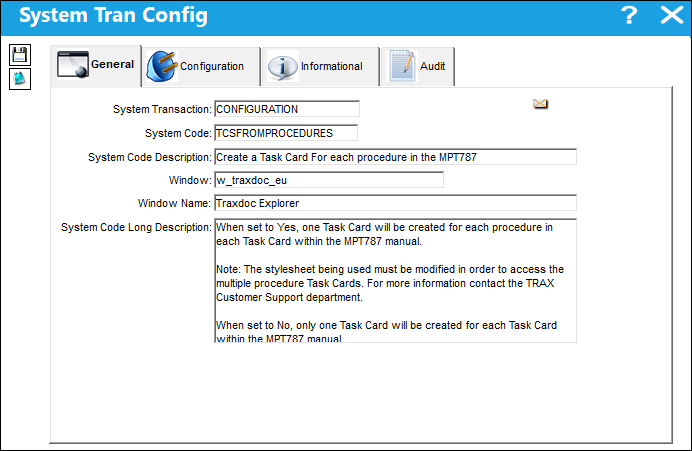
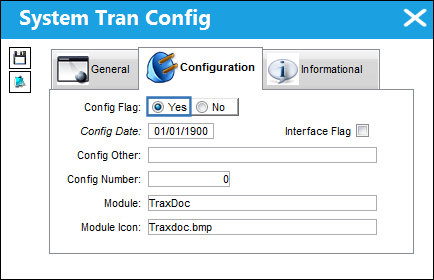
Switch Set to Yes
When set to Yes, one Task Card will be created for each procedure in each Task Card within the MPT787 manual.
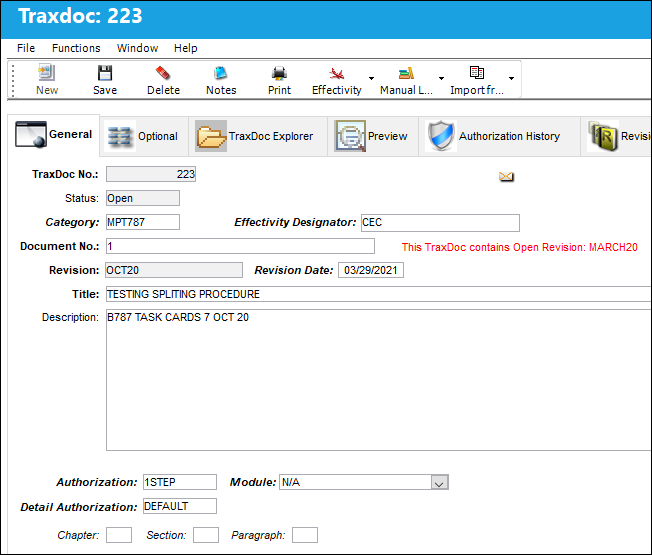
For example, a new TraxDoc record is created for the MPT787.
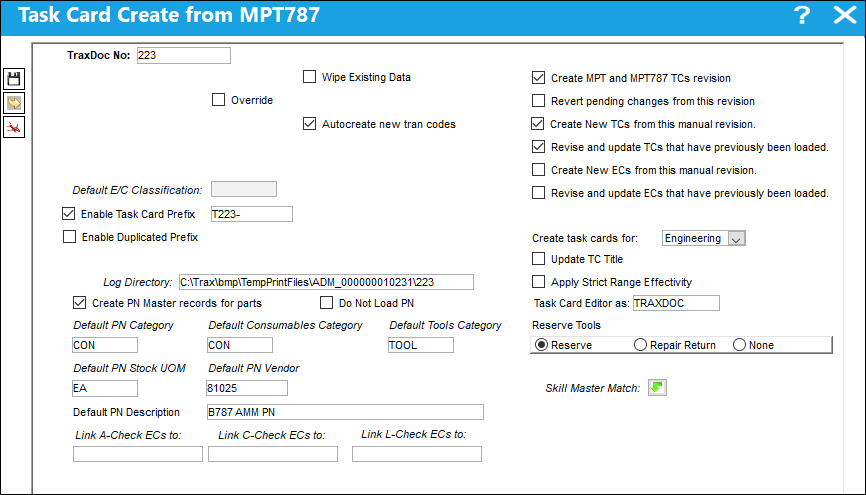
After the manual's files are loaded, the import process begins.
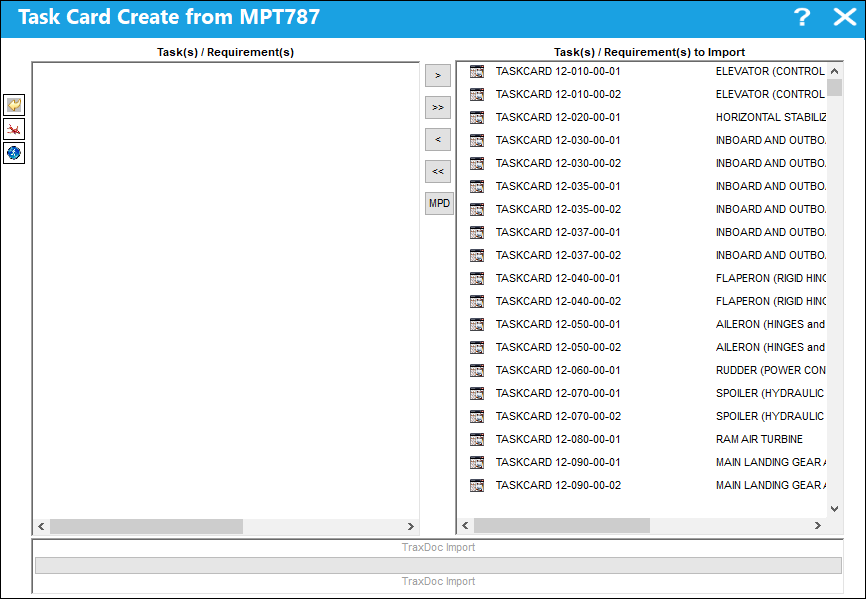
The MPT787 Task Cards are recognized by the TraxDoc import.
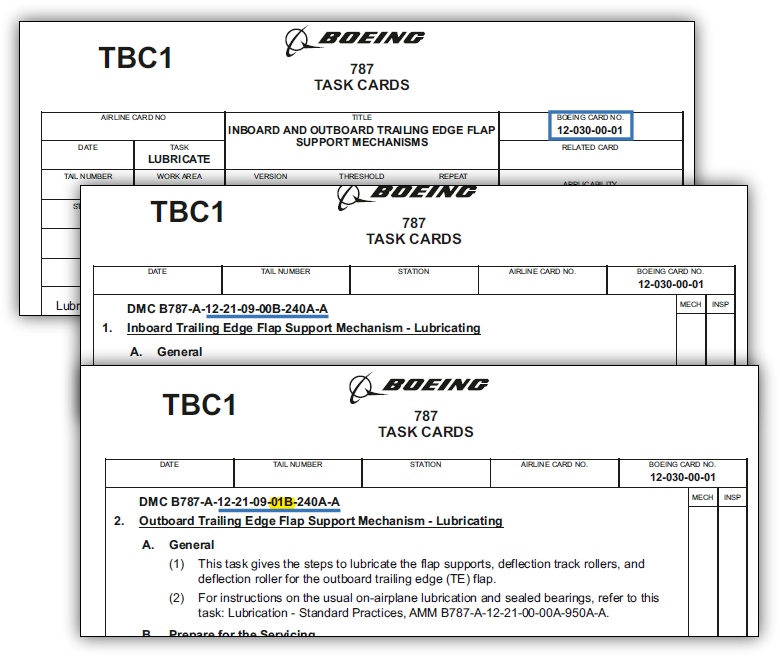
Notice that this Boeing Task Card contains multiple procedures within.
- 12-030-00-01
- 12-21-09-00B-240A-A
- 12-21-09-01B-240A-A
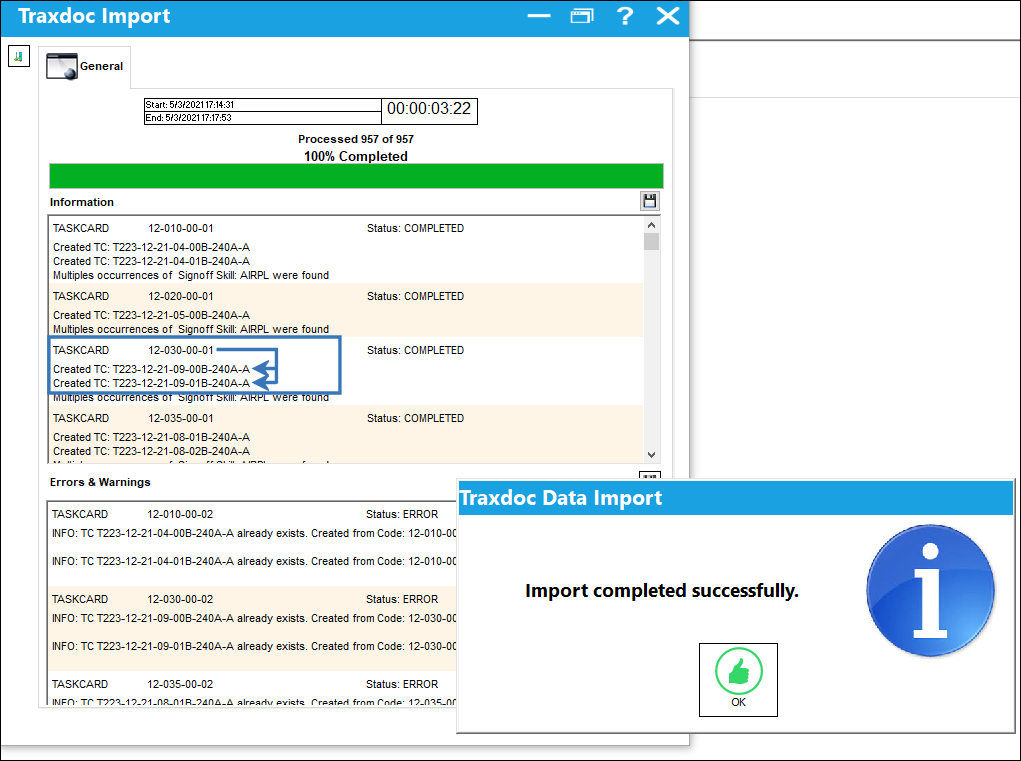
When the manual is imported, a Task Card is created for each procedure within the Task Card.
Note: The stylesheet being used must be modified in order to access the multiple procedure Task Cards. For more information contact the TRAX Customer Support department.
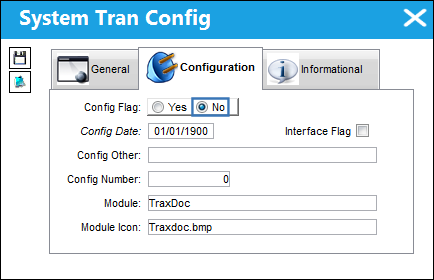
Switch Set to No
When set to No, only one Task Card will be created for each Task Card within the MPT787 manual.
Share
Print
|
©1997-2026 Trax USA Corp. All rights reserved. This manual may not be copied, photocopied, reproduced, translated, or converted to any electronic or machine-readable form, in whole or in part, without prior written approval from Trax USA Corp. |
 |