
 Share
Share
 Print
Print
|
|
|
|
|


TRXDDBGLVL - Select the level of logging for the TraxDoc Import
Select the level of logging for the TraxDoc Import
Affected Window: w_traxdoc_eu
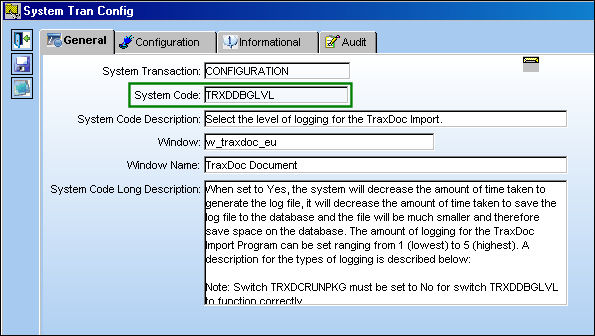
Switch  TRXDCRUNPKG must be set to No for Switch TRXDDBGLVL to have any functionality.
Switch Set to Yes:
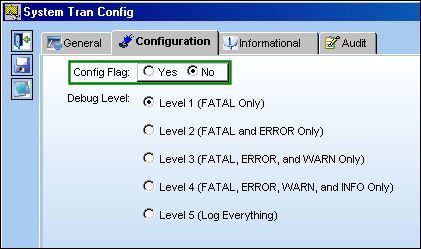
When set to Yes, the system will decrease the amount of time taken to generate the log file, it will decrease the amount of time taken to save the log file to the database and the file will be much smaller and therefore save space on the database. The amount of logging for the TraxDoc Import Program can be set ranging from 1 (lowest) to 5 (highest). A description for the types of logging is described below:
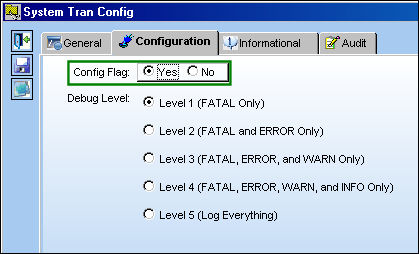
View/verify the following information:
Log Type |
Description |
DEBUG |
The DEBUG Level designates fine-grained informational events such as record imports that are most useful to TRAX for debugging the import. |
INFO |
The INFO level designates informational messages that highlight the progress of the application at coarse-grained level. |
WARN |
The WARN level designates potentially harmful situations. |
ERROR |
The ERROR level designates error events that might still allow the application to continue running. |
FATAL |
The FATAL level designates very severe error events that will presumably lead the application to exit. This level will always be logged. |
In the following example, the user has selected the Debug Level 1.
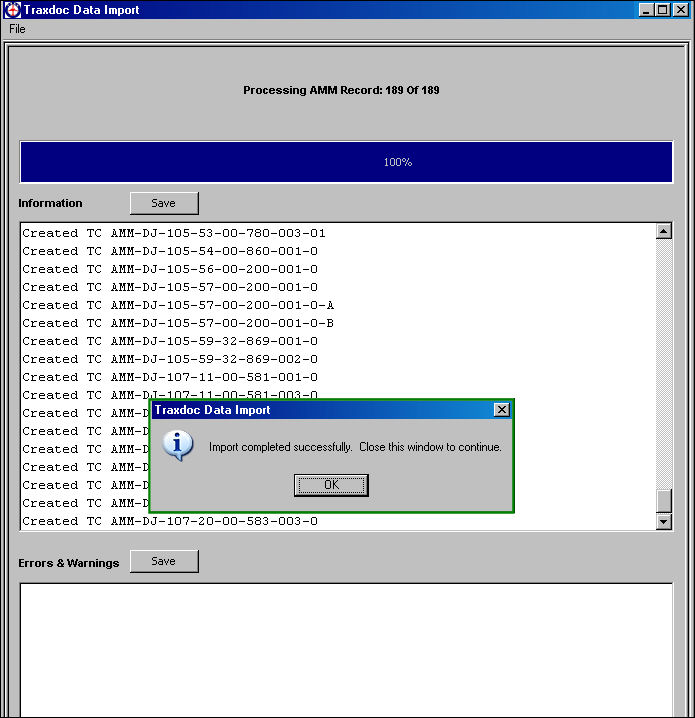
Once an XML file has been loaded into the TraxDoc, run the import:
Browse to the folder where the log file has been saved and stored:
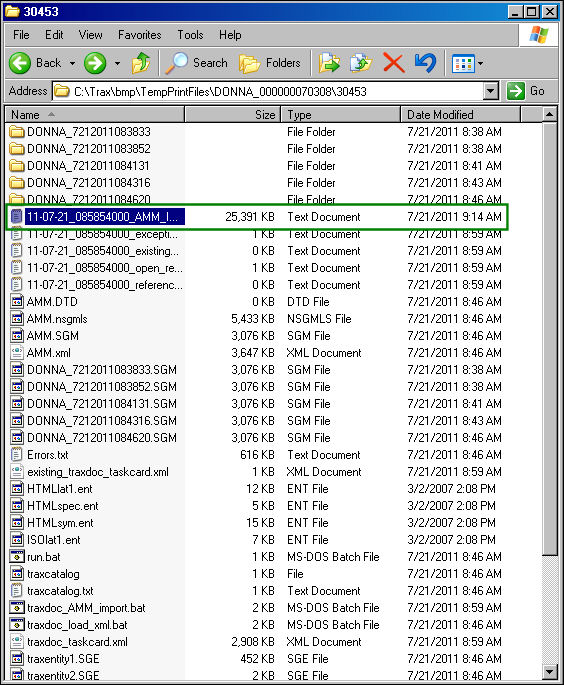
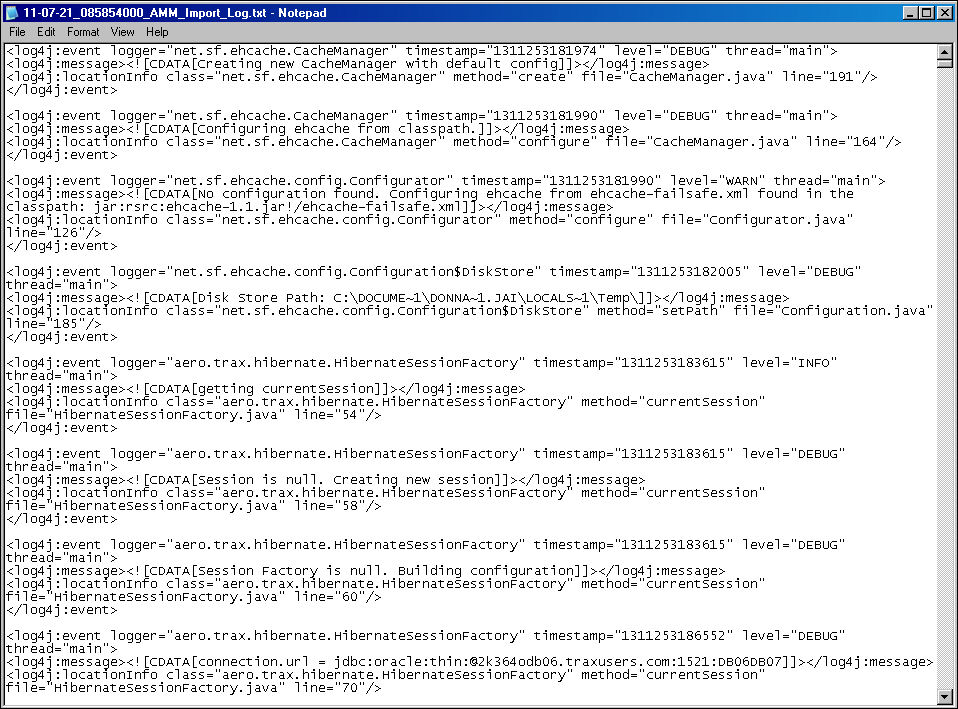
The .txt file appears with the Level 1 log errors:
Switch Set to No:
When Set to No, to log file will be generated the way it was previously.
Share
Print
|
©1997-2026 Trax USA Corp. All rights reserved. This manual may not be copied, photocopied, reproduced, translated, or converted to any electronic or machine-readable form, in whole or in part, without prior written approval from Trax USA Corp. |
 |