
 Share
Share
 Print
Print
|
|
|
|
|


DLLFORPDFFOR - Use DLL for PDF Formatting

Use DLL for PDF Formatting
Affect Window: w_traxdoc
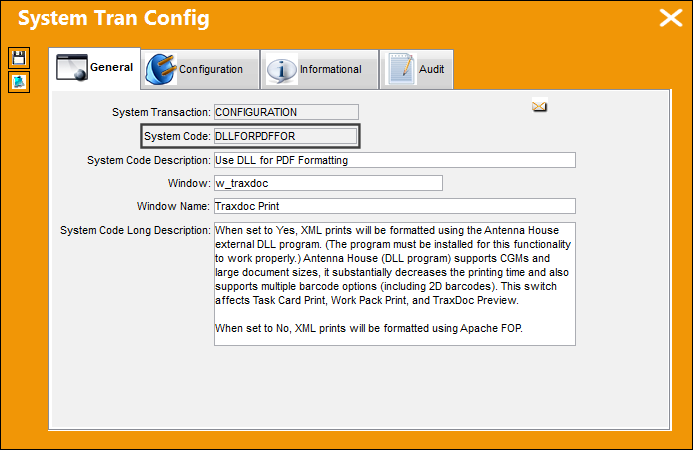
This switch does not affect Task Card printing on TRAX Appeon Web. On TRAX Appeon Web, Apache FOP will be used regardless of the switch setting.
Switch Set to Yes:
When set to Yes, XML prints will be formatted using the Antenna House external DLL program.
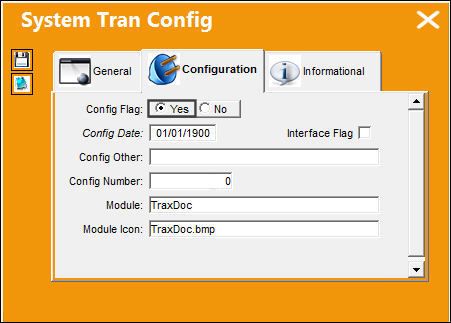
This switch affects Task Card Print, Work Pack Print, and TraxDoc Preview.
Antenna House (DLL program) supports CGMs and large document sizes, it substantially decreases the printing time and also supports multiple barcode options (including 2D barcodes).
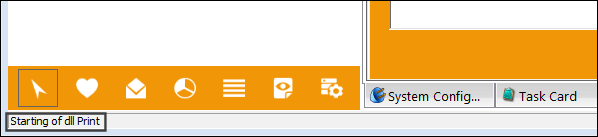
When the formatting begins, the microhelp at the bottom of the window will indicate that the dll program is in effect.
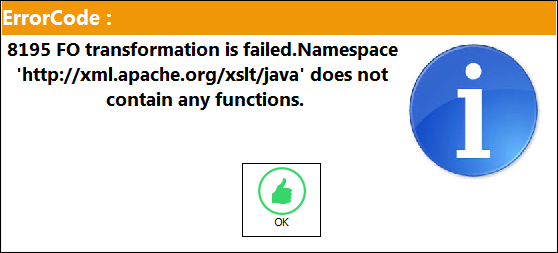
The final result on the format when printing a Task Card or printing a Work Pack Print is the same. But before changing the switch to Yes, users should be sure the Stylesheet has been modified to work using the Antenna House program. If this error comes up, the Stylesheet has not been set to work with the Antenna House program.
Switch Set to No:
When set to No, XML prints will be formatted using Apache FOP.
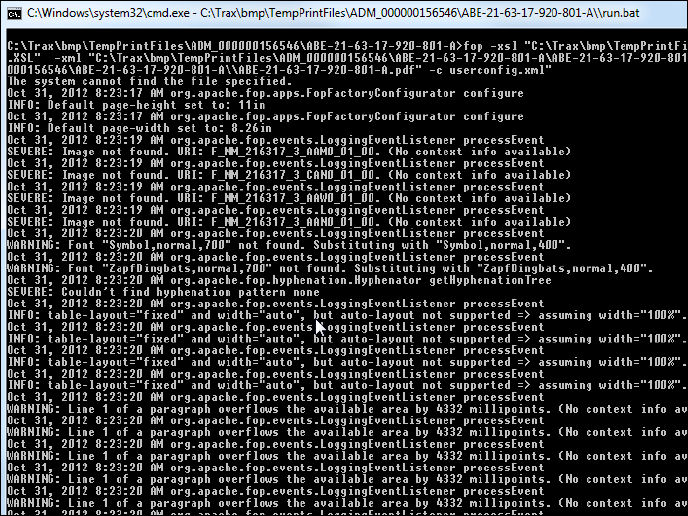
When printed, the FOP external application will format the XML Task Card to create the pdf. The application will open a command prompt during the creation process.
 Additional Functionality:
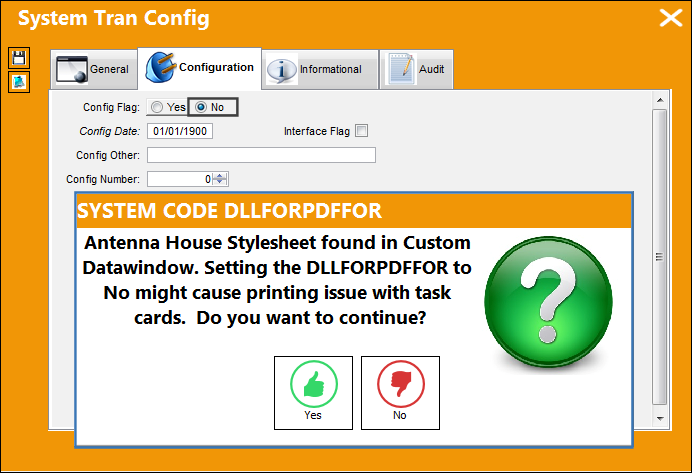
When the switch is set to Yes, and the user attempts to change the switch setting to No, the system will inform the user that the Antenna House Stylesheet has been selected in the Custom Datawindow.
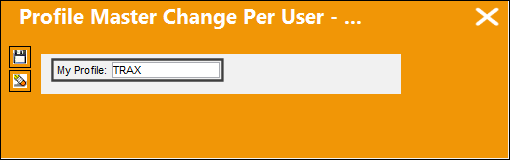
The customer profile in the Profile Master must match the Profile selected in the Custom Datawindow.
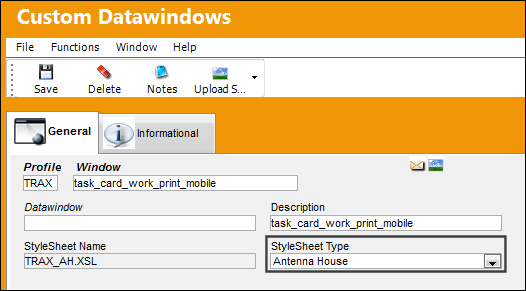
Under the Stylesheet Type, select 'Antenna House.'
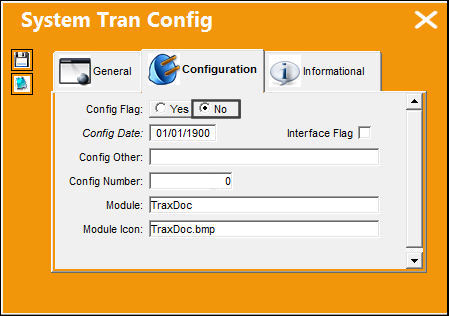
Change the setting of the switch to 'No.'
The following prompt appears informing the user that the Antenna House Stylesheet has been selected in the Custom Datawindow.
Share
Print
|
©1997-2026 Trax USA Corp. All rights reserved. This manual may not be copied, photocopied, reproduced, translated, or converted to any electronic or machine-readable form, in whole or in part, without prior written approval from Trax USA Corp. |
 |