
 Share
Share
 Print
Print
|
|
|
|
|


CHGREFDESC - Update T/C and TraxDoc Item References Descriptions with latest Revision Info
Update T/C and TraxDoc Item References Descriptions with latest Revision Info
Affected Window: w_traxdoc_import_tc_sdi_sel
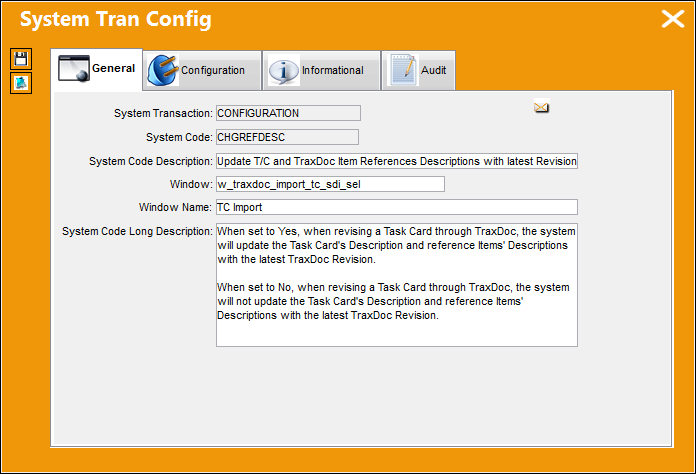
Switch Set to Yes:
When set to Yes, when revising a Task Card through TraxDoc, the system will update the Task Card's Description and reference Items' Descriptions with the latest TraxDoc Revision.
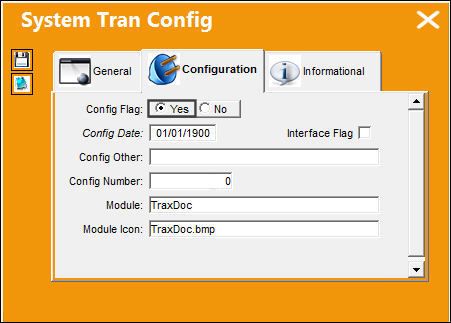
Now a TraxDoc Revision is being imported for this Task Card. Notice that the Task Card in the Revision has a different Description from the Task Card above.
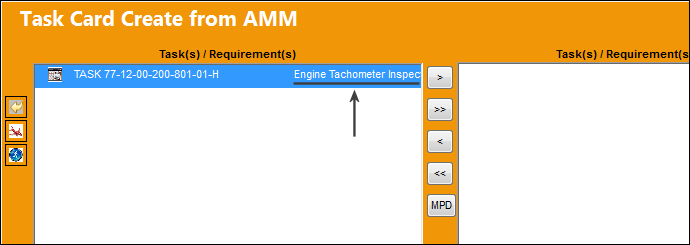
The revised Task Card is then imported.
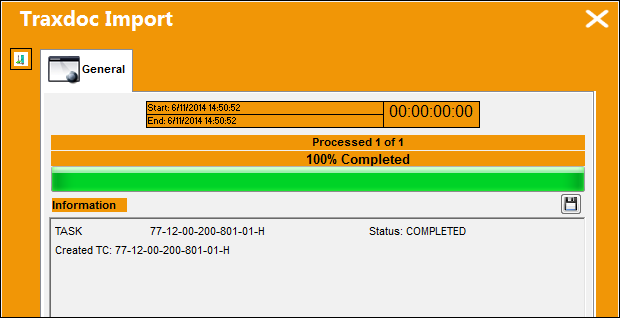
From the Task Card window, notice that the Task Card Description was updated with the revised Task Card's Description.
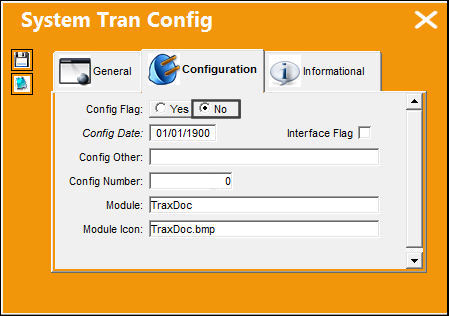
Switch Set to No:
When set to No, when revising a Task Card through TraxDoc, the system will not update the Task Card's Description and reference Items' Descriptions with the latest TraxDoc Revision.
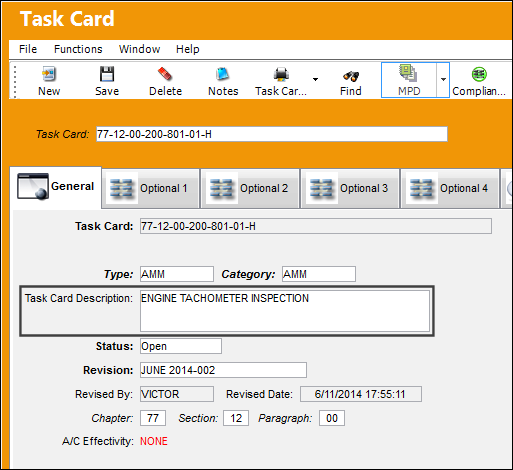
From the Task Card window, notice this Task Card's Description. While this T/C and its Description was originally entered into the system via TraxDoc, the Description was modified after it was loaded into TRAX.
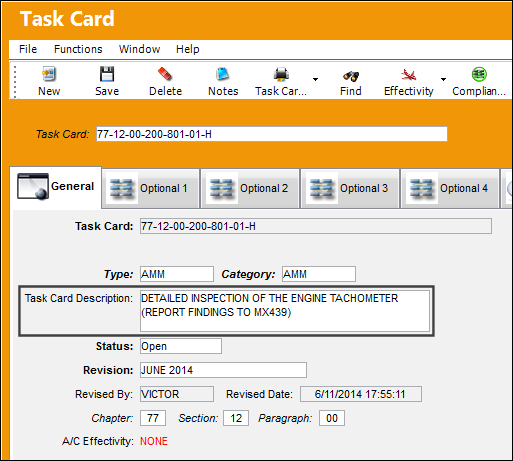
Now a TraxDoc Revision is being imported for this Task Card. Notice that the Task Card in the Revision has a different Description from the Task Card above.
The revised Task Card is then imported.
But from the Task Card window, notice that the Task Card Description was not updated with the revised Task Card's Description.
Share
Print
|
©1997-2026 Trax USA Corp. All rights reserved. This manual may not be copied, photocopied, reproduced, translated, or converted to any electronic or machine-readable form, in whole or in part, without prior written approval from Trax USA Corp. |
 |