
 Share
Share
 Print
Print
|
|
|
|
|


Task Card, Allowed Locations Tab

Select the Task Card, Allowed Locations tab allows the user to add a Location/Site to a Task Card. The new Task Card Location can be added to a Work Order that was created with a different Location.
This tab is only available if Switch  LOCSITEALLOWED is set the Yes. This tab can still be edited/updated when Switch TCVIAREV is set to Yes.
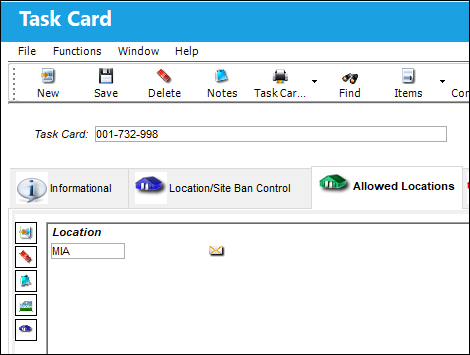
The following information/options are available in this window:
_____________________________________________________________________________________
Location
The Location for maintenance events, inventory stores, orders, transactions, or training events. The location that will be added to the Work Order that contains the currently selected Task Card.
Site
The Site where the work is to be carried out (if applicable).
_____________________________________________________________________________________
Multiple records can be added or removed through the New  and Delete
  buttons.
Relevant information can be included through the Notes  and Image
  buttons.
With Switch LOCSITEHIDE set to No, the Allowed Locations Helper  button is also available for utilization.
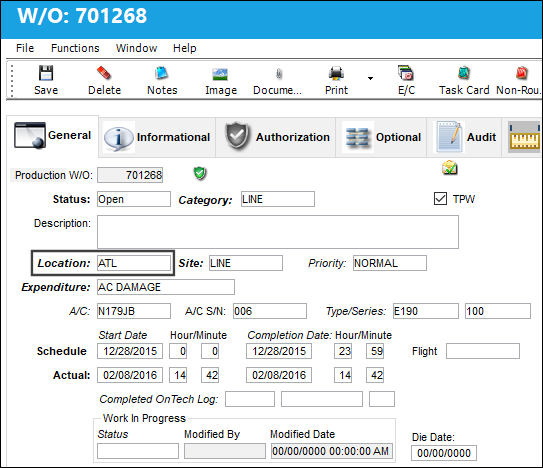
Notice the W/O Location is different from the Location in the Task Card. The Location for the above Task Card is MIA,
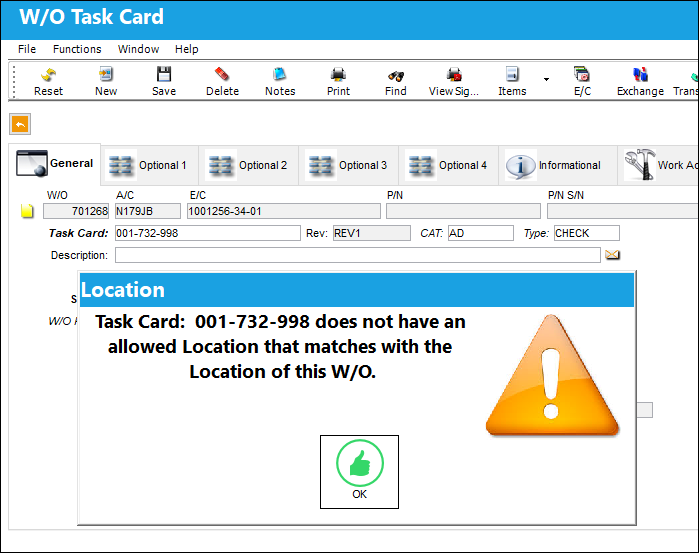
In the W/O Task Card window, a warning sign appears if the allowed Location/Site in the Task Card doesn't match the Location/Site of the W/O.
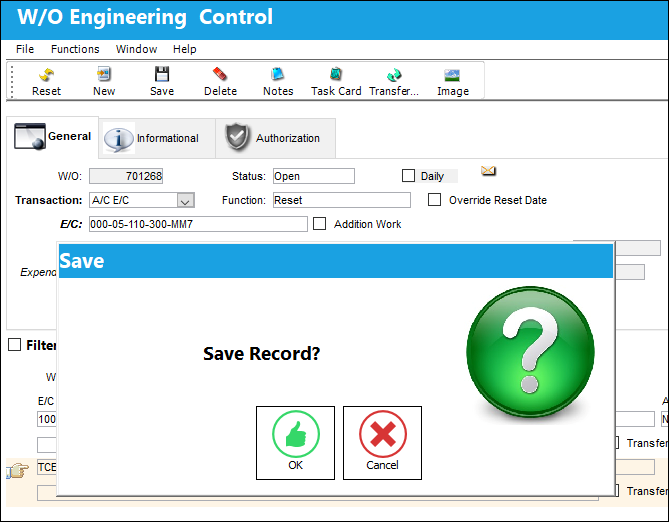
The W/O Task Card can still be saved.
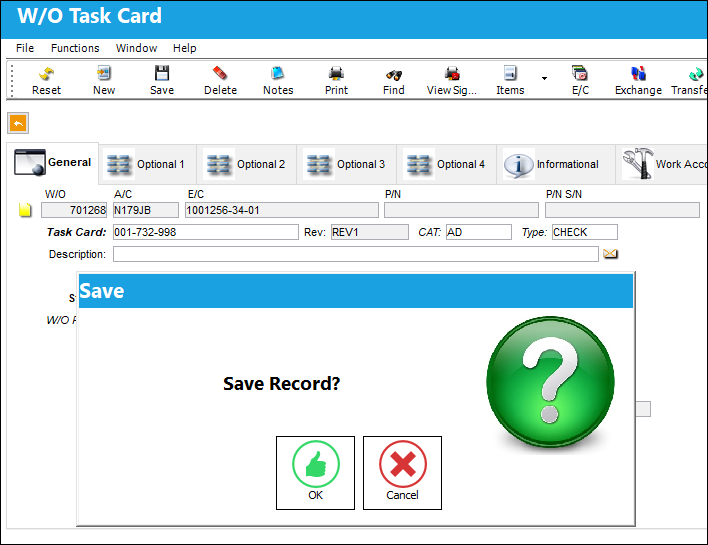
When adding the Task Card to the W/O Engineering Control, a soft warning appears saying that the allowed Task Card location does not match the allowed location for the W/O.
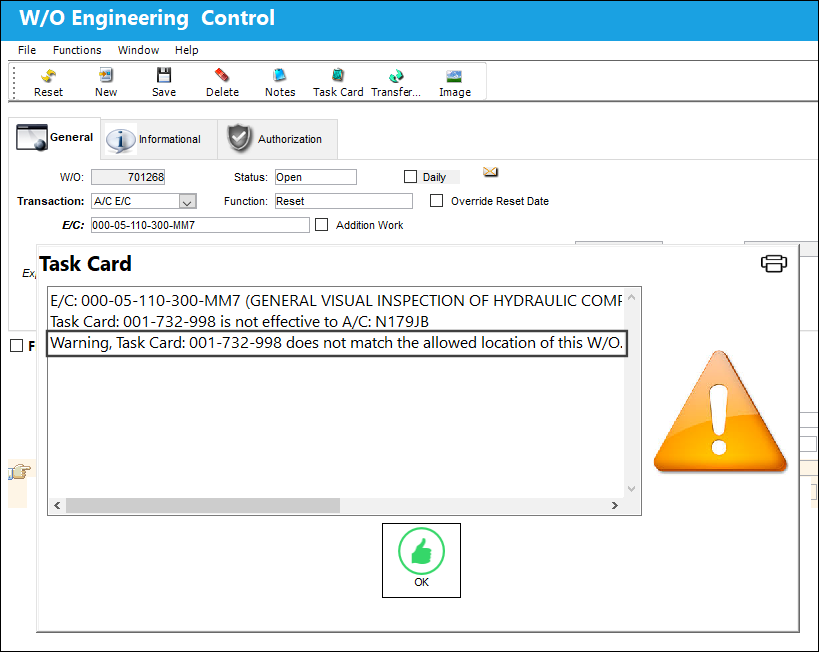
Since it is a soft warning, the user is still allowed to save the Task Card.
Share
Print
|
©1997-2026 Trax USA Corp. All rights reserved. This manual may not be copied, photocopied, reproduced, translated, or converted to any electronic or machine-readable form, in whole or in part, without prior written approval from Trax USA Corp. |
 |