
 Share
Share
 Print
Print
|
|
|
|
|


LOCSITEHIDE - Hide Site field in the Allowed Locations and Location/Site Ban Tabs

Hide Site field in the Allowed Locations and Location/Site Ban Tabs
Affected windows: w_task_card_eu
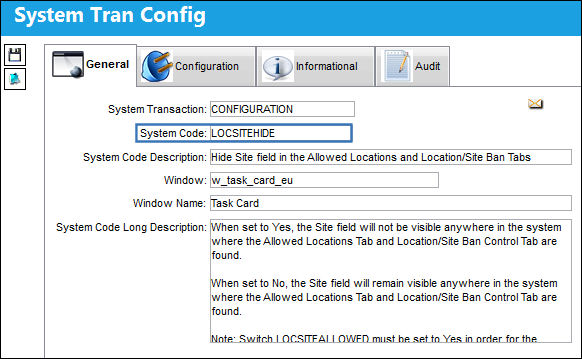
Switch  LOCSITEALLOWED must be set to Yes in order for the Allowed Locations Tab to be visible in the Task Card window.
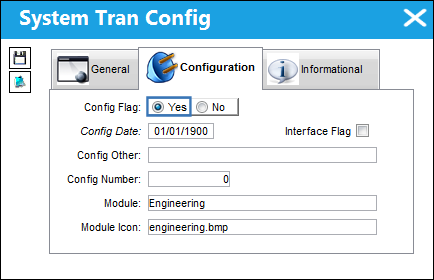
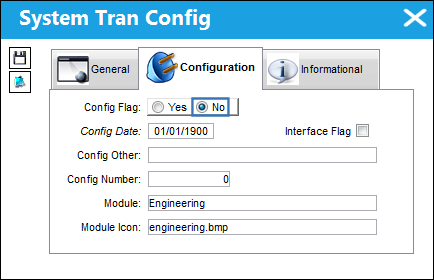
Switch Set to Yes:
When set to Yes, the Site field will not be visible anywhere in the system where the Allowed Locations Tab and Location/Site Ban Control Tab are found.
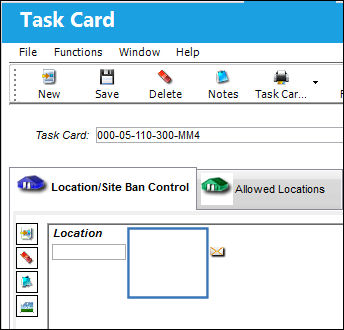
The site field is hidden in the Engineering Control, Locations/Site Ban Control tab:
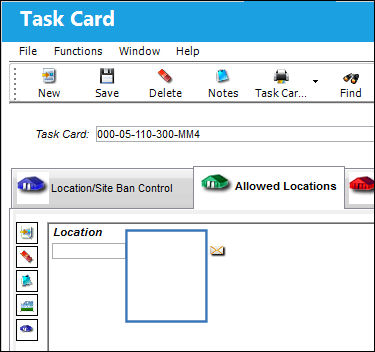
The site field is hidden in the Task Card, Allowed Locations tab:
Switch Set to No:
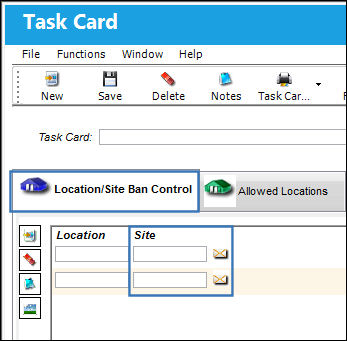
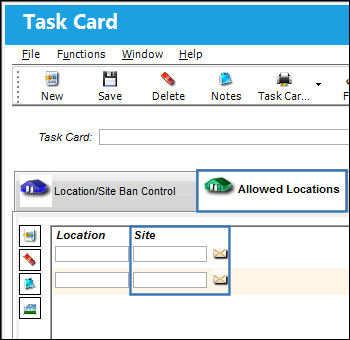
When set to No, the Site field will remain visible anywhere in the system where the Allowed Locations Tab and Location/Site Ban Control Tab are found.
The site field remains in the Engineering Control, Locations/Site Ban Control tab:
The site field remains in the Task Card, Allowed Locations tab:
When this switch is set to NO, the system will generate a soft warning when the user attempts to attach a Task Card to a Work Order when a Location/Site in the Task Card doesn't match the Location/Site of the W/O.
Share
Print
|
©1997-2026 Trax USA Corp. All rights reserved. This manual may not be copied, photocopied, reproduced, translated, or converted to any electronic or machine-readable form, in whole or in part, without prior written approval from Trax USA Corp. |
 |