
 Share
Share
 Print
Print
|
|
|
|
|


ADDSTENGRANGE - Status And Reason Field Added To The Engineering Control Window

Status And Reason Field Added To The Engineering Control Window
Affected Window: w_engineering_control_range_eu
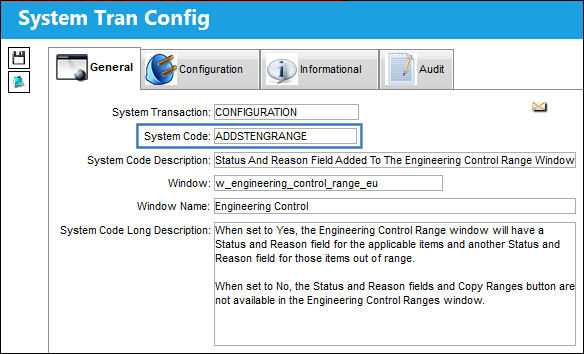
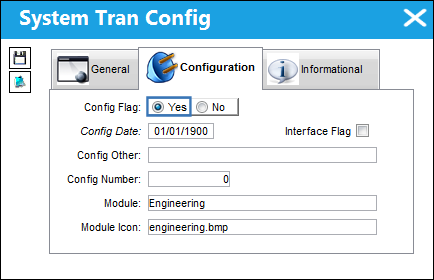
Switch Set to Yes:
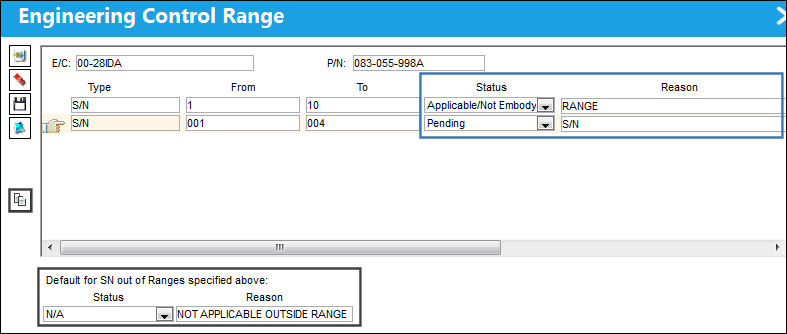
When set to Yes, the Engineering Control window will have a Status and Reason field for applicable items and an additional Status and Reason field for items that are out of range.
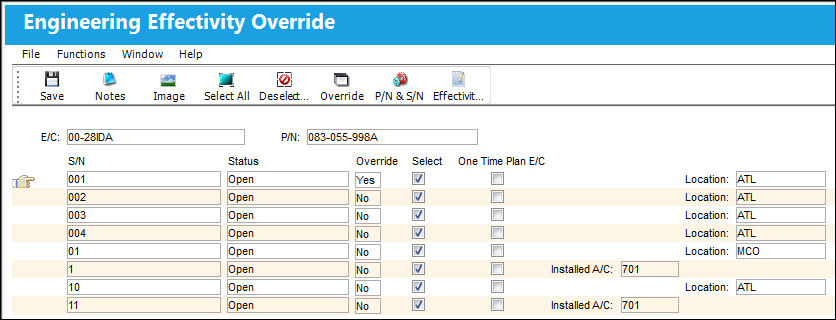
In the Engineering Control P/N window, with a P/N selected, select the Override  button to see the current status for serial numbers under the selected P/N.
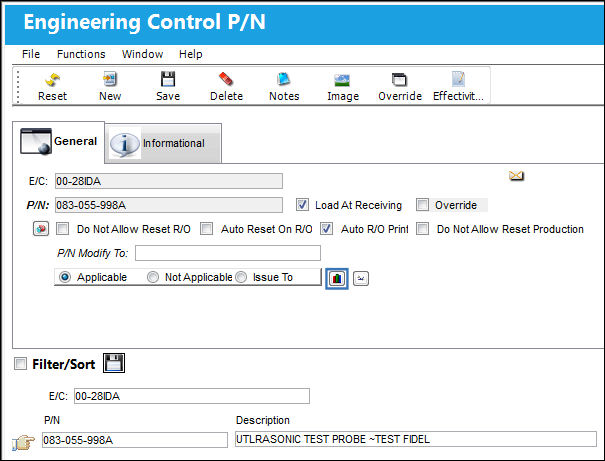
Return to the Engineering Control P/N window and select the Range  button for that Part Number.
Once selected, the Engineering Control Range window is displayed. The Status and Reason fields for the serial numbers that are within range are available as well as the Status and Reason fields for serial numbers that are out of the specified range. Input the new ranges to override the current ranges set in place. Specify the default Status and Reason fields for serial numbers out of range.
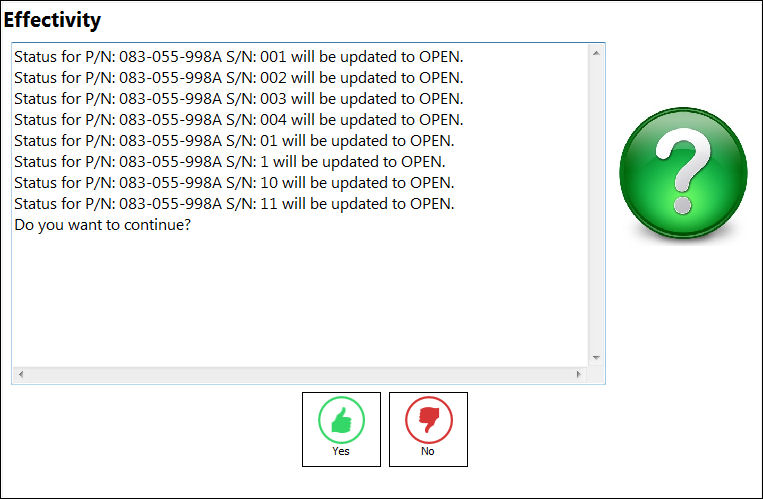
Save the record. The effectivity has been updated from the values entered in the Engineering Control Range window:
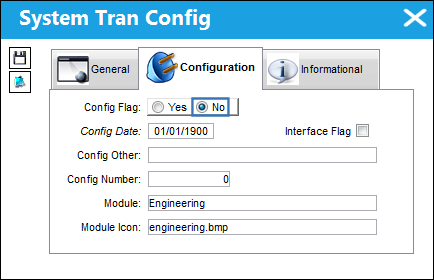
Switch Set to No:
When set to No, the Status and Reason fields and Copy Ranges button are not available in the Engineering Control Ranges window.
In the Engineering Control P/N window, select the part number and then select the Range button:
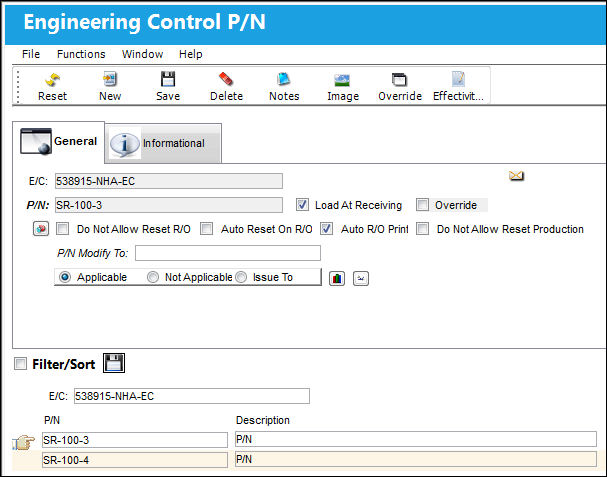
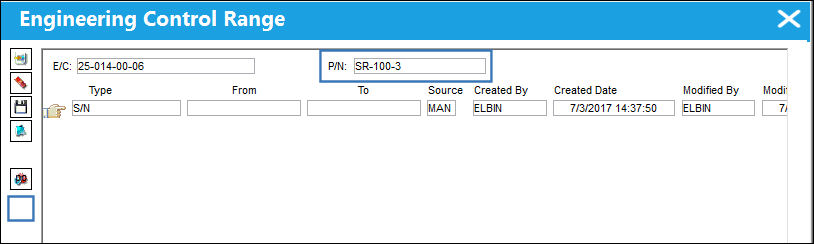
In the Engineering Control Range window, the Status and Reason fields and Copy Ranges  button is no longer available.
Share
Print
|
©1997-2026 Trax USA Corp. All rights reserved. This manual may not be copied, photocopied, reproduced, translated, or converted to any electronic or machine-readable form, in whole or in part, without prior written approval from Trax USA Corp. |
 |