
 Share
Share
 Print
Print
|
|
|
|
|


RMVRVBAR - Remove Revision Bar
Remove Revision Bar
Affected Window: w_task_card_eu_revision
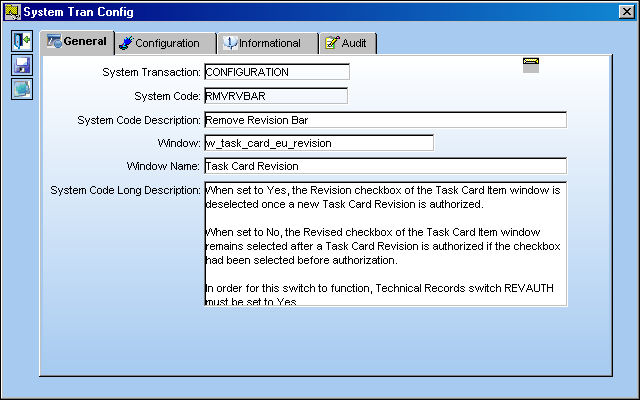
Setup:
In order for this switch to function, Technical Records Switch  REVAUTH must be set to Yes. For more information refer to Switch REVAUTH via the Technical Records Switches Manual.
Switch Set to Yes:
When set to Yes, the Revision checkbox of the Task Card Item window is deselected once a new Task Card Revision is authorized.
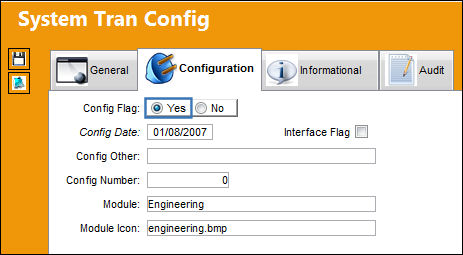
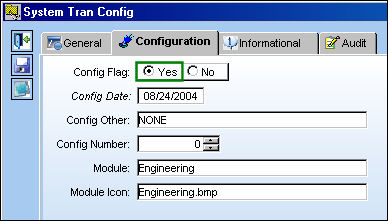
For example, notice that the Revised checkbox of the below Task Card is selected.
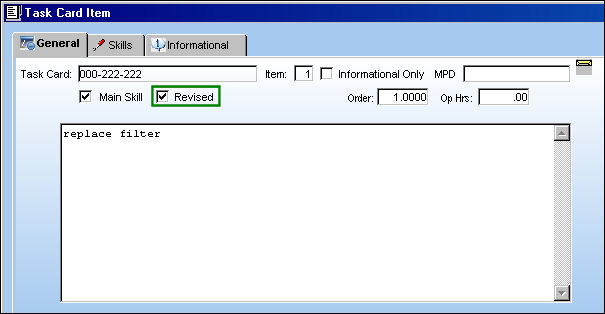
A new revision is then created and authorized for the Task Card.
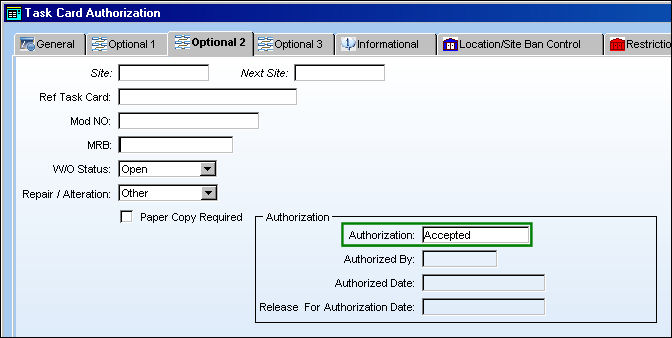
From the Task Card Item window, notice that the Revised checkbox has been deselected.
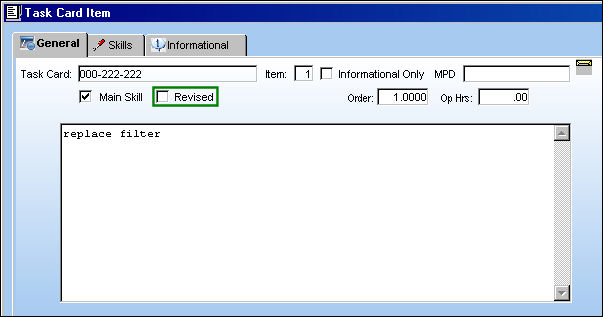
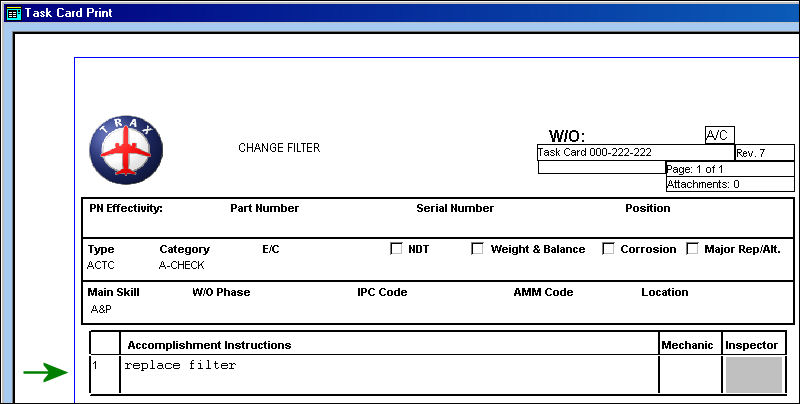
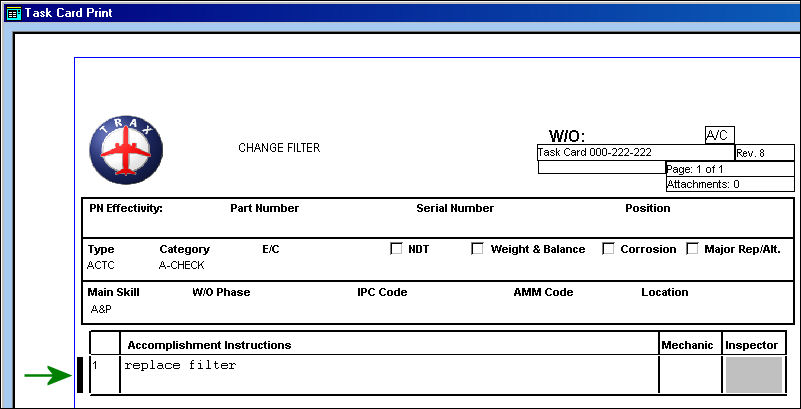
When the Revised checkbox is not selected, a black bar is not displayed next to the Item indicating that the Task Card has not been revised in the Task Card Print (see last image for an example of the black bar).
Switch Set to No:
When set to No, the Revised checkbox of the Task Card Item window remains selected after a Task Card Revision is authorized if the checkbox had been selected before authorization.
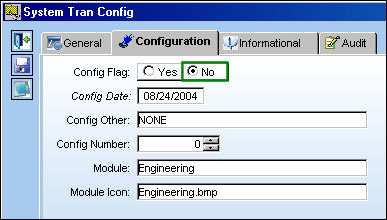
For example, notice that the Revised checkbox of the below Task Card is selected.
A new revision is then created and authorized for the Task Card.
From the Task Card Item window, notice that the Revised checkbox remains selected.
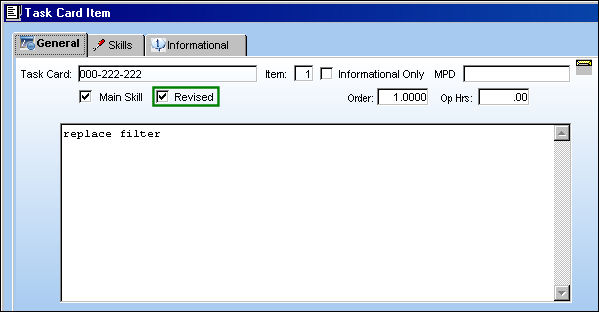
When the Revised checkbox is selected, a black bar is displayed next to the Item in the Task Card Print signifying that the Task Card has been revised.
Share
Print
|
©1997-2026 Trax USA Corp. All rights reserved. This manual may not be copied, photocopied, reproduced, translated, or converted to any electronic or machine-readable form, in whole or in part, without prior written approval from Trax USA Corp. |
 |