
 Share
Share
 Print
Print
|
|
|
|
|


PENDAUTH - WO EC & TC Revision Override
WO EC & TC Revision Override
Affected Window: w_engineering_pending_release
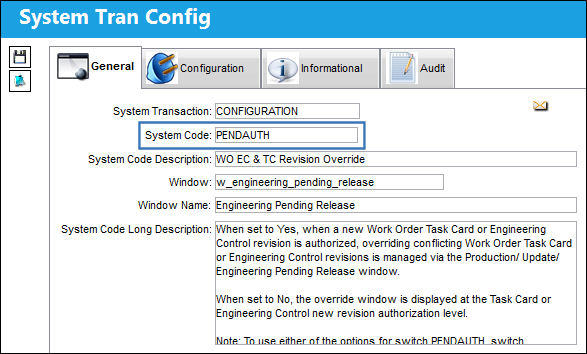
To use either of the options for Switch  PENDAUTH, Switch AOVERRWOECTC must be set to No, otherwise the revision will automatically override the existing Work Order.
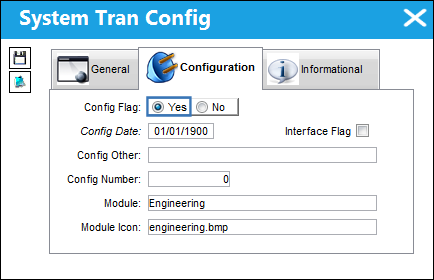
Switch Set to Yes:
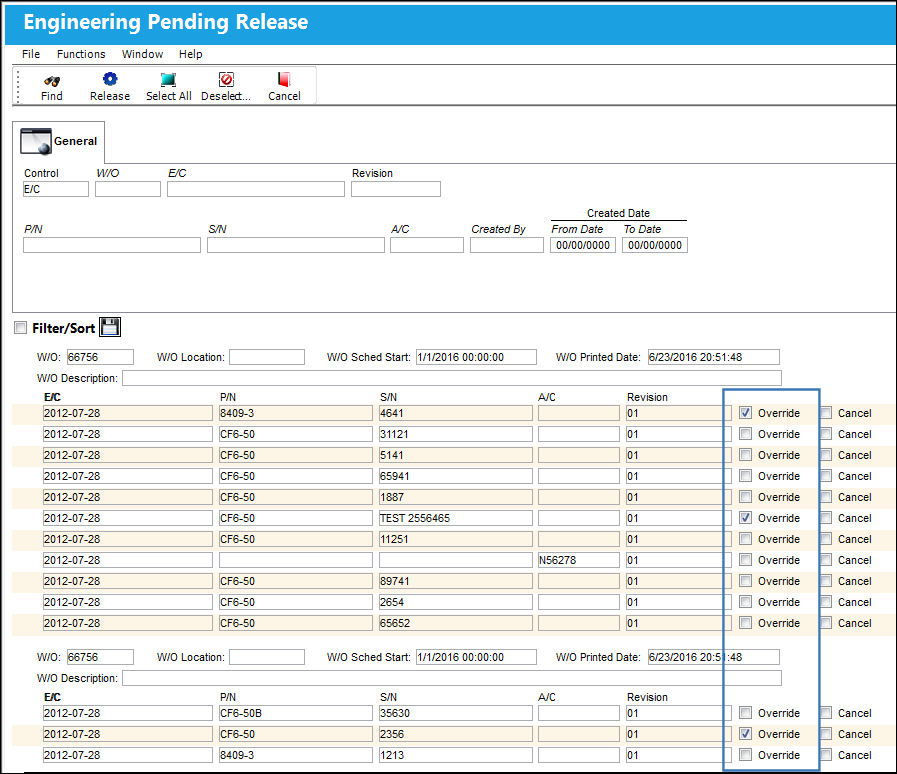
When set to Yes, when a new Work Order Task Card or Engineering Control revision is authorized, overriding conflicting Work Order Task Card or Engineering Control revisions is managed via the Production/ Update/ Engineering Pending Release window.
The following Task Cards can be overridden from the Engineering Pending Release window.
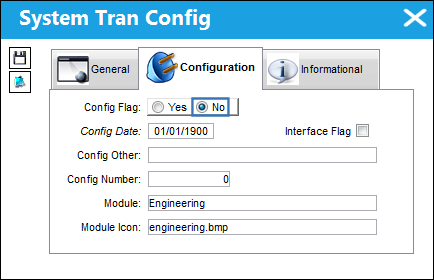
Switch Set to No:
When set to No, the override window is displayed at the Task Card or Engineering Control new revision authorization level.
The following E/C is linked to a Work Order in 'Open' status.
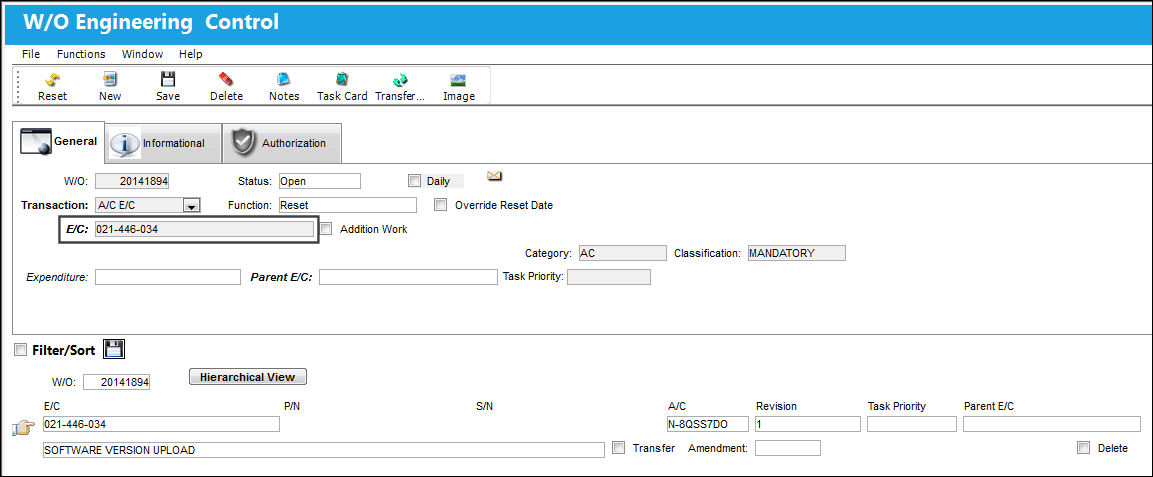
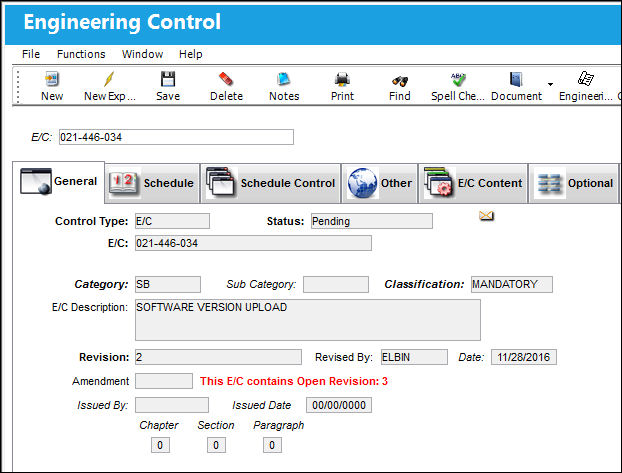
A revision is created for the E/C.
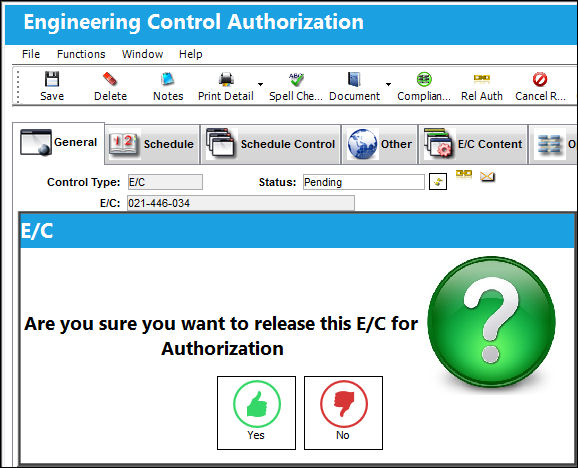
Release the E/C for Authorization.
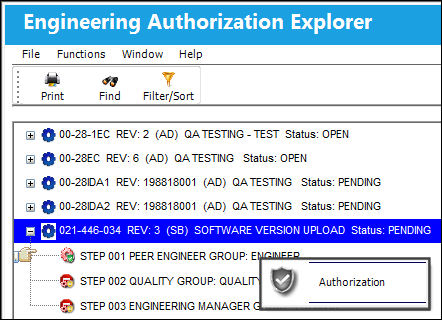
From the Engineering Authorization Explorer window, select the Authorization button.
From the Engineering Authorization window, select the 'Accept' radio button and save transaction.
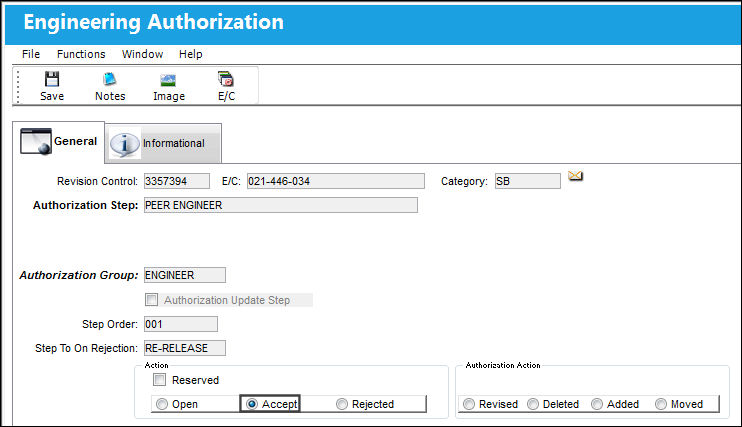
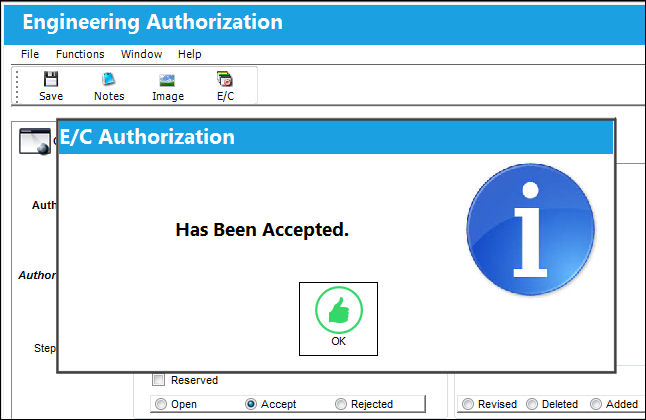
The Authorization has been accepted.
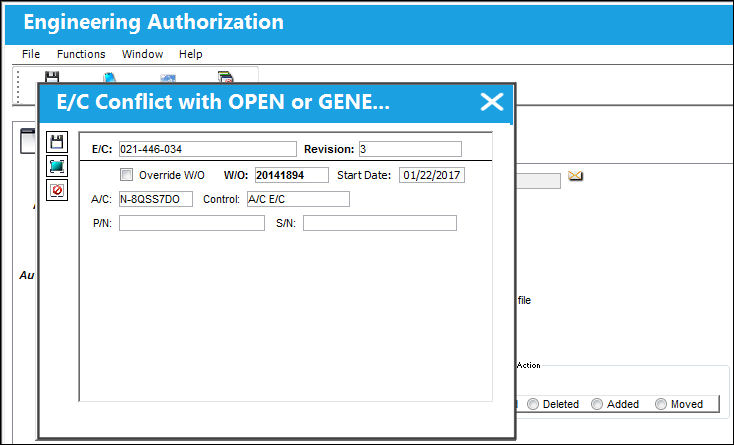
The E/C Conflict with OPEN or GENERATION status pop up appears as shown below.
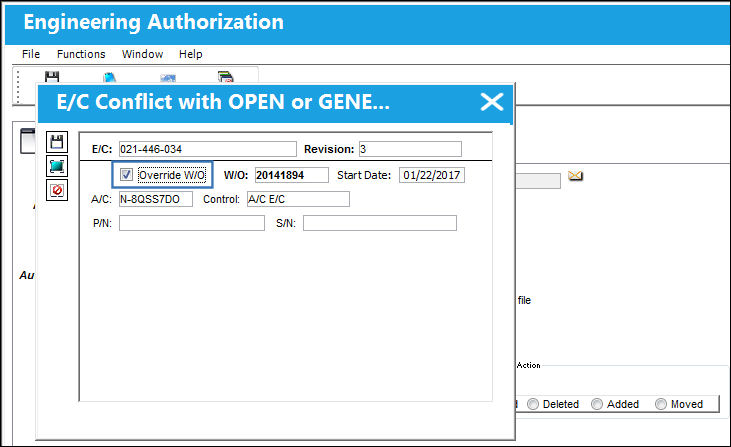
From this pop-up window, the user may override the old revision with the new revision by selecting the Override W/O checkbox and selecting the Save button.
Share
Print
|
©1997-2026 Trax USA Corp. All rights reserved. This manual may not be copied, photocopied, reproduced, translated, or converted to any electronic or machine-readable form, in whole or in part, without prior written approval from Trax USA Corp. |
 |