
 Share
Share
 Print
Print
|
|
|
|
|


TCITMEFO - Task Card Item Not Effective
Task Card Item Not Effective
Affected Window: w_wo_task_card_eu
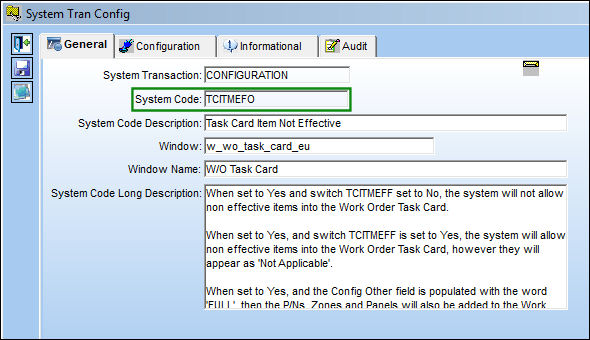
Switch Set to Yes:
When set to Yes and Switch  TCITMEFF is set to No, TRAX will not allow items that are not effective into the Work Order Task Card.
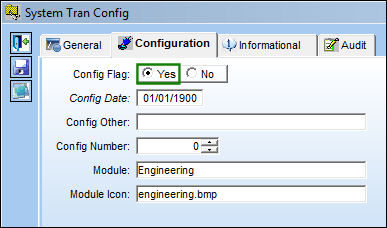
Go to Engineering/Update/Task Card.
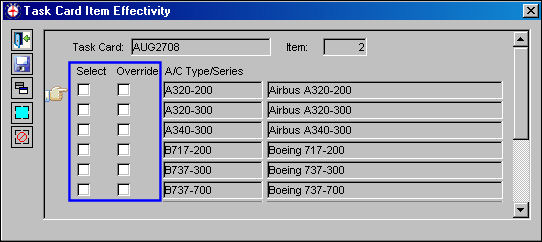
Create a Task Card and add multiple items to it. Apply effectivity to item 1 and 3.
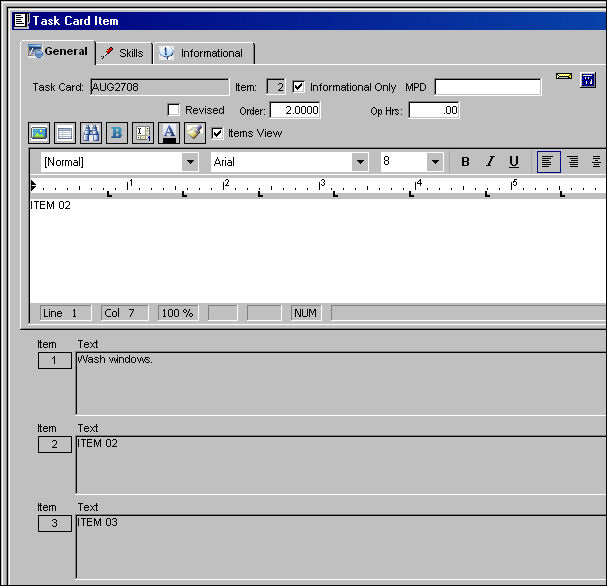
Item 2 does not have effectivity, as shown below:
Attach the Task Card to a Work Order. Select the Print  button.
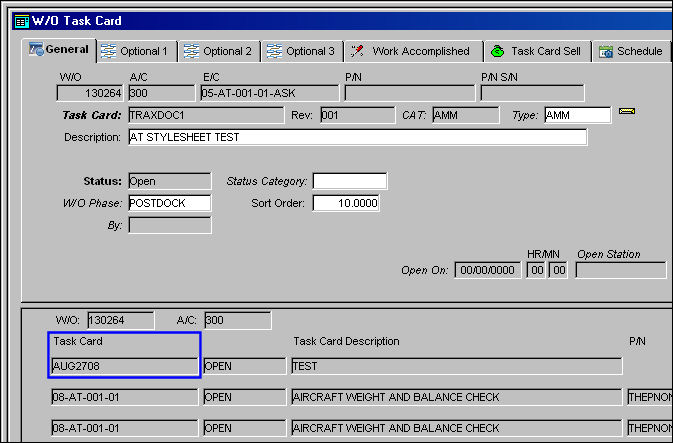
Task Item 02 was not included in the print, as shown below:
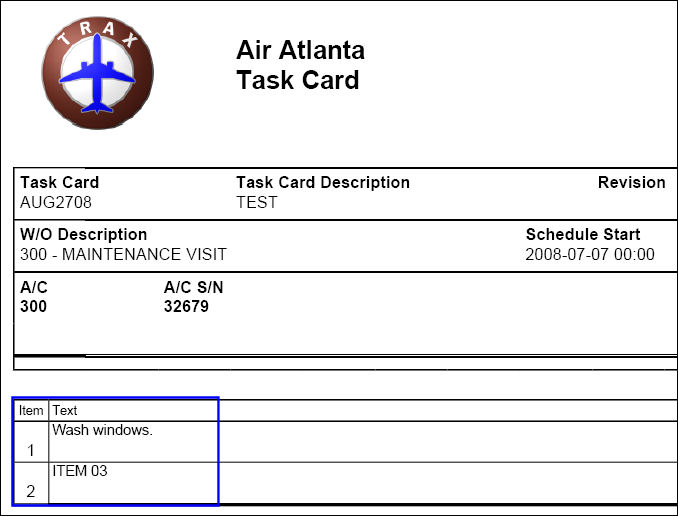
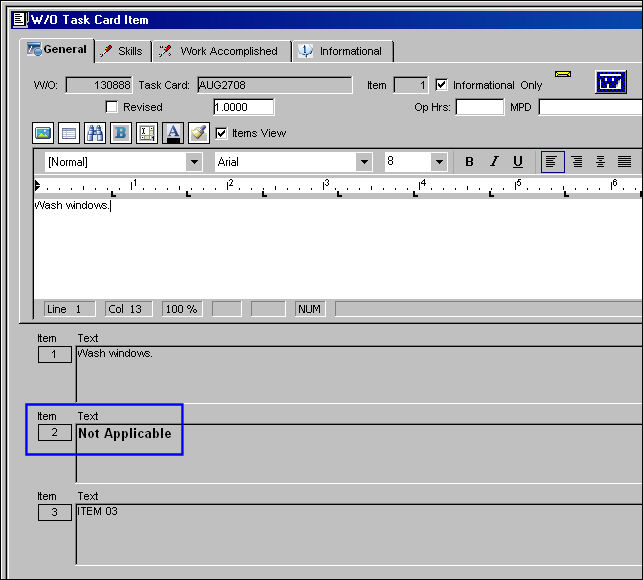
When set to Yes, and Switch TCITMEFF is set to Yes, the system will allow non effective items into the Work Order Task Card, however they will appear as 'Not Applicable.'
Attach a Task Card to a Work Order with an item that is not effective. Item 2 is "Not Applicable" because it is not effective.
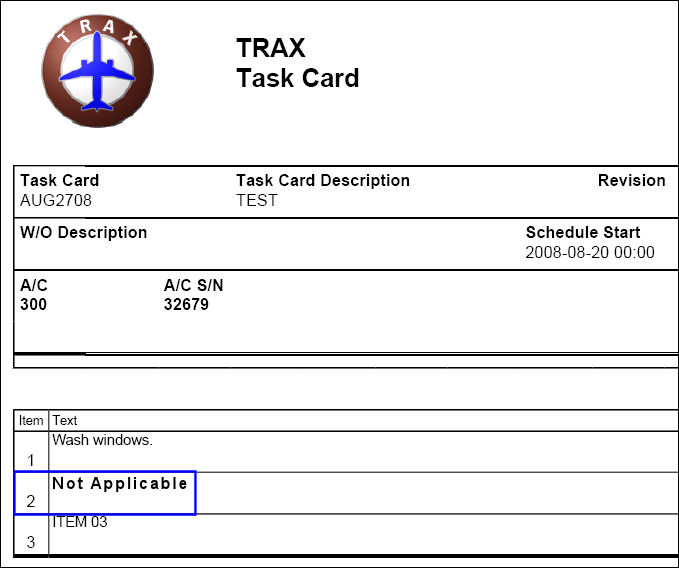
Item 2 is 'Not Applicable' on the Task Card print:
This function only works for the NONE and STYLESHEET editors.
Share
Print
|
©1997-2026 Trax USA Corp. All rights reserved. This manual may not be copied, photocopied, reproduced, translated, or converted to any electronic or machine-readable form, in whole or in part, without prior written approval from Trax USA Corp. |
 |