
 Share
Share
 Print
Print
|
|
|
|
|


ONWINGTASK - Do Not Allow User To Edit Reset Date For Onwing P/N E/Cs

Do Not Allow User To Edit Reset Date For Onwing P/N E/Cs
Affected Window: w_ro_order_detail_eu
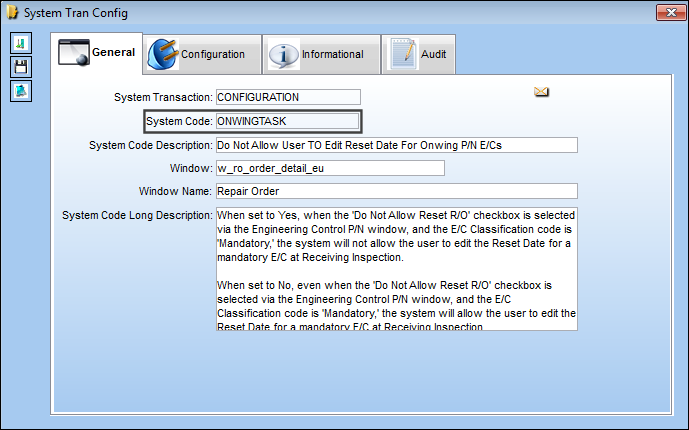
Setup:
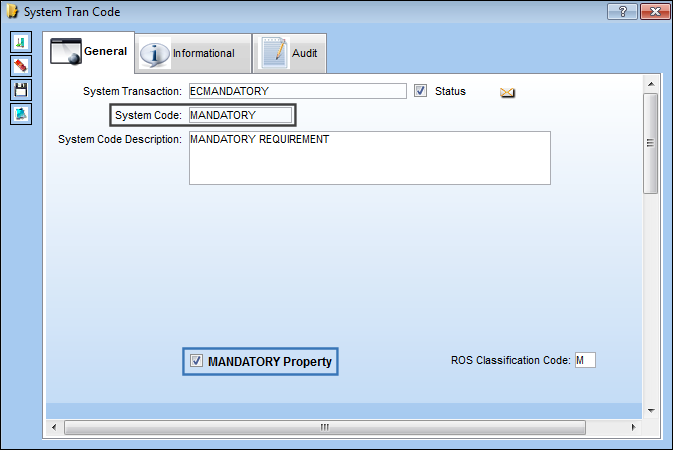
The MANDATORY Property checkbox has been selected for the MANDATORY transaction code:
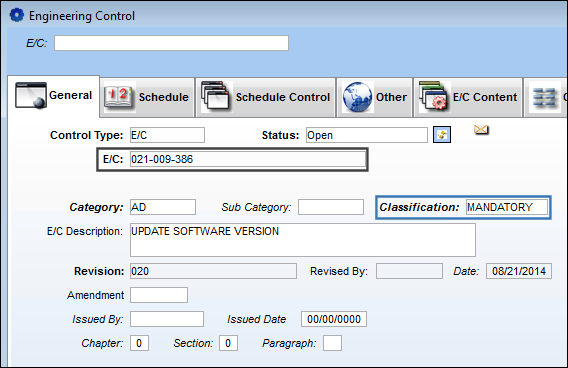
The Classification for the E/C is MANDATORY.
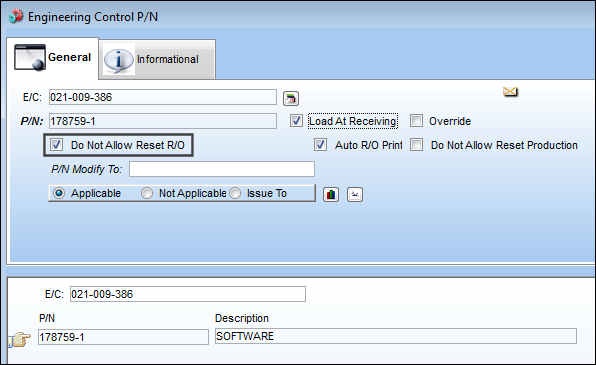
The 'Do Not Allow Reset R/O' checkbox is selected for the P/N E/C.
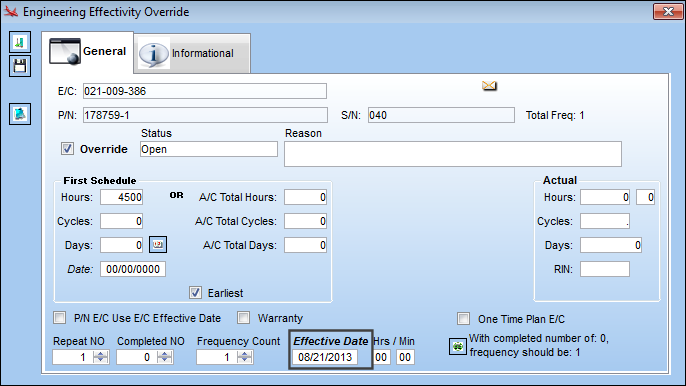
The Effective Date for the P/N E/C is 01/23/2017.
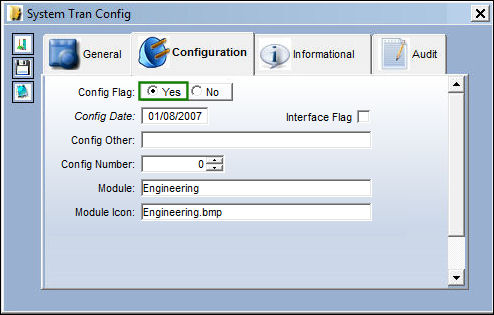
Switch Set to Yes:
When set to Yes, when the 'Do Not Allow Reset R/O' checkbox is selected via the Engineering Control P/N window, and the E/C Classification code is 'Mandatory,' the system will not allow the user to edit the Reset Date for a mandatory E/C at Receiving Inspection.
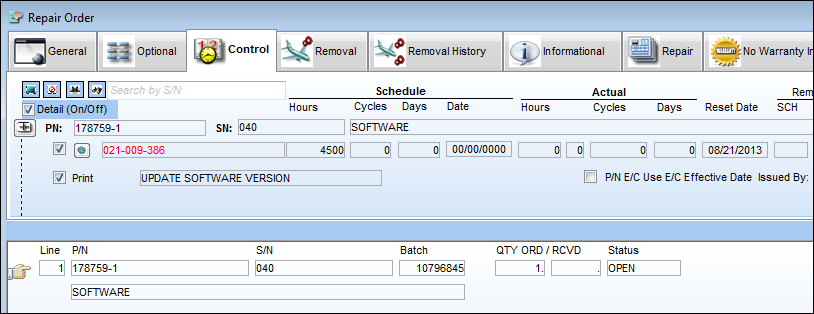
The Part Number is placed on a Repair Order.
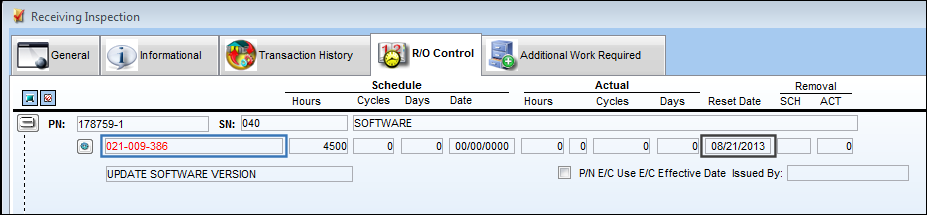
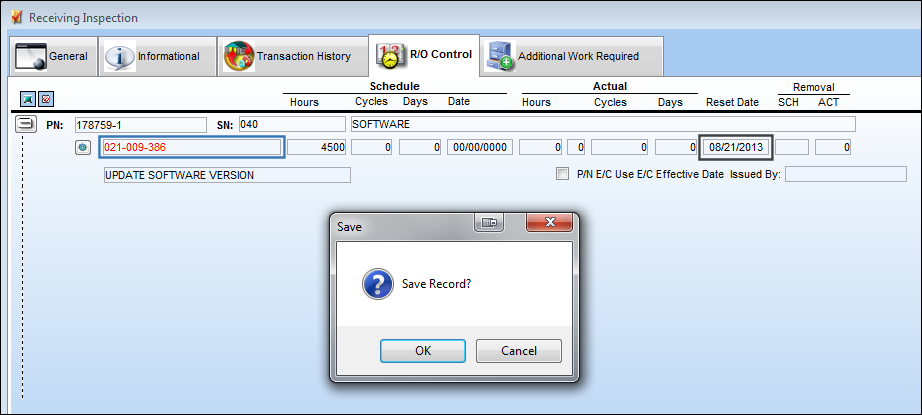
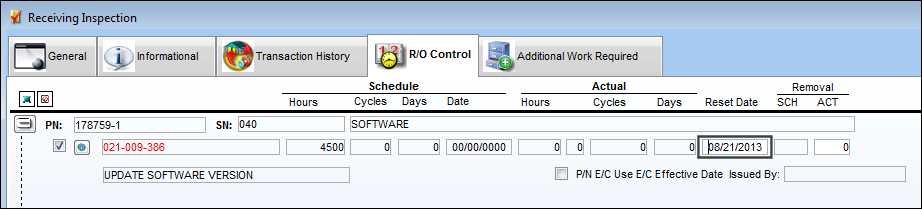
In Receiving Inspection, the Reset Date cannot be edited.
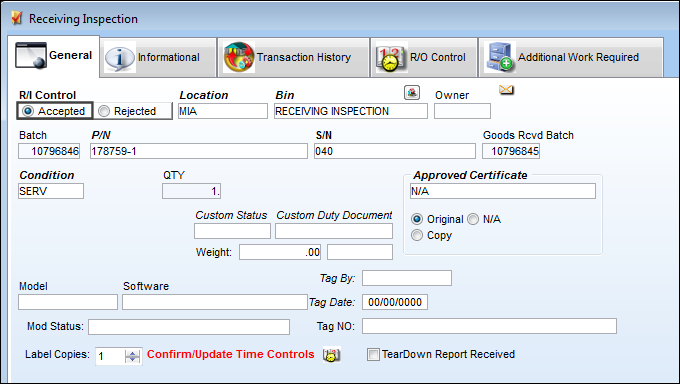
Select the 'Accepted' radio button to receive the part.
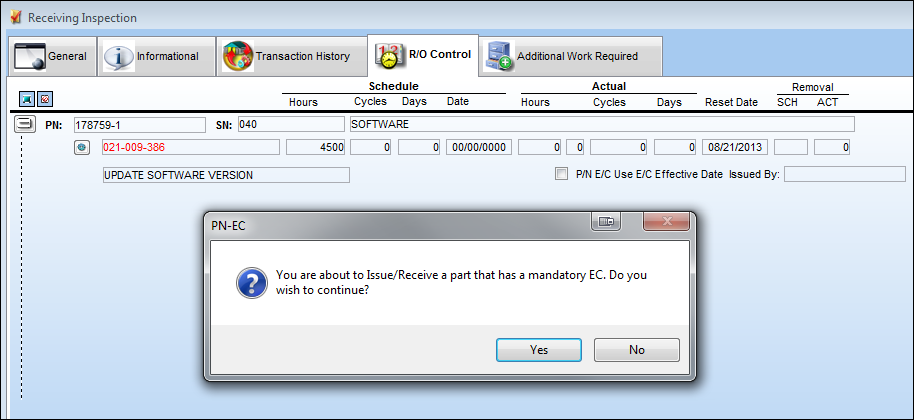
Once the transaction is saved, the following pop-up message appears informing the user they are about the receive a mandatory E/C. Select 'Yes' to continue with the receiving transaction.
The Reset Date cannot be edited even when receiving a mandatory E/C.
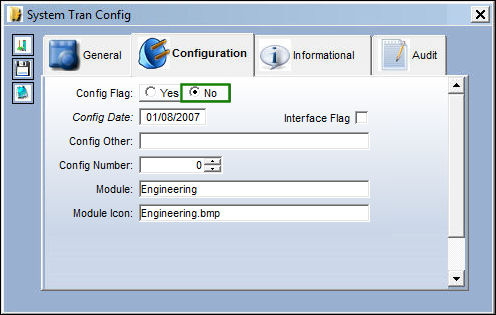
Switch Set to No:
When set to No, even when the 'Do Not Allow Reset R/O' checkbox is selected via the Engineering Control P/N window, and the E/C Classification code is 'Mandatory,' the system will allow the user to edit the Reset Date for a mandatory E/C at Receiving Inspection.
The Part Number is placed on a Repair Order.
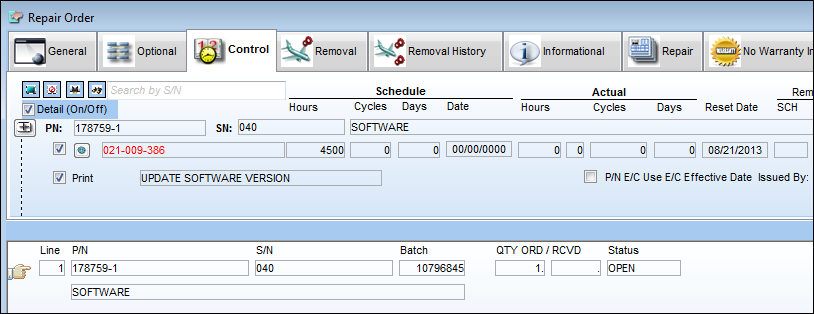
In Receiving Inspection, the use is able to edit the Reset Date.
Share
Print
|
©1997-2026 Trax USA Corp. All rights reserved. This manual may not be copied, photocopied, reproduced, translated, or converted to any electronic or machine-readable form, in whole or in part, without prior written approval from Trax USA Corp. |
 |