
 Share
Share
 Print
Print
|
|
|
|
|


DONTPRINTTEXT - Do not print T/C Item text when the T/C has a TraxDoc Reference

Do not print T/C Item text when the T/C has a TraxDoc Reference
Affected Window: wo_task_card
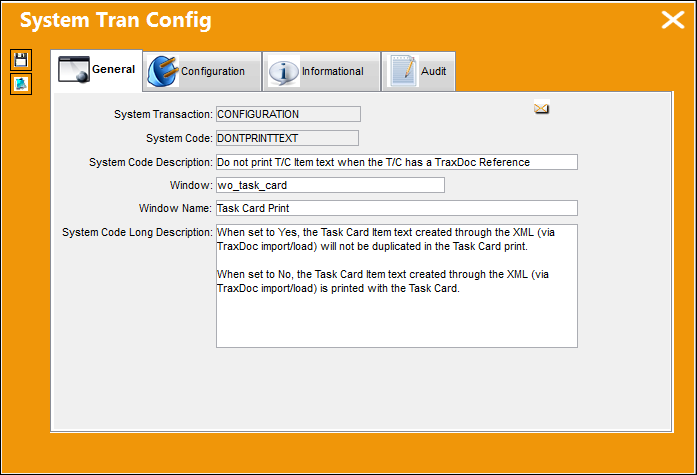
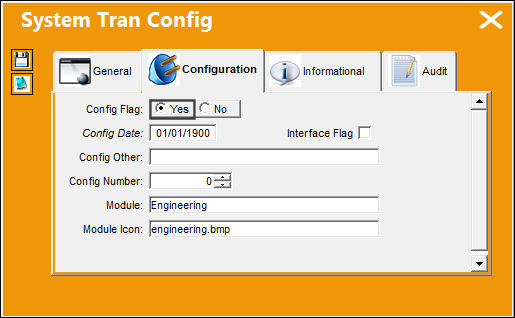
Switch Set to Yes:
When set to Yes, the Task Card Item text created through the XML (via TraxDoc import/load) will not be duplicated in the Task Card print.
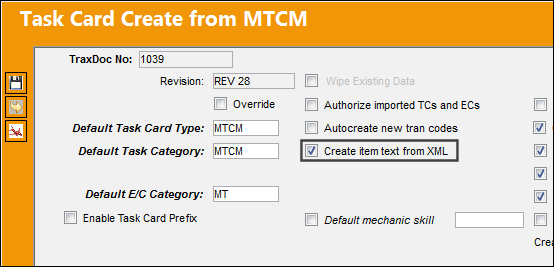
For example, the following MTCM data was loaded through TraxDoc. Notice that the Create Item Text from XML checkbox was selected.
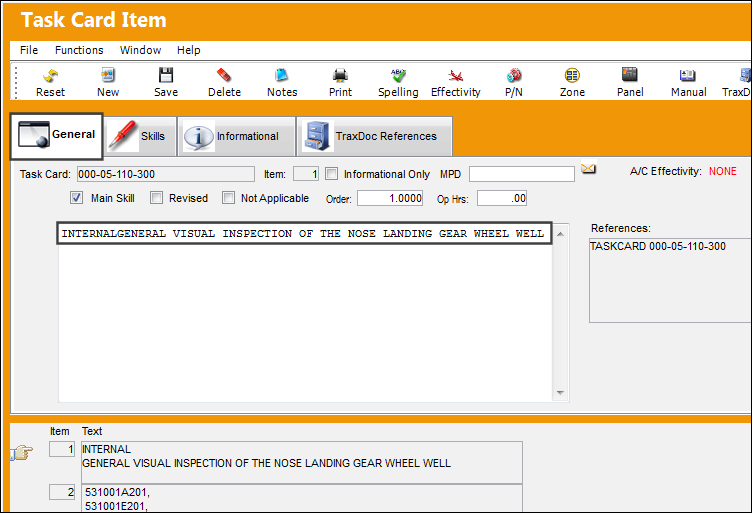
The following Task Card Item was loaded through TraxDoc. The Item contains text in the General tab.
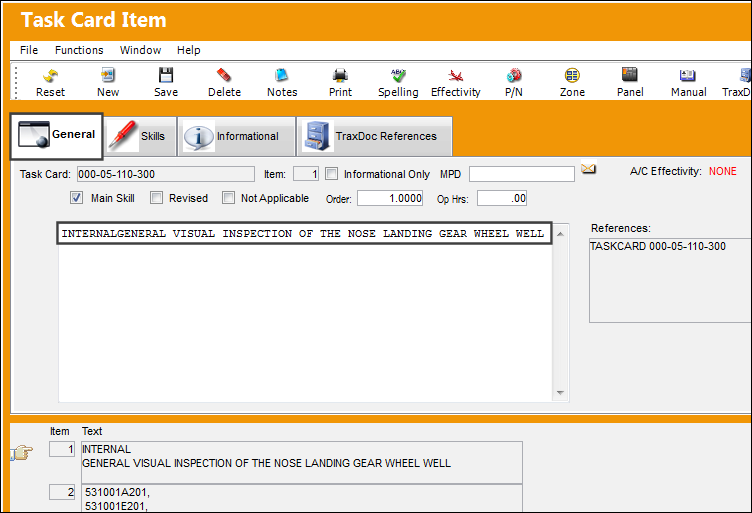
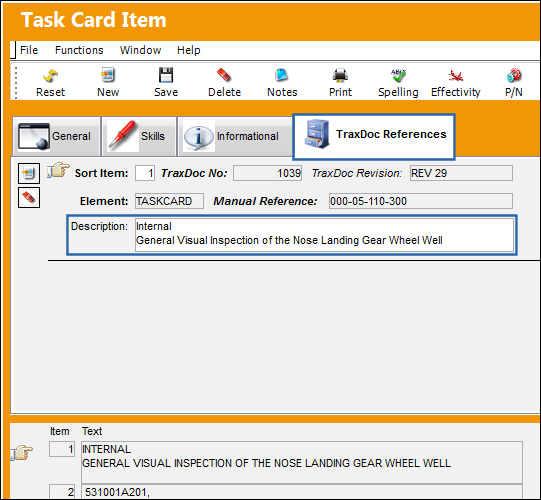
The Item also contains that text in the TraxDoc References tab.
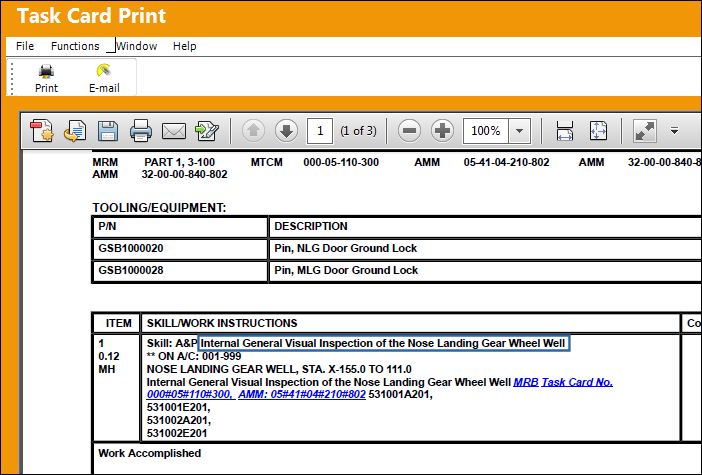
When the Task Card if printed, notice that the text for the Item is only displayed once, from the General tab. The text from the TraxDoc Reference tab is not duplicated.
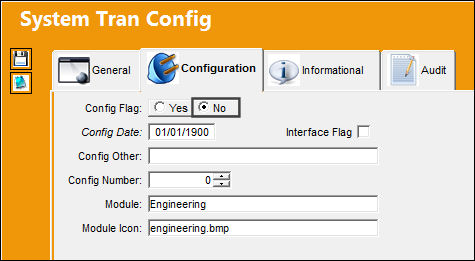
Switch Set to No:
When set to No, the Task Card Item text created through the XML (via TraxDoc import/load) is printed with the Task Card.
The following Task Card Item was loaded through TraxDoc. The Item contains text in the General tab.
The Item also contains that text in the TraxDoc References tab.
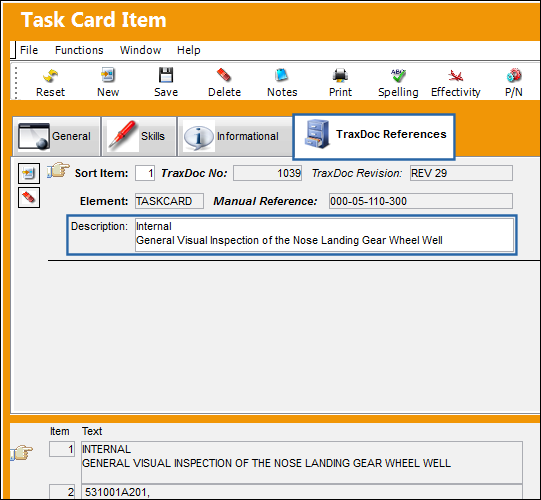
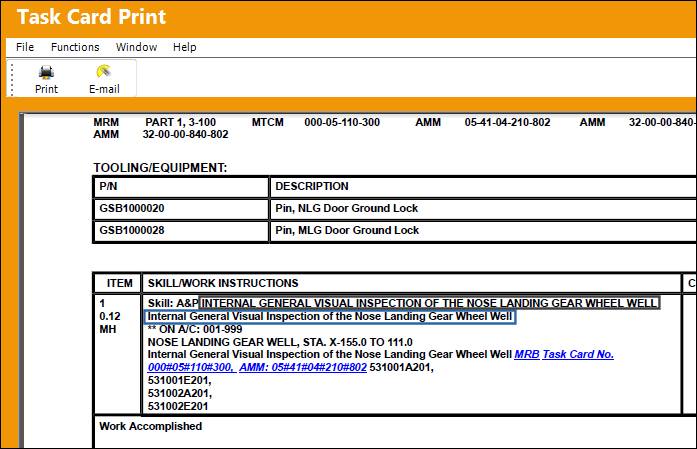
When the Task Card if printed, notice that the text from the General tab and the TraxDoc Reference tab is listed.
Share
Print
|
©1997-2026 Trax USA Corp. All rights reserved. This manual may not be copied, photocopied, reproduced, translated, or converted to any electronic or machine-readable form, in whole or in part, without prior written approval from Trax USA Corp. |
 |