
 Share
Share
 Print
Print
|
|
|
|
|


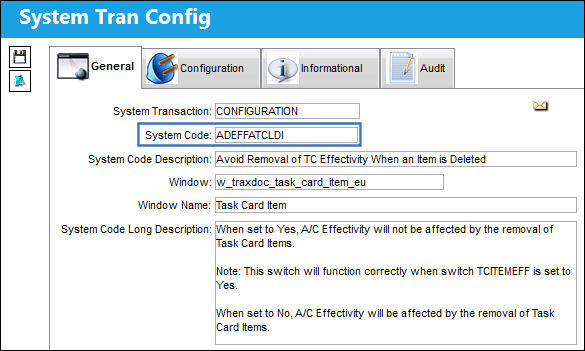
ADEFFATCLDI - Avoid Removal of TC Effectivity When an Item is Deleted

Avoid Removal of TC Effectivity When an Item is Deleted
Affected Window: w_traxdoc_task_card_item_eu
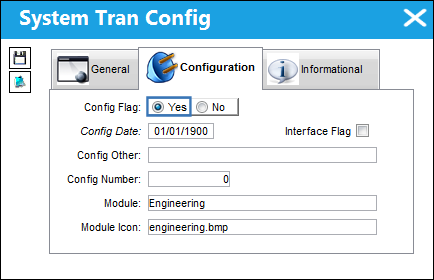
Switch Set to Yes:
When set to Yes, A/C Effectivity will not be affected by the removal of Task Card Items.
This switch will function correctly when Switch  TCITMEFF is set to Yes.
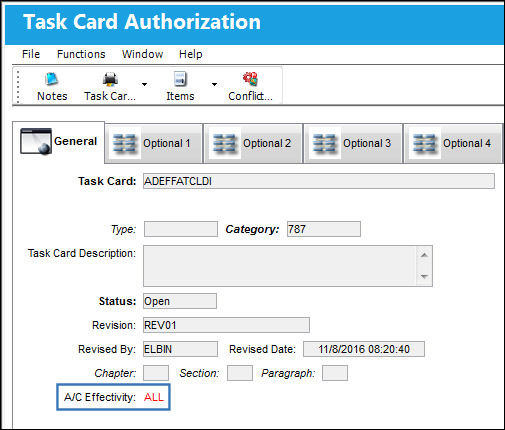
In the Task Card Authorization window, set the ranges for A/C Effectivity. In the example below, the A/C Effectivity range is set to 'All':
In the Task Card Item Authorization window, set the A/C Effectivity ranges for your Task Card Item. In the example above, the A/C Effectivity range is set to 'All':
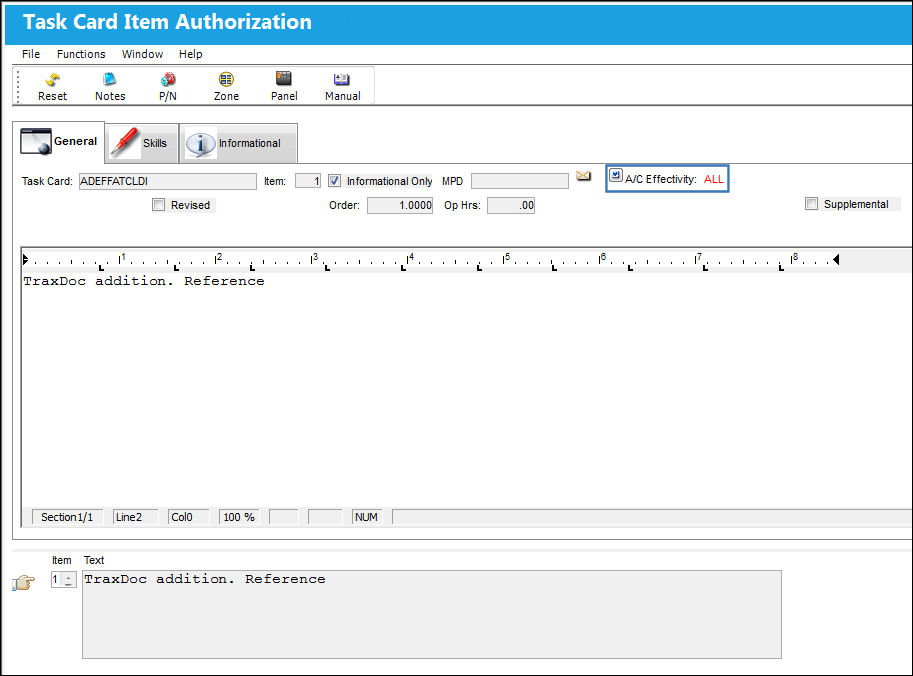
Proceed to delete Task Card Item 1.
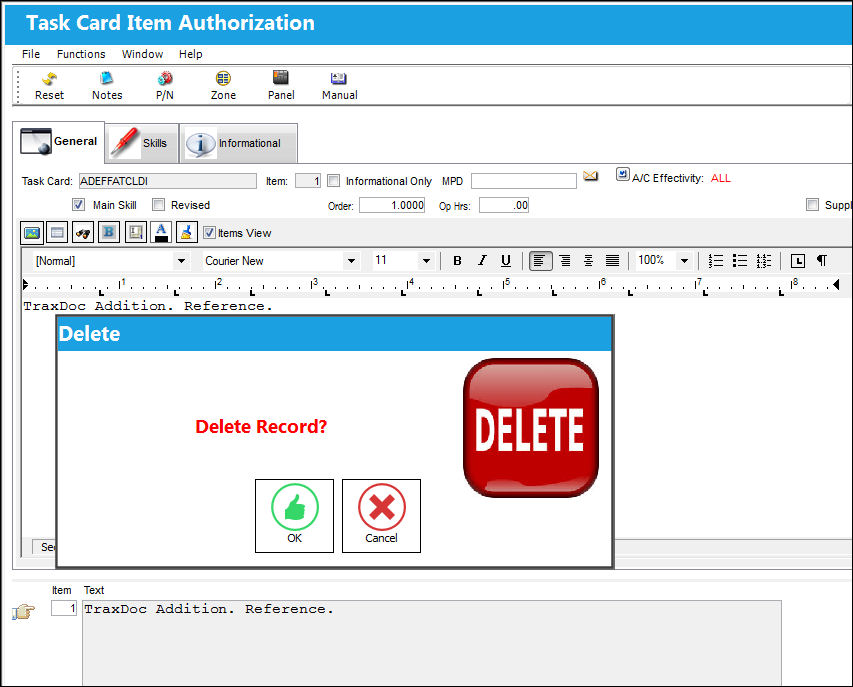
When you return to the Task Card Authorization window, the A/C Effectivity remains the same.
Switch Set to No:
When set to No, A/C Effectivity will be affected by the removal of Task Card Items.
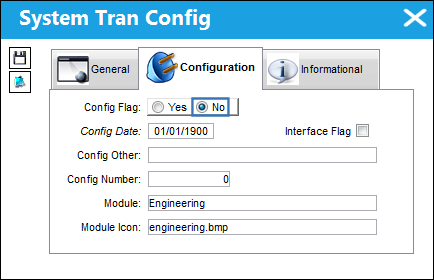
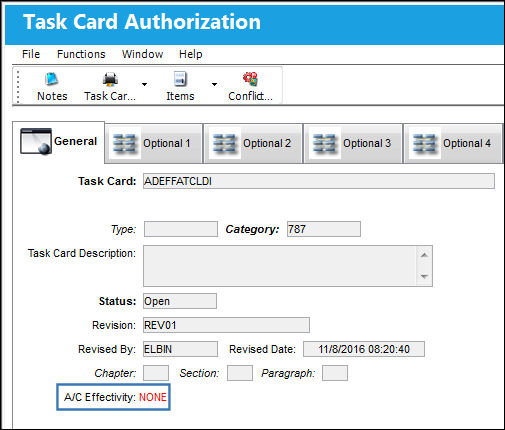
In the Task Card Authorization window, set the ranges for A/C Effectivity. In the example below, the A/C Effectivity range is set to 'All':
In the Task Card Item Authorization window, set the A/C Effectivity ranges for your Task Card Item. In the example below, the A/C Effectivity range is set to 'All':
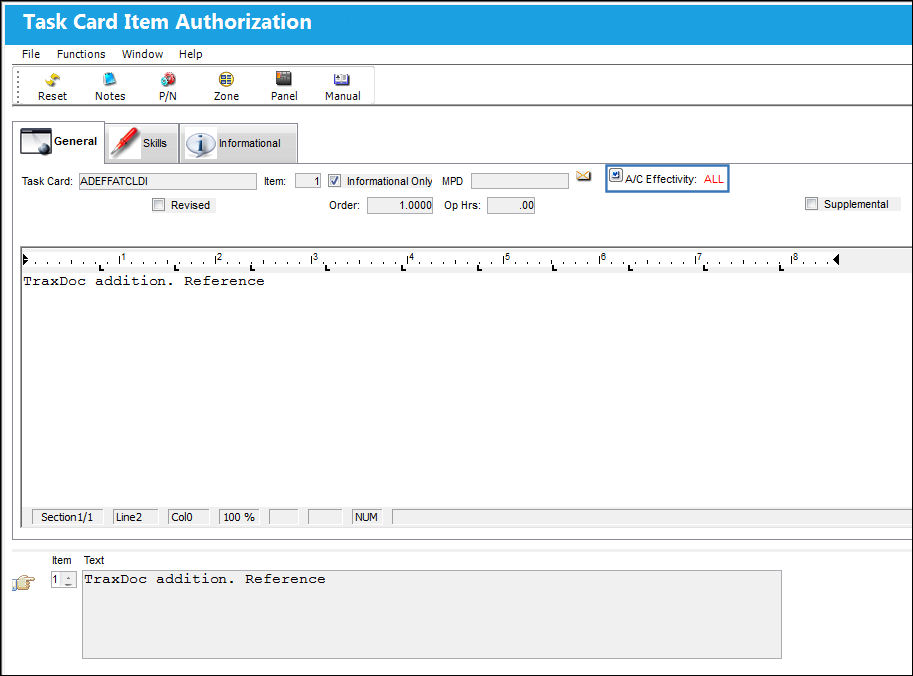
Proceed to delete Task Card Item 1.
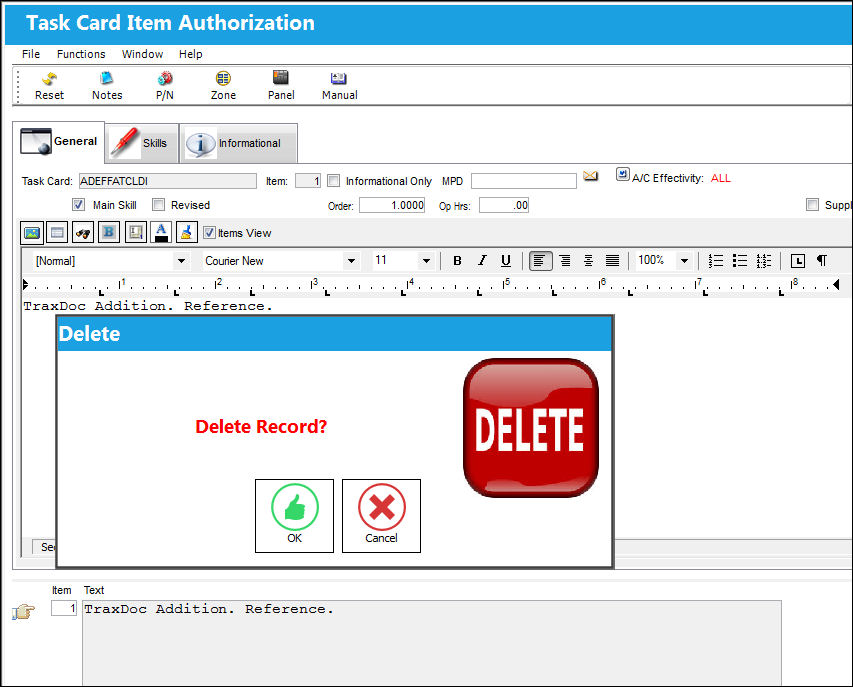
When you return to the Task Card Authorization window, the A/C Effectivity changes to 'None' if the Task Card had one Item. If the Task Card had more then one item, then the the A/C Effectivity at the Task Card level will change to 'Partial.'
Share
Print
|
©1997-2026 Trax USA Corp. All rights reserved. This manual may not be copied, photocopied, reproduced, translated, or converted to any electronic or machine-readable form, in whole or in part, without prior written approval from Trax USA Corp. |
 |